Multi 9420 Data storage
ba75964e04 04/2015 101
10 Data storage
You can transmit measured values (datasets) to the data storage:
Manual data storage (see section 10.1 M
ANUAL DATA STORAGE, page 101)
Automatic data storage at intervals (see section 10.2 A
UTOMATIC DATA STO-
RAGE AT INTERVALS, page 101)
10.1 Manual data storage
You can transmit a measurement dataset to the data storage as follows. The
dataset is at the same time output to the interface:
If the storage is full When all storage locations are occupied, it is not possible to continue storing.
Then you can e.g. transmit the stored data to a PC or a USB flash drive (see
section 10.3.1 E
DITING THE MEASUREMENT DATA STORAGE, page 104) and sub-
sequently erase the storage (see section 10.3.2 E
RASING THE MEASUREMENT
DATA STORAGE, page 105).
10.2 Automatic data storage at intervals
The storage interval (Interval) determines the time interval between automatic
data storage processes. Each data storage process transmits the current data-
set to the interface at the same time.
Configuring the
automatic storage
function
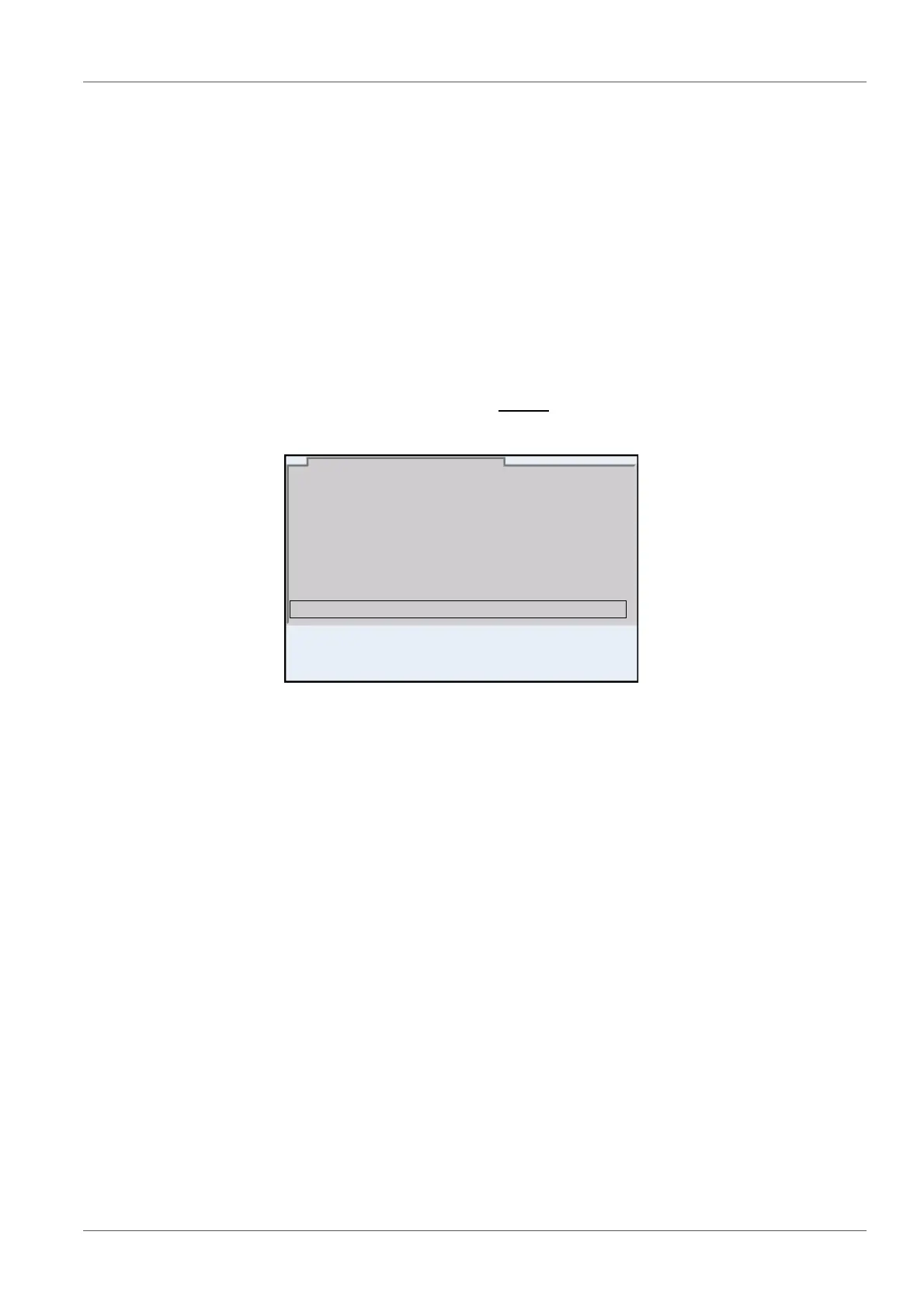
1. Press the <STO> key shortly
.
The menu for manual data storage appears.
2. If necessary, change and confirm the ID number (1 ... 10000) with
<><> and <ENTER>.
The dataset is stored. The meter switches to the measured value dis-
play.
03.04.2013 11:24:16
pH 7.000 24.8 °C AR +++
ID number: 1
continue
Manual data storage 4 von 500
01.08.2013 08:00
1. Press the <STO_> key.
The menu for automatic data storage appears.



 To Next Page