Multi 9420 Dissolved oxygen (D.O.)
ba75964e04 04/2015 75
7.3.6 Calibration data
Displaying the
calibration record
The calibration record of the last calibration is to be found under the menu item,
Calibration / Calibration record. To open it in the measured value display, press
4. Start the measurement with <ENTER>.
The measured value is checked for stability (stability control).
The [AR] status indicator is displayed. The measured parameter
flashes.
5. Wait for the end of the AutoRead measurement or accept the calibration
value with <ENTER>.
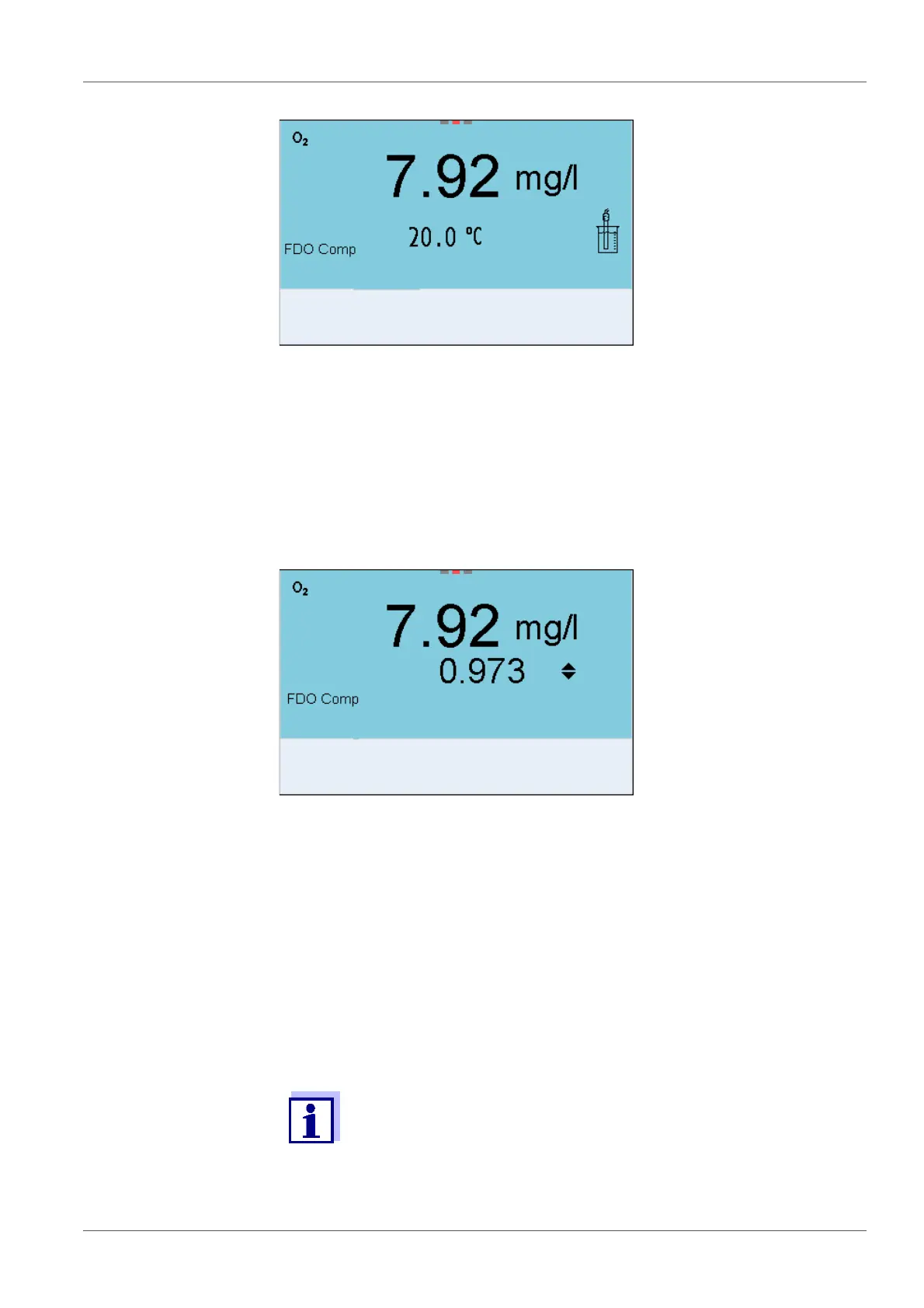
The factor that was set last is displayed.
6. Using <><>, set the correction factor to adjust the displayed con-
centration value to the nominal value (value of the comparison mea-
surement). Subsequently, accept the correction factor with <ENTER>.
The meter switches to the measured value display.
The status display [Factor] is active.
The calibration record is automatically transmitted to the interface
after calibrating.



 To Next Page