Multi 9420
ba75964e04 04/2015 17
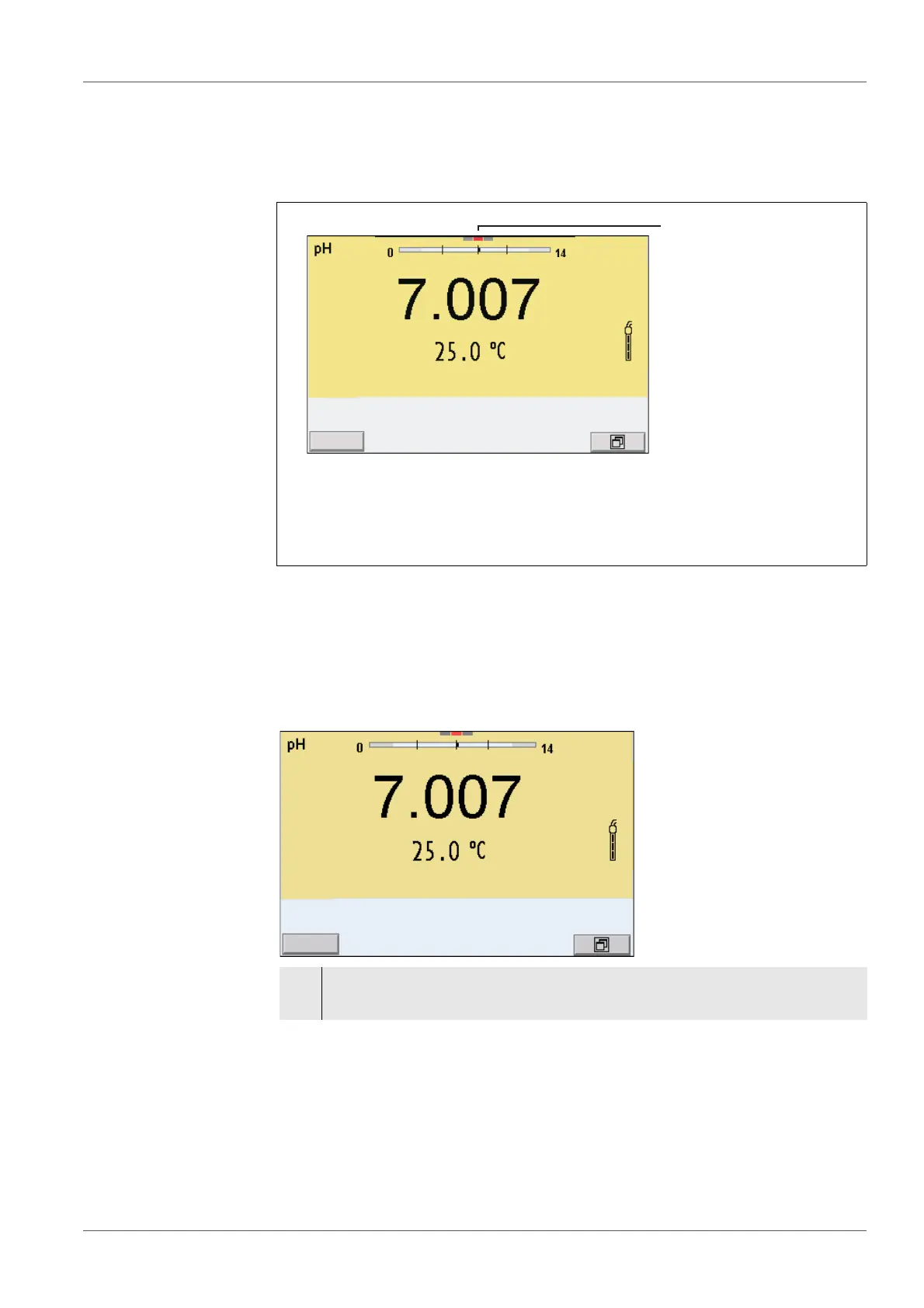
3.4.5 Channel display
The Multi 9420 manages the connected sensors and displays which sensor is
plugged to which connection.
3.4.6 Sensor info
You can display the current sensor data and sensor settings of a connected
sensor at any time. The sensor data are available in the measured value dis-
play with the /[Info] softkey.
1 Channel display: Display of the plug position for the respective
parameter
The red bar indicates for each connected sensor to which plug posi-
tion (channel) of the meter it is connected.
1. In the measured value display:
Display the sensor data (sensor name, series number) with [Info].



 To Next Page