Multi 9420
ba75964e04 04/2015 23
Messages
Information is marked by the [
i
] symbol. It cannot be selected. Example:
3.8.4 Example 1 on navigation: Setting the language
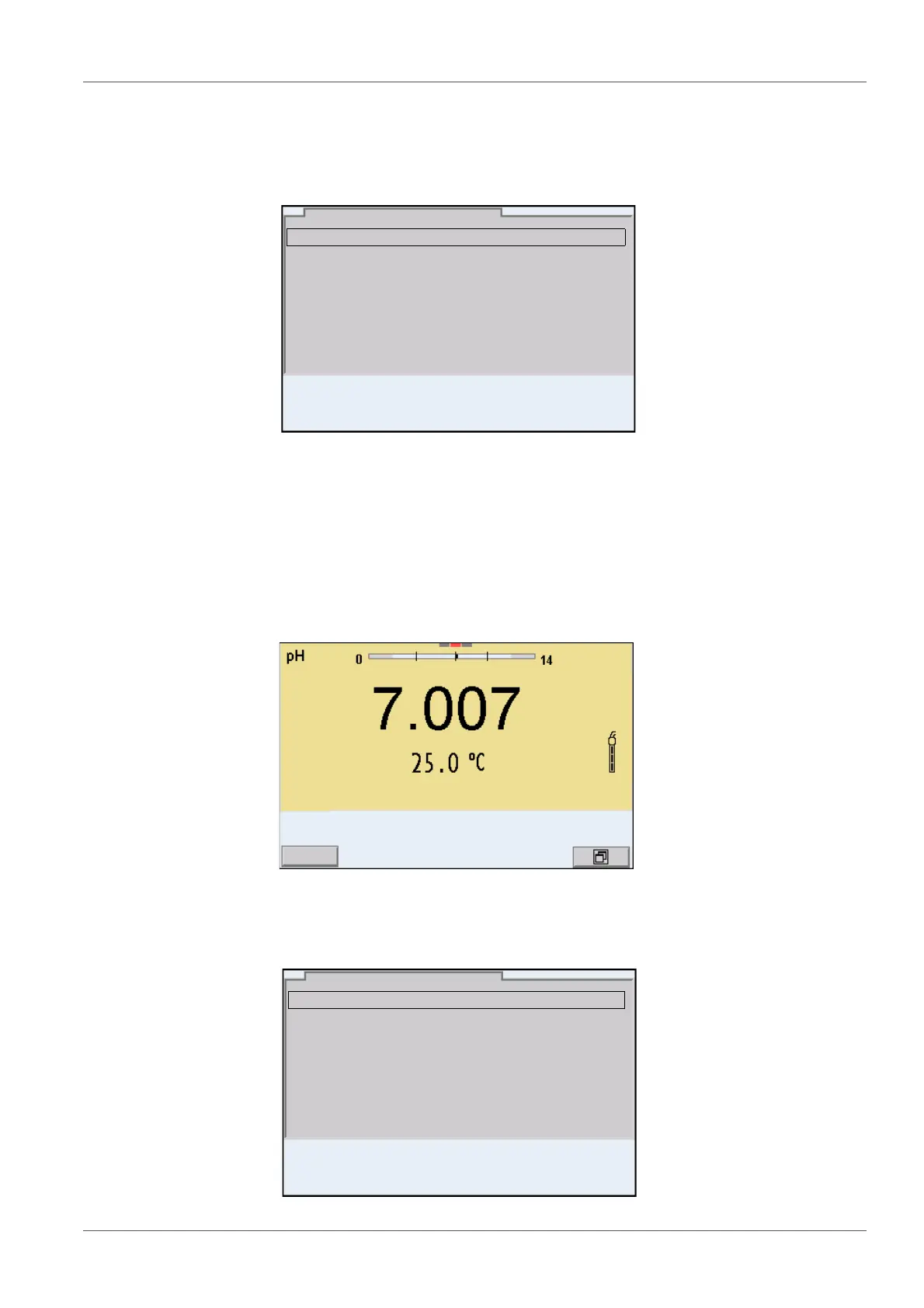
1. Press the <On/Off> key.
The measured value display appears.
The instrument is in the measuring mode.
2. Open the Storage & config menu with <ENTER_>.
The instrument is in the setting mode.
Calibration record
Calibration data storage
Buffer: TEC
Single-point calibration: yes
Calibration interval: 7 d
Unit for slope: mV/pH
[
i
] 2.00 4.01 7.00 10.01
pH
01.08.2013 08:00
System
Data storage
Storage & config
01.08.2013 08:00



 To Next Page