Multi 9420
24 ba75964e04 04/2015
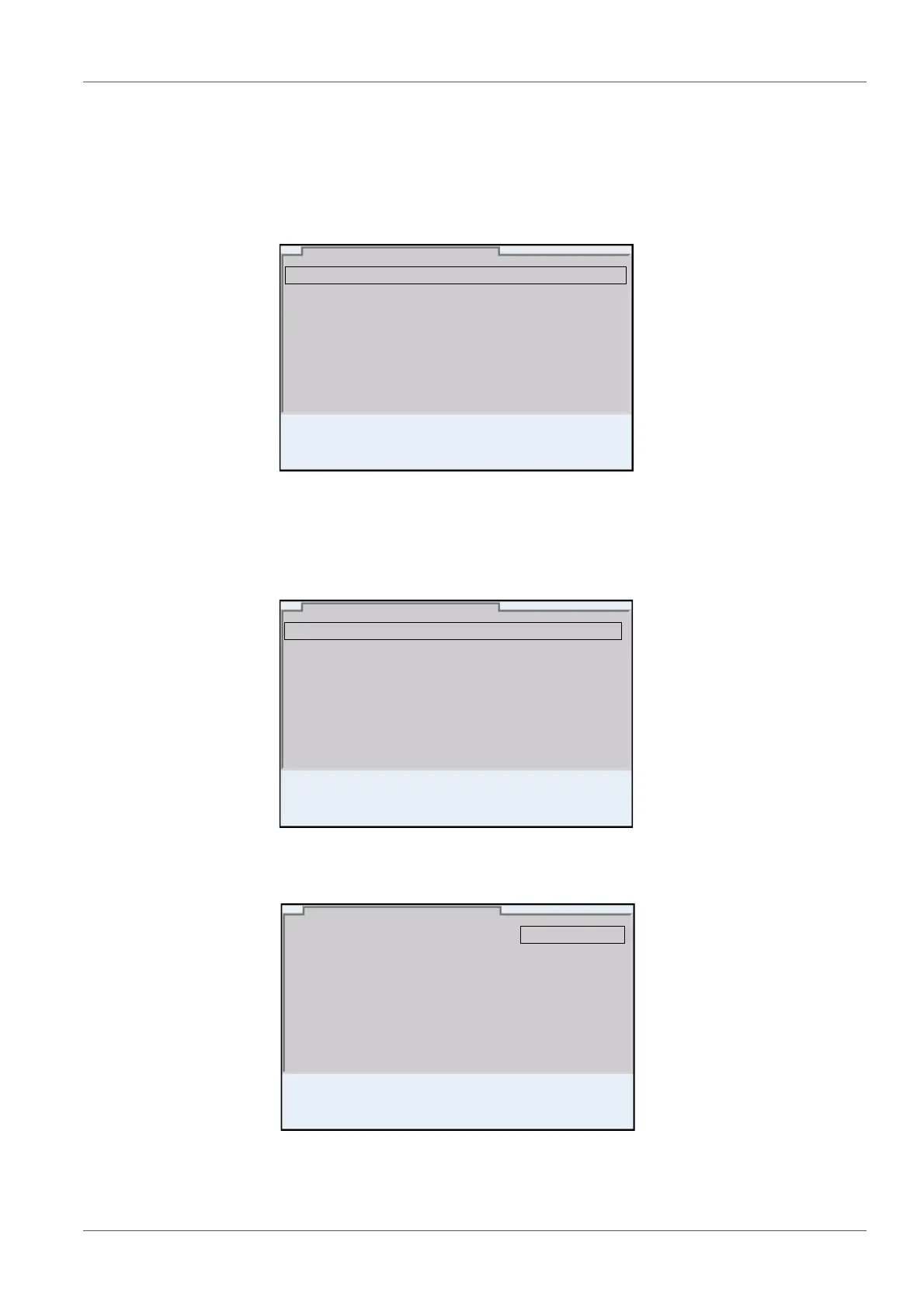
3. Select the System submenu with <><>.
The current selection is displayed with a frame.
4. Open the System submenu with <ENTER>.
5. Select the General submenu with <><>.
The current selection is displayed with a frame.
6. Open the General
submenu with <ENTER>.
7. Open the setting mode for the Language with <ENTER>.
8. Select the required language with <><>.
General
Interface
Clock function
Service information
Reset
System
01.08.2013 08:00
Language: English
Audio signal: on
Brightness: 12
Temperature unit: °C
Stability control
: on
General
01.08.2013 08:00
Language: English
Audio signal: on
Brightness: 12
Temperature unit: °C
Stability control
: on
General
01.08.2013 08:00



 To Next Page