Multi 9420 Dissolved oxygen (D.O.)
ba75964e04 04/2015 69
7 Dissolved oxygen (D.O.)
7.1 Measuring
7.1.1 Measuring D.O.
Selecting the
displayed
measured parameter
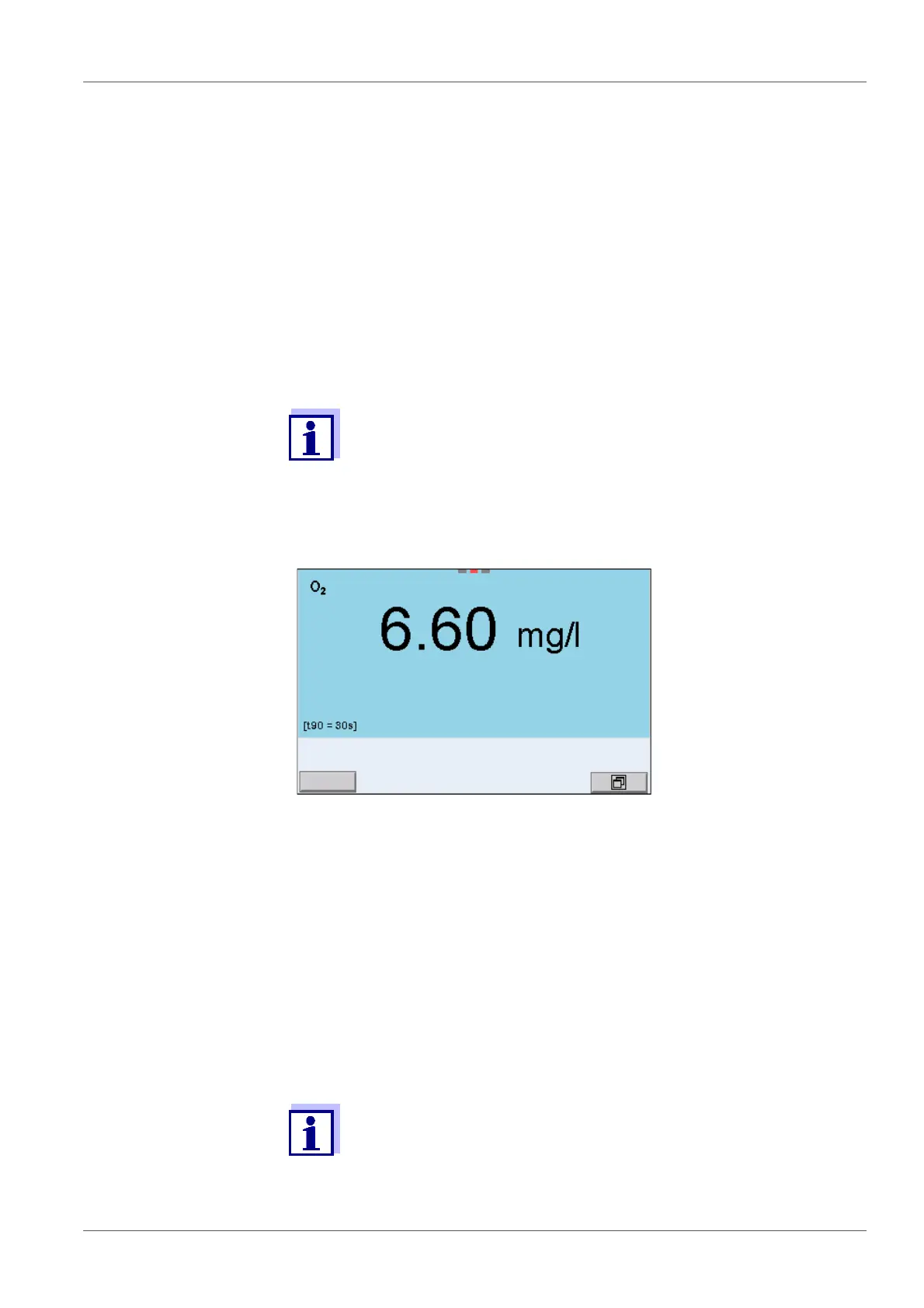
You can switch between the following displays with <M>:
D.O. concentration [mg/l]
D.O. saturation [%]
D.O. partial pressure [mbar].
Salinity correction When measuring the D.O. concentration of solutions with a salt content of more
than 1 g/l , a salinity correction is required. For this, you have to measure and
input the salinity of the measured medium first.
When the salinity correction is switched on, the [Sal] indicator is displayed in
the measuring screen.
1. Connect the IDS D.O. sensor to the meter.
The D.O. measuring screen is displayed.
2. If necessary, select the measured parameter with <M>.
3. Check or calibrate the meter with the sensor.
Only in special cases does the FDO
®
925 D.O. sensor require cal-
ibration. A regular FDO
®
Check is sufficient.
4. Immerse the D.O. sensor in the test sample.
You can switch the salinity correction on or off and enter the salinity
in the menu for calibration and measurement settings (see section
9.4.1 S
ETTINGS FOR D.O. MEASUREMENT, page 92).



 To Next Page