Multi 9420
22 ba75964e04 04/2015
The selection is made with the <><> keys. The current selection is dis-
played with a frame.
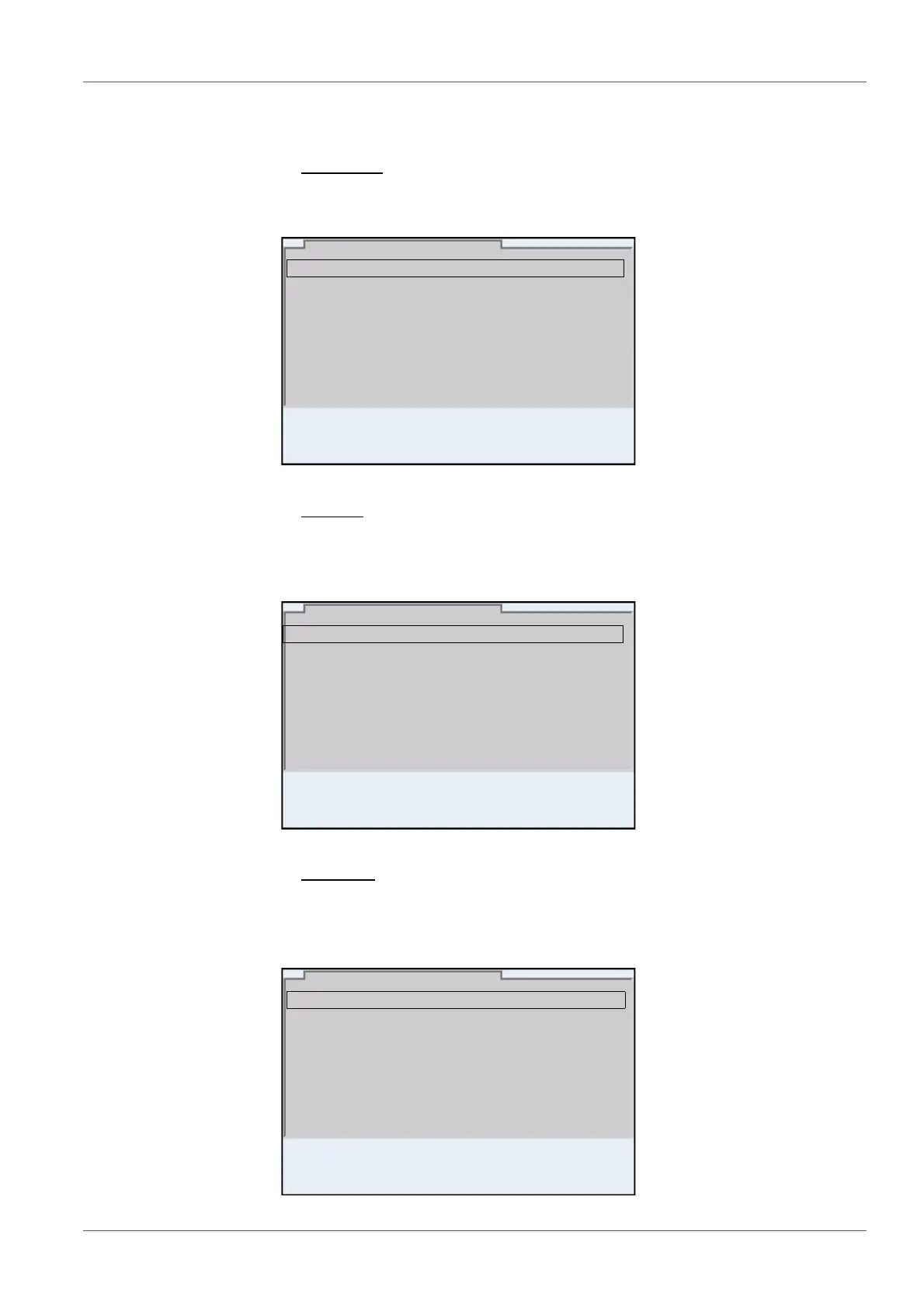
Submenus
The name of the submenu is displayed at the upper edge of the frame. Sub-
menus are opened by confirming with <ENTER>. Example:
Settings
Settings are indicated by a colon. The current setting is displayed on the
right-hand side. The setting mode is opened with <ENTER>. Subsequently,
the setting can be changed with <><> and <ENTER>. Example:
Functions
Functions are designated by the name of the function. They are immediately
carried out by confirming with <ENTER>. Example: Display the Calibration
record function.
General
Interface
Clock function
Service information
Reset
System
01.08.2013 08:00
Language: English
Audio signal: on
Brightness: 12
Temperature unit: °C
Stability control
: on
General
01.08.2013 08:00
pH
01.08.2013 08:00
Calibration record
Calibration data storage
Buffer: TEC
Single-point calibration: yes
Calibration interval: 7 d
Unit for slope: mV/pH
[
i
] 2.00 4.01 7.00 10.01



 To Next Page