pH value Multi 9420
42 ba75964e04 04/2015
sor evaluation.
Carrying out a QSC
control calibration
A QSC control calibration can, e.g. be useful if the sensor evaluation noticeably
changed (after some normal calibrations).
You can carry out QSC control calibrations at greater intervals than normal cali-
brations.
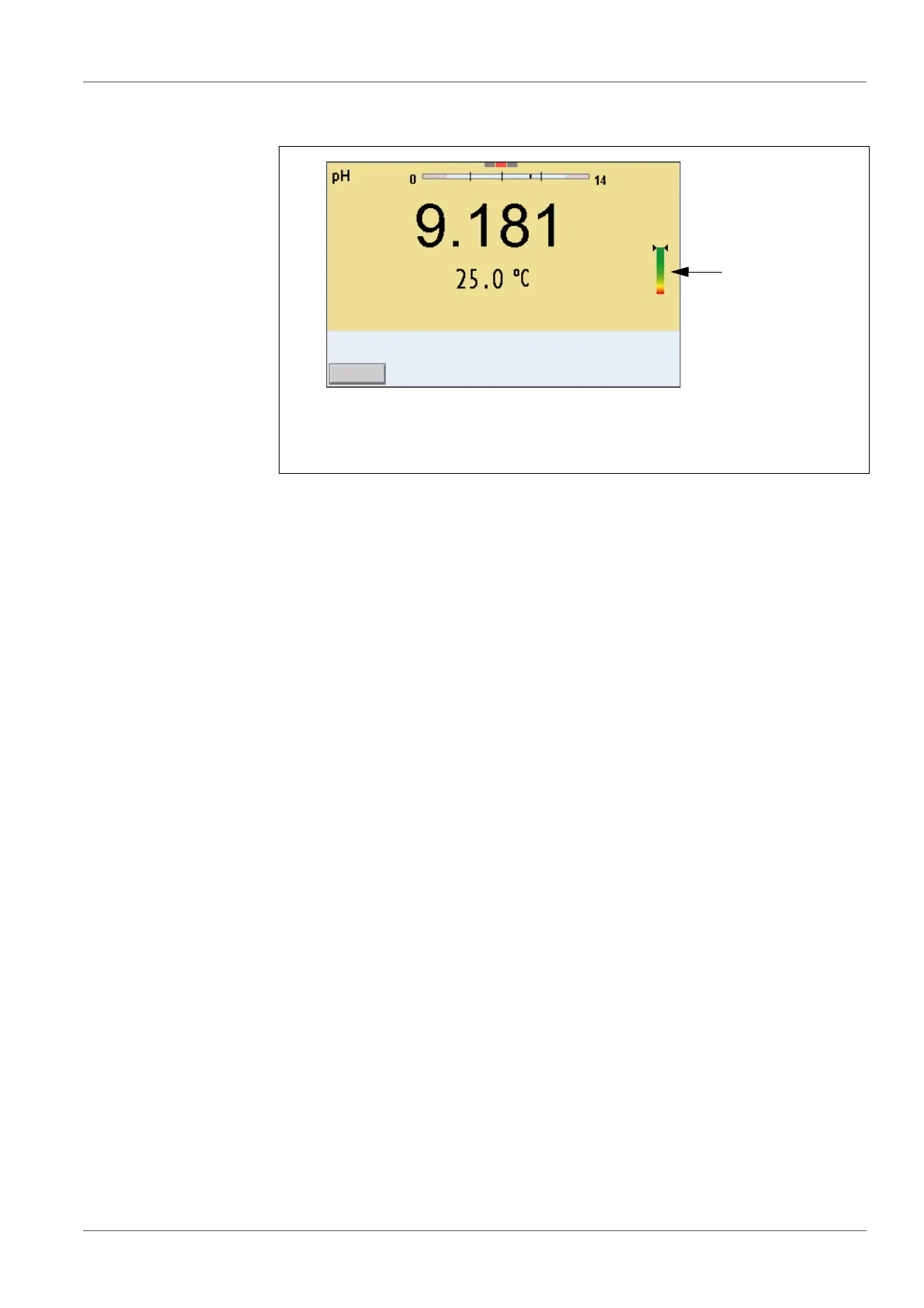
1QSC scale
The double arrow on the QSC scale indicates the current sensor eval-
uation
1. Open the menu for measurement settings with <ENTER>.
2. In the QSC menu, select Control calibration with <><>.
The calibration display appears. AutoCal QSC-Kit is displayed as the buf-
fer.
Exclusively use the QSC-Kit for the QSC calibration. If you use other buf-
fers, you will have no valid QSC control calibration.
3. Follow the user guide.
The calibration is carried out like a normal three-point calibration. As soon
as the three-point calibration has been successfully carried out you can
decide whether to accept or discard the calibration as the QSC control
calibration.



 To Next Page