Multi 9420 Ion concentration
ba75964e04 04/2015 63
10. Using <><> and <ENTER>, enter the values for the volume of the
standard solution (Std. volume), the concentration of the standard solu-
tion (Std. conc.) and the volume of the ISA/TISAB solution (ISA/TISAB
vol.).
11. Select continue with <><> and start the measurement with
<ENTER>.
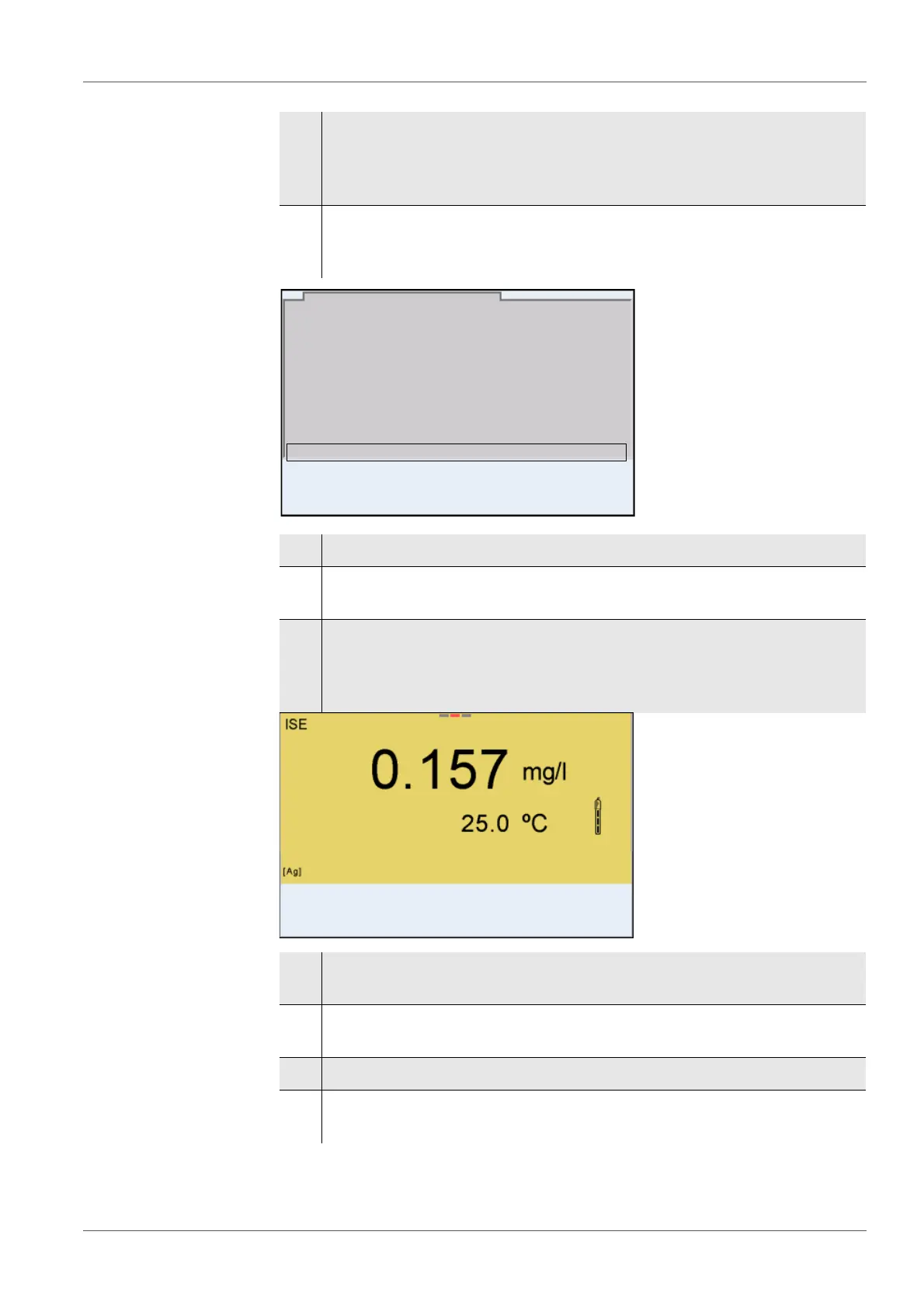
When the measurement is finished an entry window appears.
12. Add the sample to the standard solution.
13. Using <><> and <ENTER>, enter the value for the volume of the
sample (Sample volume).
14. Select continue with <><> and start the measurement with
<ENTER>.
The measurement result is displayed when the measurement is com-
pleted.
15. If necessary, start measuring further samples with <ENTER>.
Repeat steps 6 - 12 for all samples.
16. Terminate the measuring method with <M>.
A safety query appears.
17. Select yes with <><>.
18. Confirm yes with <ENTER>.
Measurement with the selected method is completed.
i
Add sample!
Sample volume 1.0 ml
continue
Sample addition
01.08.2013 08:00
01.08.2013 08:00
Sample addition



 To Next Page