XAG AUSTRALIA
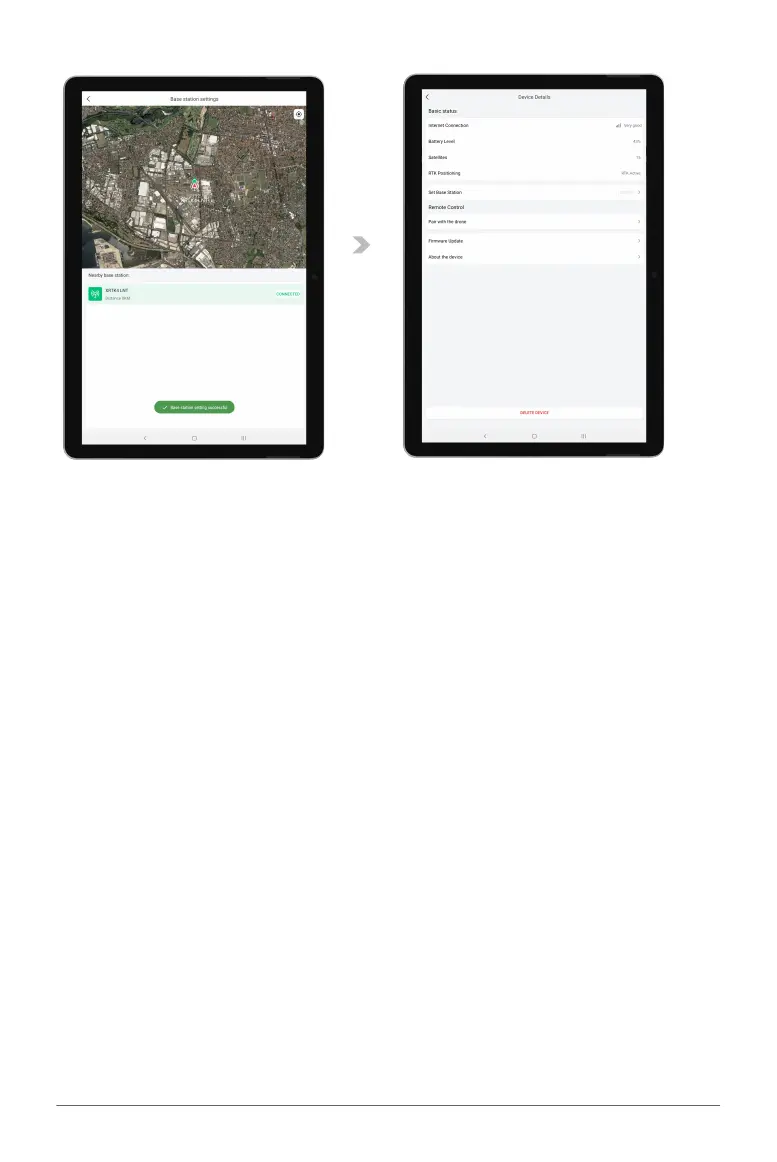
09. If the Remote Controller is successfully connected to the Mobile Station, a notification will be
displayed.
10.
RTK Positioning is now “RTK Active”.
Set Base Station is now Connected to a Mobile Station (Displaying Station ID such as (#XXXX).
11. ACS2G Remote Controller is now paired with RTK Mobile Station and ready to be used as a
Rover for Field Mapping.



 To Next Page