XAG AUSTRALIA
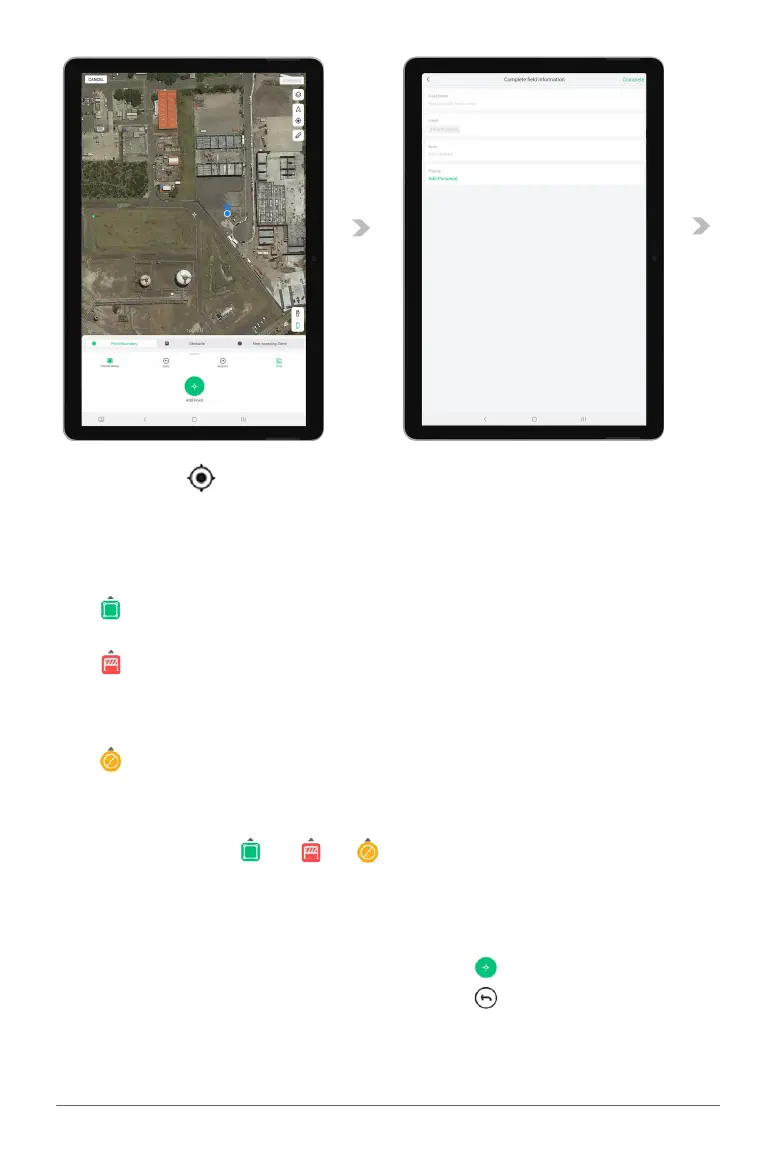
Field Boundary
Field Boundary are individual points that
form an application zone.
Obstacle
Obstacles are individual points that form an
area where the RPA will not fly/enter as it
has been designated as a potential hazard
to the RPA
Non-Spraying Zone
Non-Spray Zone are individual points that
form an area that the RPA may fly over but
will be restricted from application
05. Tap on one of these “ ”, “ ”, “ ” to expand the menu for alternate options.
06. Tap on the desired location on the map to Add points;
07. Alternatively, the User can use the crosshair to add boundary, obstacles, and No-spray zone.
Adding Point via APP: Press “ ” on APP
Removing Point via APP: Press “ ” on APP
08. Review the Map and the points added, then Tap “Confirm”.
09. Enter & Insert Field Information, then Tap “Complete” to Save.
03. Then, tap on“ ”to position the map to your current location.
Or
Drag & Scroll through the map and find the desired location.
04. Field Boundary, Obstacles and Non-Spraying Zone can be added via the APP directly



 To Next Page