CAMERA SYSTEM (LooksCAM) 10 www.xenosys.co.kr
WARNING:
Components may change for safety and better performance without prior notice.
EACH COMPONENT & FUNCTIONS
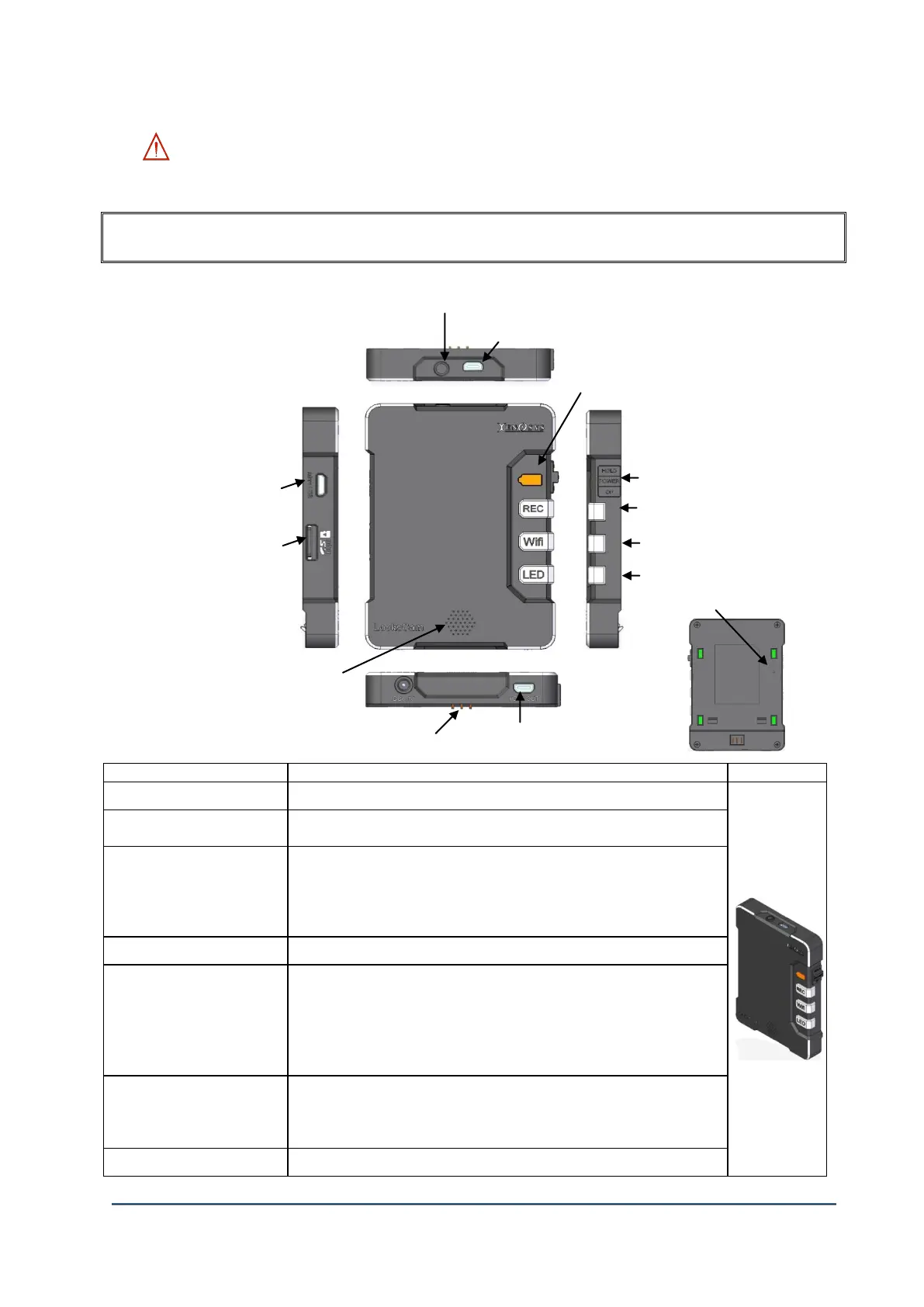
1. Main Body (Camera Control Unit)
Connect the LED light plug of head assembly cable (LED part)
Connect the camera sensor plug of head assembly cable (Camera part)
(3.5M Pixel CMOS)
Green – About 3 hours
Orange – About 1 hour 30 minutes
Red – After beep, beep sound and about 10 minutes to 30 minutes
Blinking Red – After beep, beep sound the power turns Off by force (About
10 minutes)
Power ON/OFF / Hold Switch
Video record ON/OFF button
REC Button LED ON: System booting complete
Blinking: On record
OFF: System is booting or Check the status
WiFi ON/OFF Button
WiFi Button LED ON: WiFi is working
OFF: WiFi is NOT working
Blinking: No SD card
LED Light ON/OFF button (3 steps)



 To Next Page