CAMERA SYSTEM (LooksCAM) 12 www.xenosys.co.kr
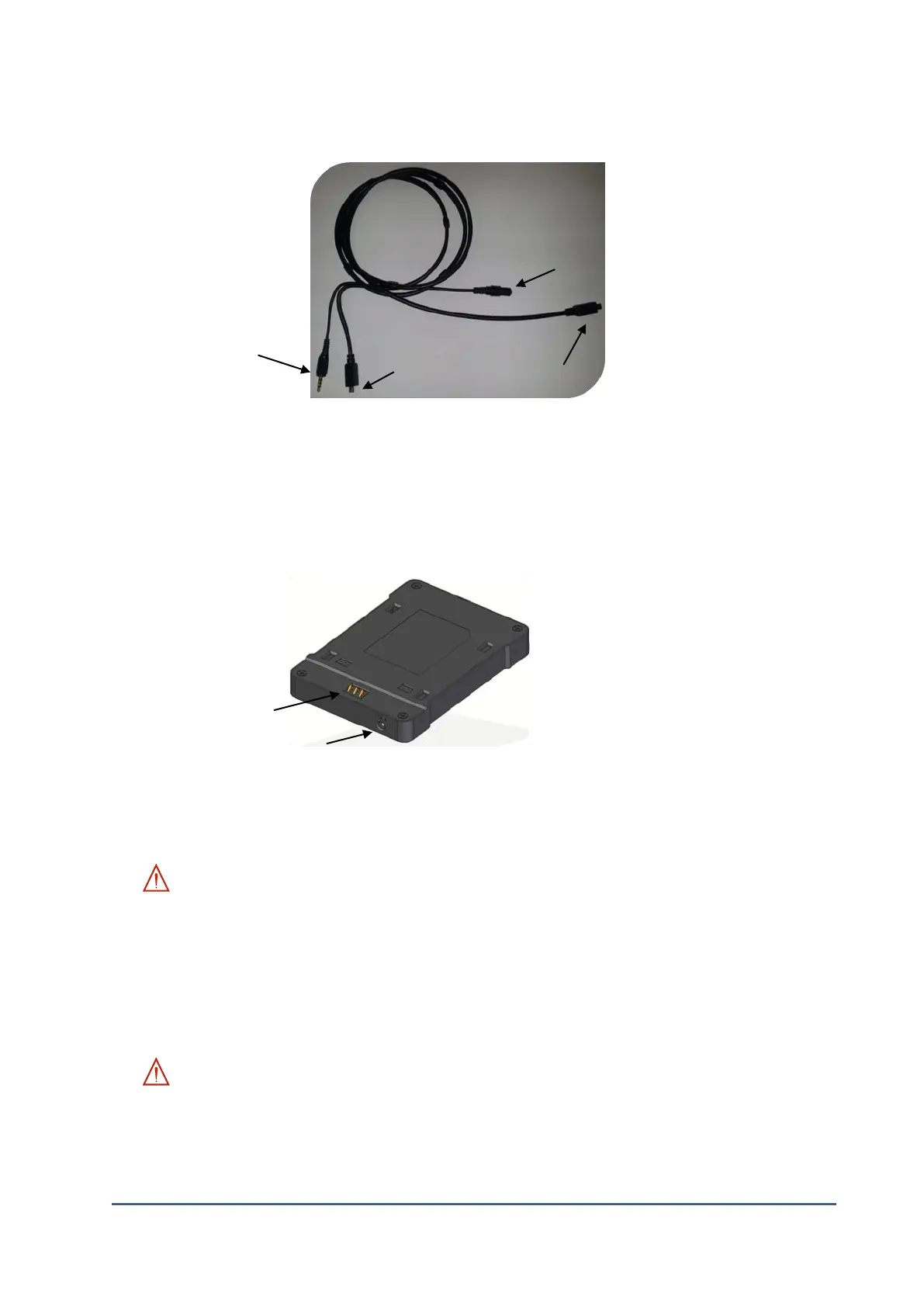
3. Head Assembly Cable
1) ①LED Light Middle Jack: Connect to LED middle plug of the head assembly unit.
2) ②LED Light Plug: Connect to LED light port of the main body.
3) ③Camera Sensor Plug: Connect to each camera sensor port of the main body & head
assembly unit.
4. Charger
1) ①Charging Port: Assemble the battery pack and connect the charger connecting phone jack to
provide the power which will start the charging process.
WARNING:
- Do not connect any of metal conductors except the battery pack.
- Charging port is VERY weak at the external shock, so be careful in assembling the battery
pack. If the charging port is broken, the operation of LooksCAM may NOT be possible.
2) ②Charger Connecting Phone jack: The phone jack to connect from DC8.4V charger to the
charging plug.
WARNING:
Do not use non-Xenosys supplied DC power supply. This will cause severe damage to the
cradle & main body which is also excluded from the under warranty and get charged.
②DC Power Supply
connecting Phone jack(12V)



 To Next Page