CAMERA SYSTEM (LooksCAM) 19 www.xenosys.co.kr
Minutes_Sequence number.mp4)
The next file will be generated automatically after 50 minutes is over (about 2.5 GB file
size).
In case of the power OFF in force, video restoration message will be shown in OSD (On
Screen Display) by blinking REC button and LED button at the same time in next booting
process.
If you want to restore, then press LED button and REC button in turn.
If you do NOT want to restore, then just press RED button.
3. Check Video with Video-Out Port
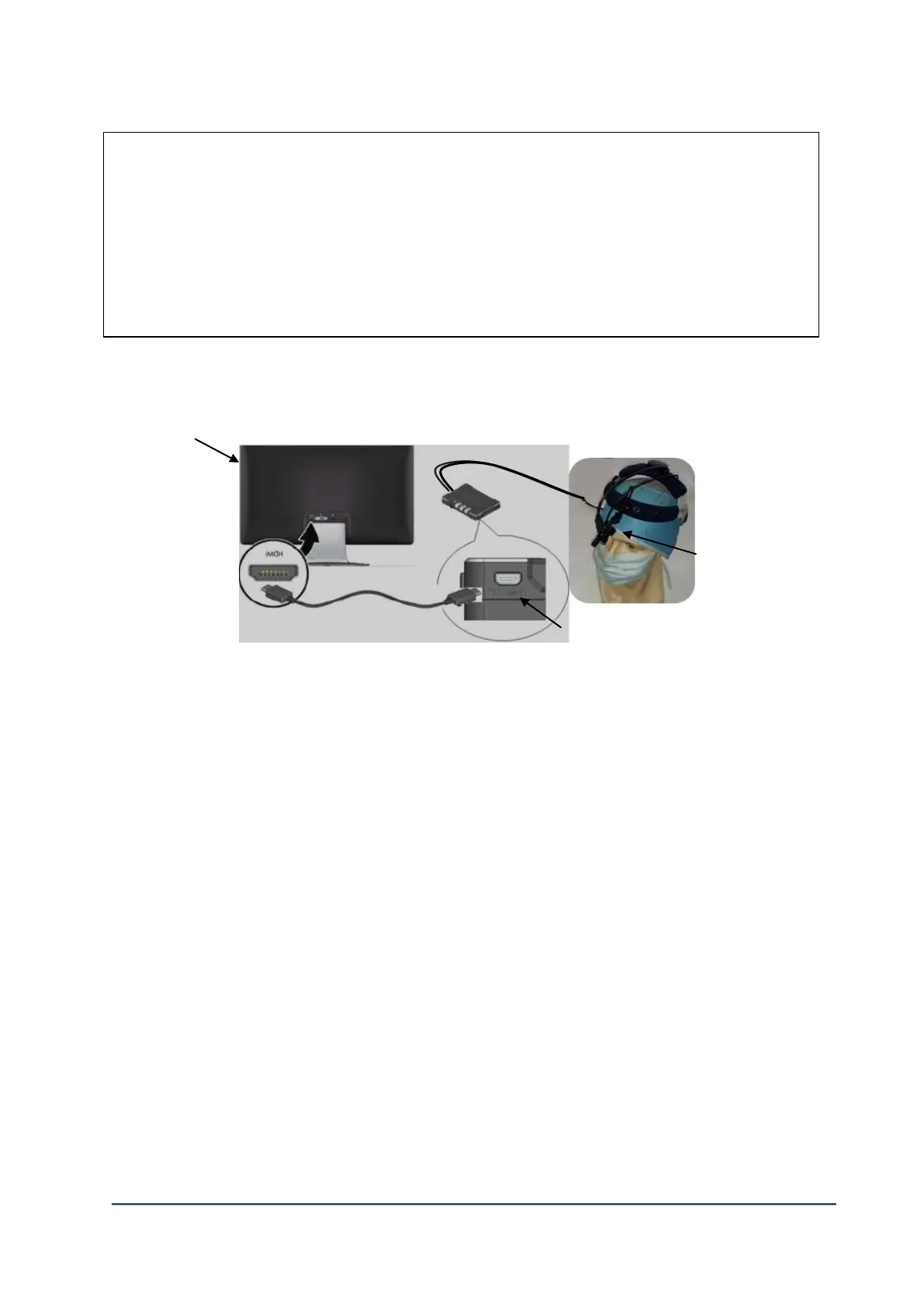
(1) Connect the Main Body
1) Connect TV or monitor with HD port and select the input source as HD.
2) Connect ② CU (Control Unit) Video-Out port and TV HDMI port with Video-Out cable.
3) Connect the head assembly to the control unit and turn on with SD card inserted.
4) The system booting process will begin when it turns on with fully charged battery. The LED
sign of REC button shows the completion of the system booting.
5) Video will be shown on TV or monitor with OSD (On Screen Display).
6) Check the real time video with Video-Out port.
②Video-Out Port of the main body



 To Next Page