CAMERA SYSTEM (LooksCAM) 26 www.xenosys.co.kr
6. Battery Status LED Explanation.
1) Battery Status LED Explanation (Based on LED light level 3 with recording)
Alarm message will go off less than 1
hour & 30 minutes
Alarm message will go off every 2 minutes
2) Battery LED shows LooksCam status
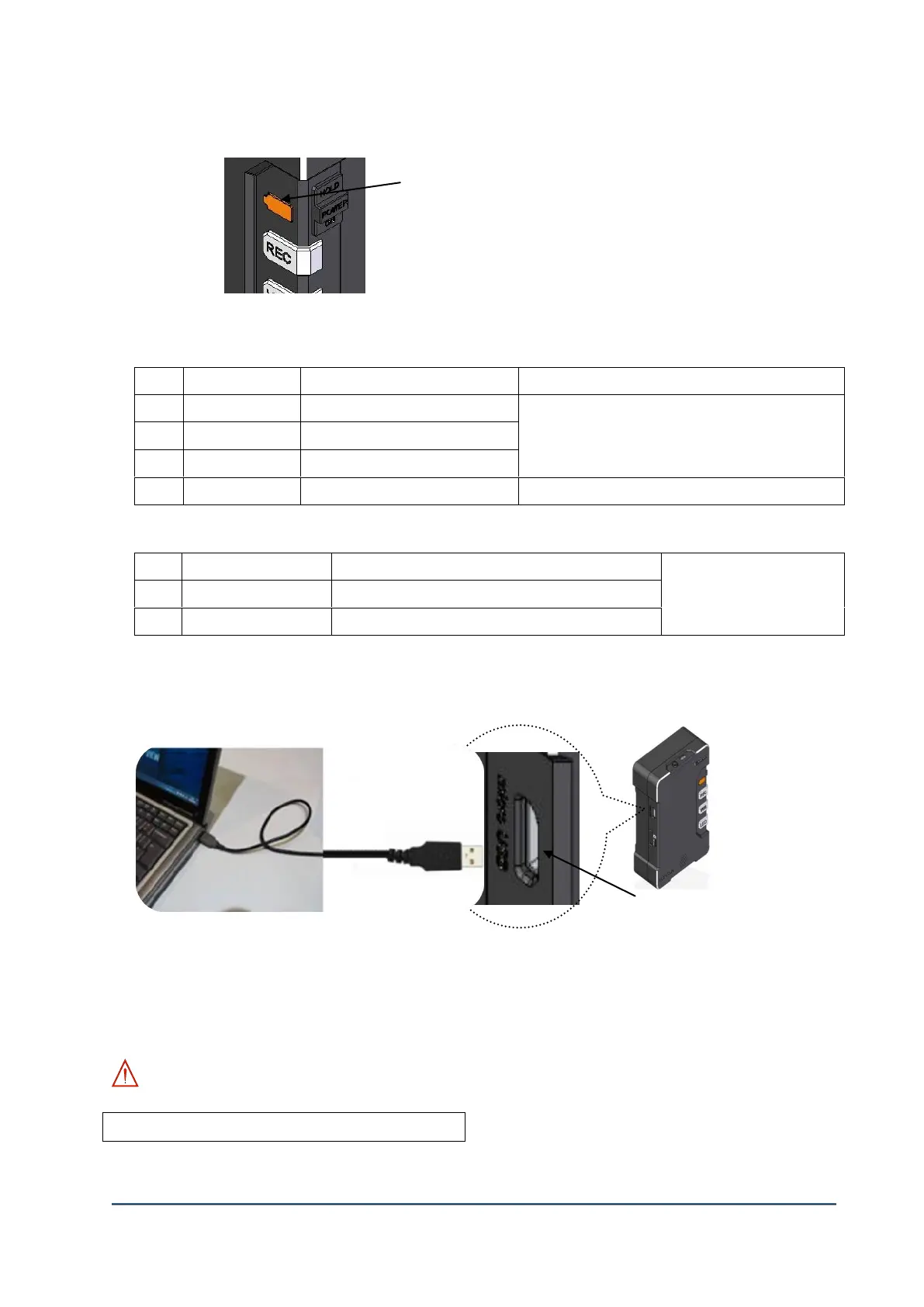
7. USB Mass Storage Mode
1) Connect USB cable from the main body to personal computer first, and then turn on the main
body will convert to UMS (USB Mass Storage) mode automatically.
2) Recorded files can be copied and stored.
WARNING:
Video output is not provided at UMS mode.



 To Next Page