Xerox 700 Digital Color Press User Guide 3-7
Paper
Off
Default
Off
Default
Paper Size
Close
Image Enhancement
Current Settings
Auto Size Detect
Paper Type / Paper Weight
White
Plain
Adjust Paper Decurler
Alignment Adjustment
Background Suppression:
Paper Color
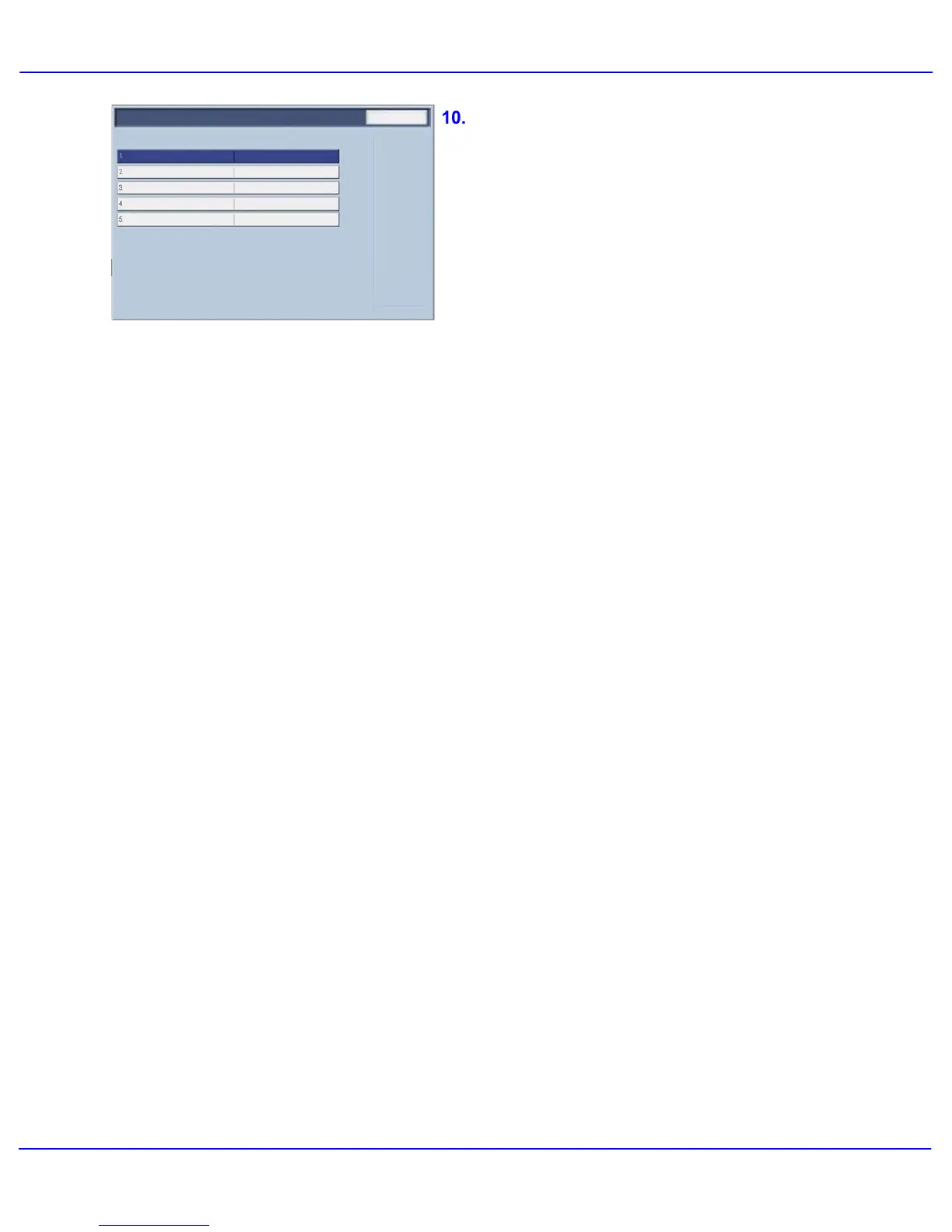
The Adjust Paper Decurler feature allows you to
set the decurler values to the following:
Default•
Type A•
Type B•
Type C•
If paper curl is a problem, using one of the preset
Decurler Paper Type A-C Profile Settings usually
eliminates the problem. These profile settings
cover a broad range of paper variables, image
coverage, and environmental factors.
If the System Default setting is not correcting curl,
then you can use one of the Decurler Paper Type
A - C settings.
For example:
If the System Default is not correcting curl, •
select Decurler Paper Type A.
If Decurler Paper Type A is not correcting •
curl, select Decurler Paper Type B.
If Decurler Paper Type B is not correcting •
curl, select Decurler Paper Type C.














 To Next Page