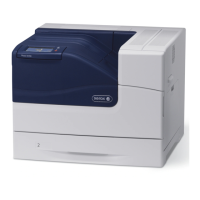
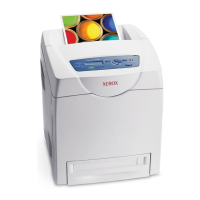
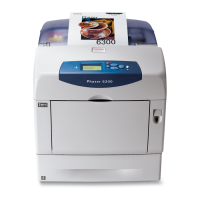
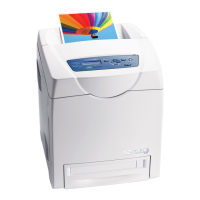
Phaser® 6280 Printer
20
This chapter includes:
• Main Components and Their Functions on page 21
• Control Panel on page 25
• Power Saver Mode on page 27
• Checking Status of Print Data on page 28
• Displaying Optional Accessory Configuration and Paper Tray Settings on page 29
• More Information on page 30
Printer Features
2
Downloaded From ManualsPrinter.com Manuals


 To Next Page