Chapter 3. Maintaining the Tablet
Calibrating the digitizer
94 iX104C
4
User’s Handbook
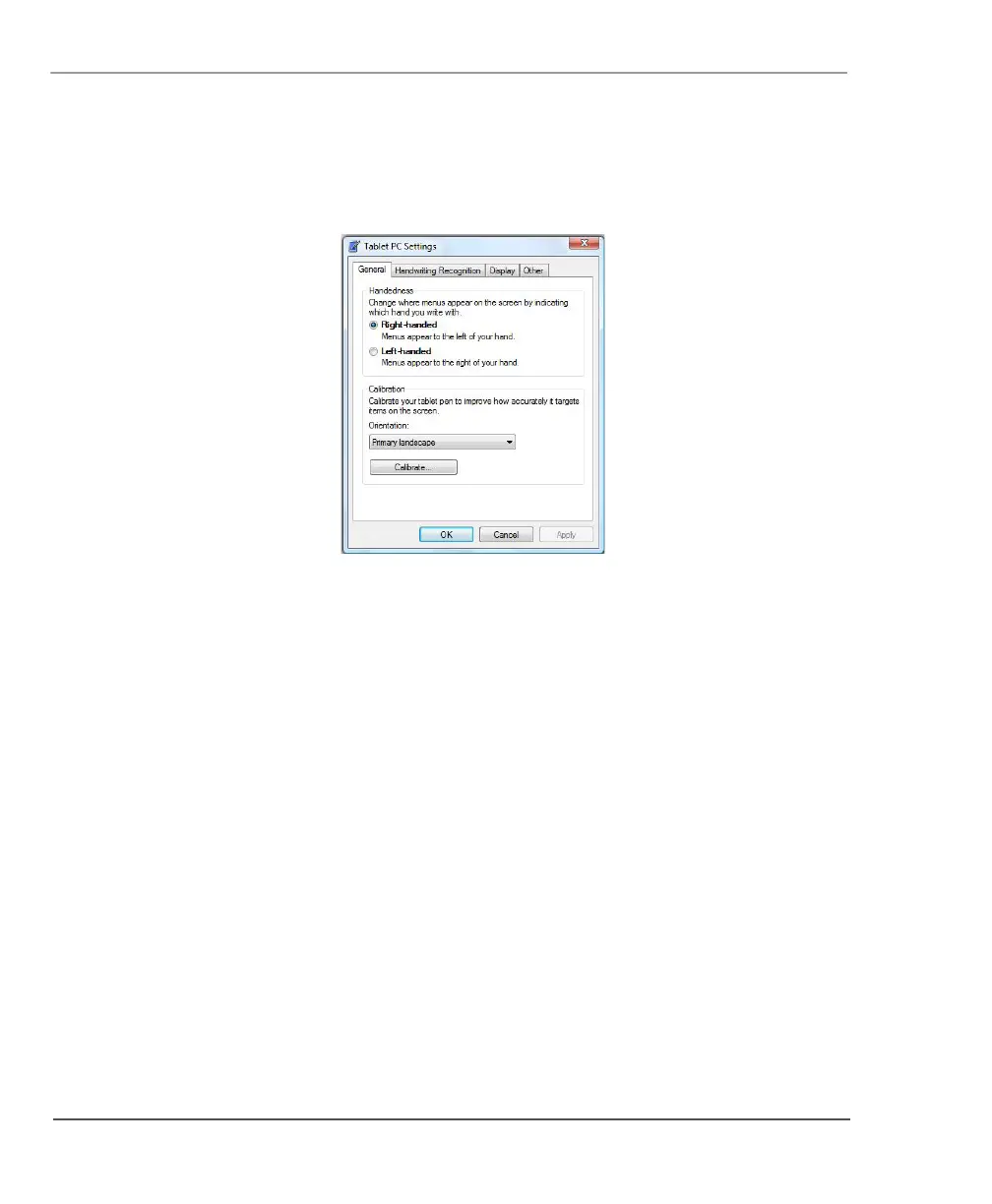
The Tablet PC Settings window opens.
3. In the General tab, press the Calibrate button.
The Calibration program starts.
4. Follow the instructions that appear on the screen.
5. When you finish, click OK.



 To Next Page