Chapter 3. Maintaining the Tablet
Calibrating the digitizer
iX104C
4
User’s Handbook 95
Calibrating the digitizer: Touch mode
1.
From the Start menu, select All Programs > Touch Utility.
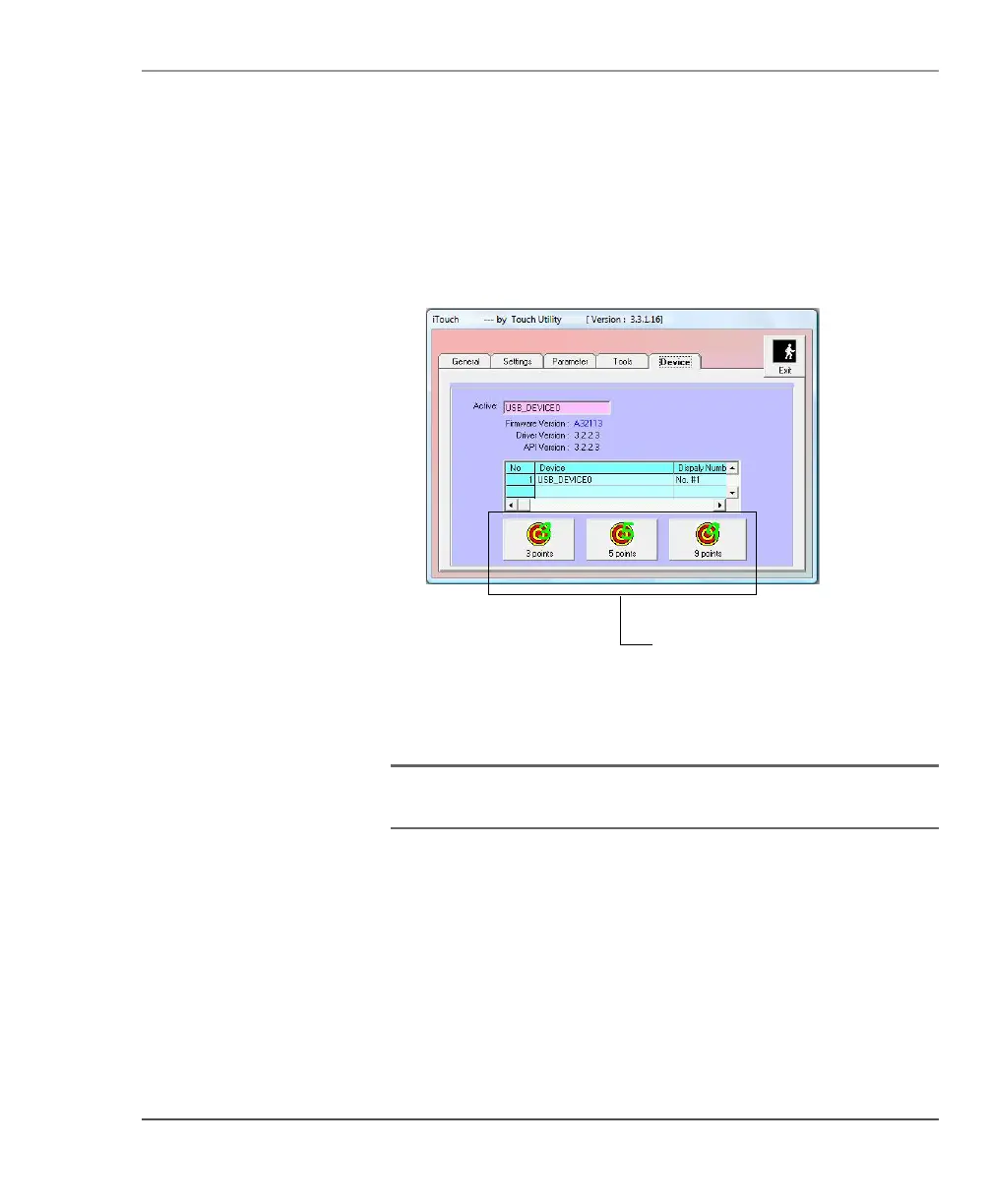
The iTouch window opens.
2. Select the Device tab.
3. Select the appropriate calibration button.
Note: Xplore Technologies recommends 5 Pt or 9 Pt calibration, for
greater accuracy.
4.
Press Exit.



 To Next Page