11
English Chapter 4 : Turning On/Off Your Disklavier
Chapter 4
Turning On/Off Your Disklavier
This chapter describes how to turn on and off your Disklavier and how to set the internal calendar.
Turning your Disklavier on/off is a basic and very important procedure. Always be sure to follow the
steps described below when you turn on or off your Disklavier.
Turning On the
Disklavier
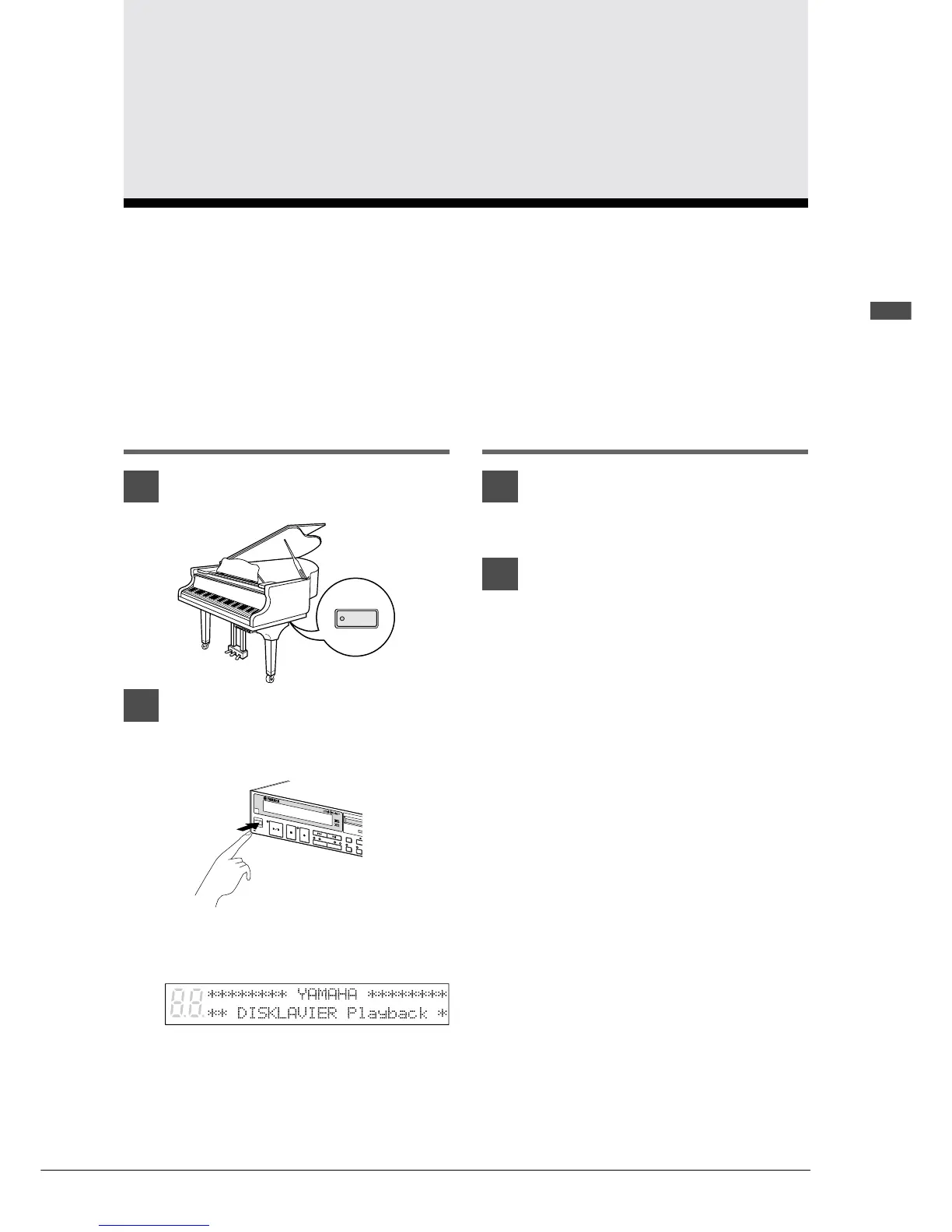
1
Set the MAINS switch to ON.
2
Press [STANDBY / ON] on the
front panel of the Control Unit.
The following message appears on the
display.
Your Disklavier is now ready for use.
Turning Off the
Disklavier
1
Press [STANDBY / ON] on the
Control Unit.
2
Set the MAINS switch to OFF.
Setting the MAINS switch to OFF is
effectively the same as disconnecting the
power cable from an AC wall outlet. If the
Disklavier is used regularly, you only need
to use the [STANDBY / ON] button on the
Control Unit. If the Disklavier is not going
to be used for a long period, set the MAINS
switch to OFF.
When the Disklavier is turned off, wait at
least 5 seconds before turning it on again.
Note: The MAINS switch only needs to be
switched off when you are not going to
use the Disklavier for a long period of
time. For daily use, only the
[STANDBY / ON] button on the
Control Unit needs to be turned on and
off.







 To Next Page