20
a
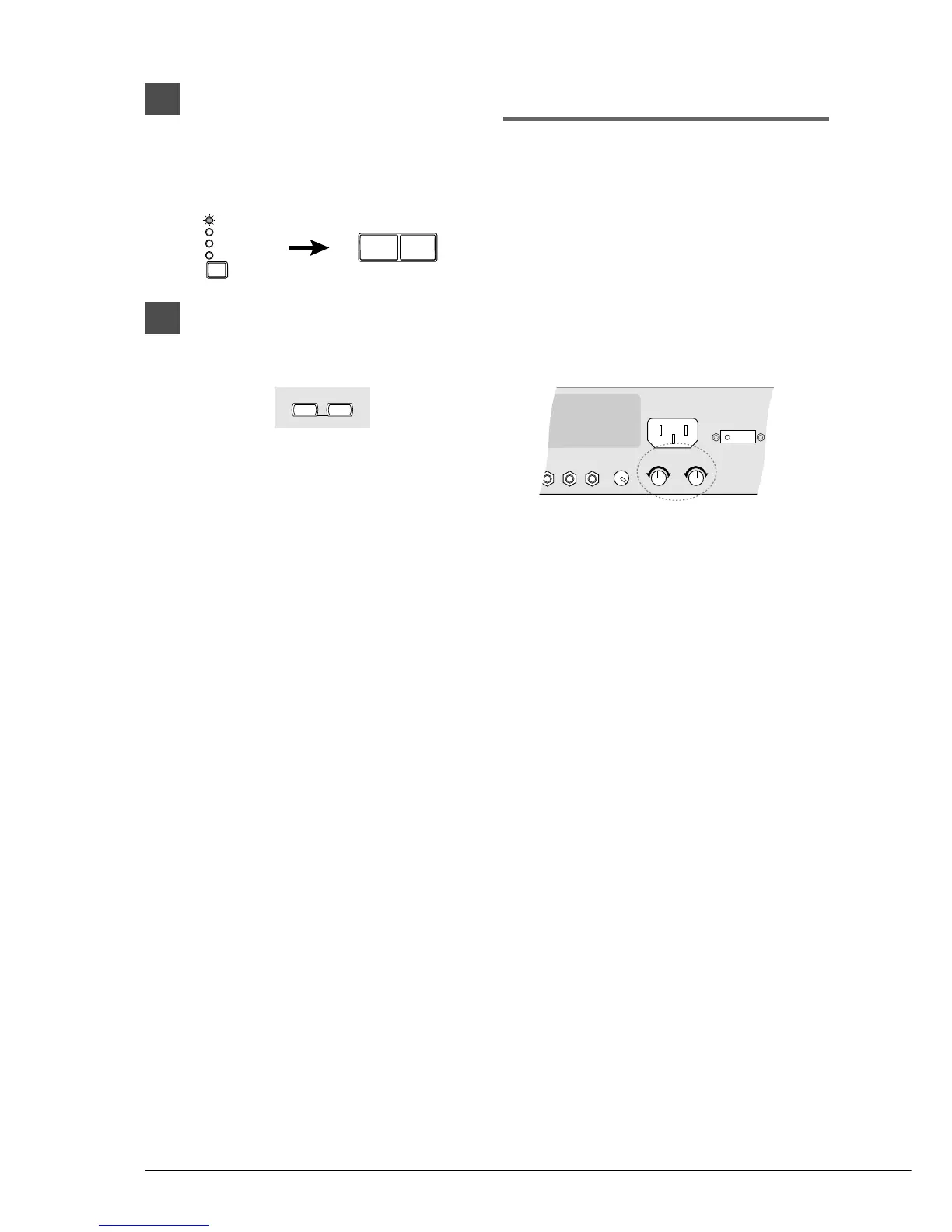
On the Control Unit, press the
Selector until the VOLUME
indicator lights. Then press
[–/NO] to decrease or [+/YES] to
increase the volume.
b
On the remote control, use the
[VOLUME] buttons to adjust the
volume.
[–] decreases the volume, and [+] increases
the volume.
Adjusting the Tone
You can also adjust the tone using the BASS and
TREBLE knobs on the Amplifier, if necessary.
BASS knob: Turning it clockwise increases
and counterclockwise decreases
the bass sound.
TREBLE knob: Turning it clockwise increases
and counterclockwise decreases
the treble sound.
Turn the knobs until the desired tone is attained.







 To Next Page