35
English Chapter 9: Useful Functions for Learning Piano
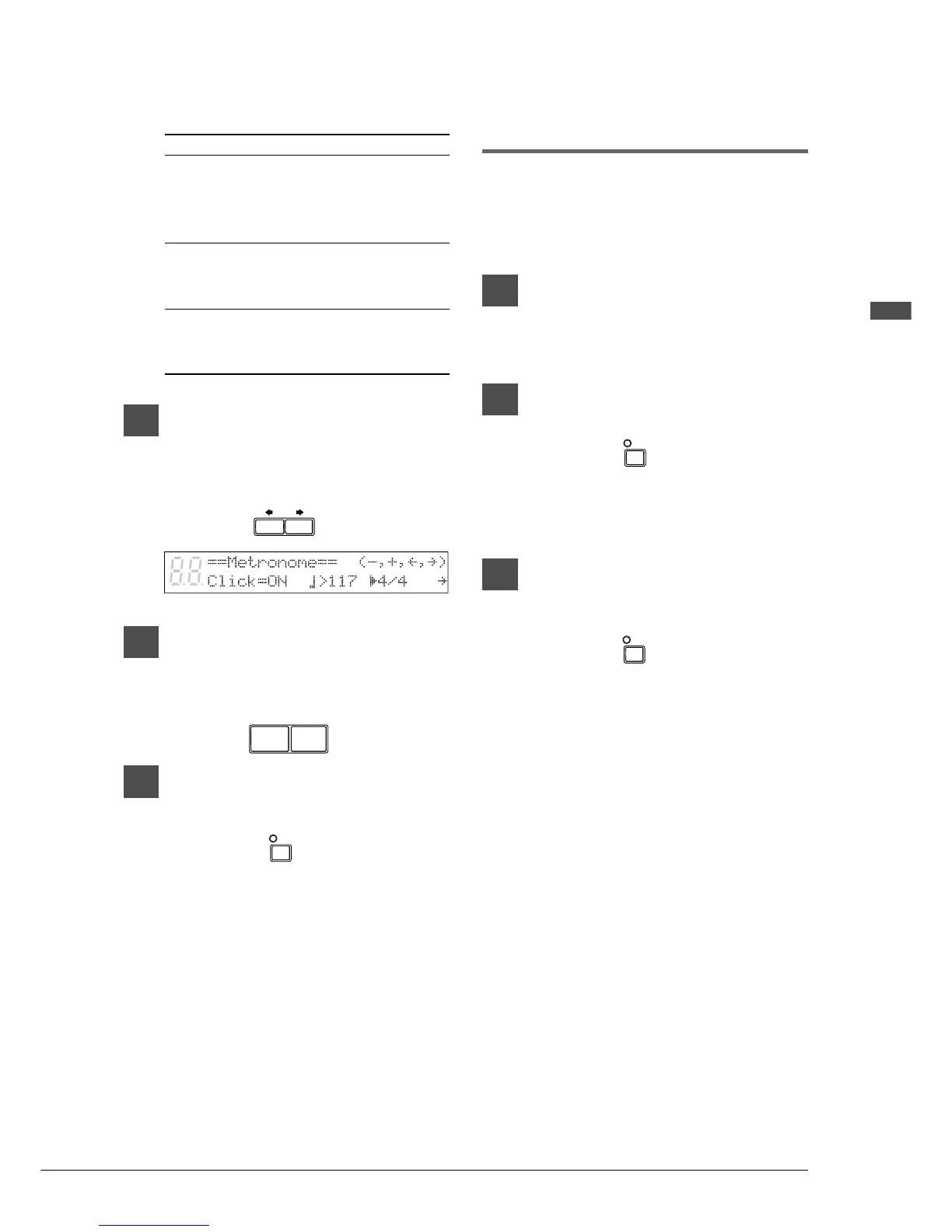
The following table shows the metronome
parameters that can be set.
2
Use the [<] and [>] to position
the c cursor next to the parameter
that you want to set: click, tempo,
or time signature.
3
Use the [–/NO] and [+/YES]
buttons to set the selected
parameter.
4
To stop the metronome, press
[METRONOME] again.
Playback with the
Metronome
For songs recorded with the metronome using the
measures and beats time format, you can sound
the metronome along with song playback.
1
Play back a song recorded using
the measures and beats time
format.
2
Press [METRONOME].
The METRONOME indicator lights and
the metronome starts to click to the tempo
of the song.
3
To stop the metronome, press
[METRONOME] again.
Note: This function cannot be used with
songs recorded using the minutes and
seconds time format.
Parameter
1 Click
2 Tempo
3 Time
Signature
Range
ON/OFF
30 to 400
bpm
1/4, 2/4, 3/4,
4/4, 5/4, 6/4,
7/4, 8/4, 9/4
Default
ON
117
4/4
Notes
If set to off,
the volume
indicators
still flash
1 beat =
1 quarter note
(crotchet)
–/NO +/YES
METRO-
NOME
METRO-
NOME
METRO-
NOME







 To Next Page