41
English Chapter 10: Advanced Ensemble Song Playback
–/NO +/YES
Selecting Tracks for the
Piano Parts
Normally, the piano plays tracks 1 and 2 which
are the left- and right-hand piano parts. However,
you can temporarily change this so that the piano
plays different tracks. For example, a vibraphone
part on track 5, or a marimba part on track 7 can
be played by the piano.
These assignments remain active throughout the
song. However, when another PianoSoft or
Disklavier song is played back, the piano will
play tracks 1 and 2 as normal (L=01 and R=02).
The rhythm track (track 10) can also be played on
the piano. However, since this is a percussion
part, the results are odd, to say the least.
1
Play back an Ensemble song, then
press [>].
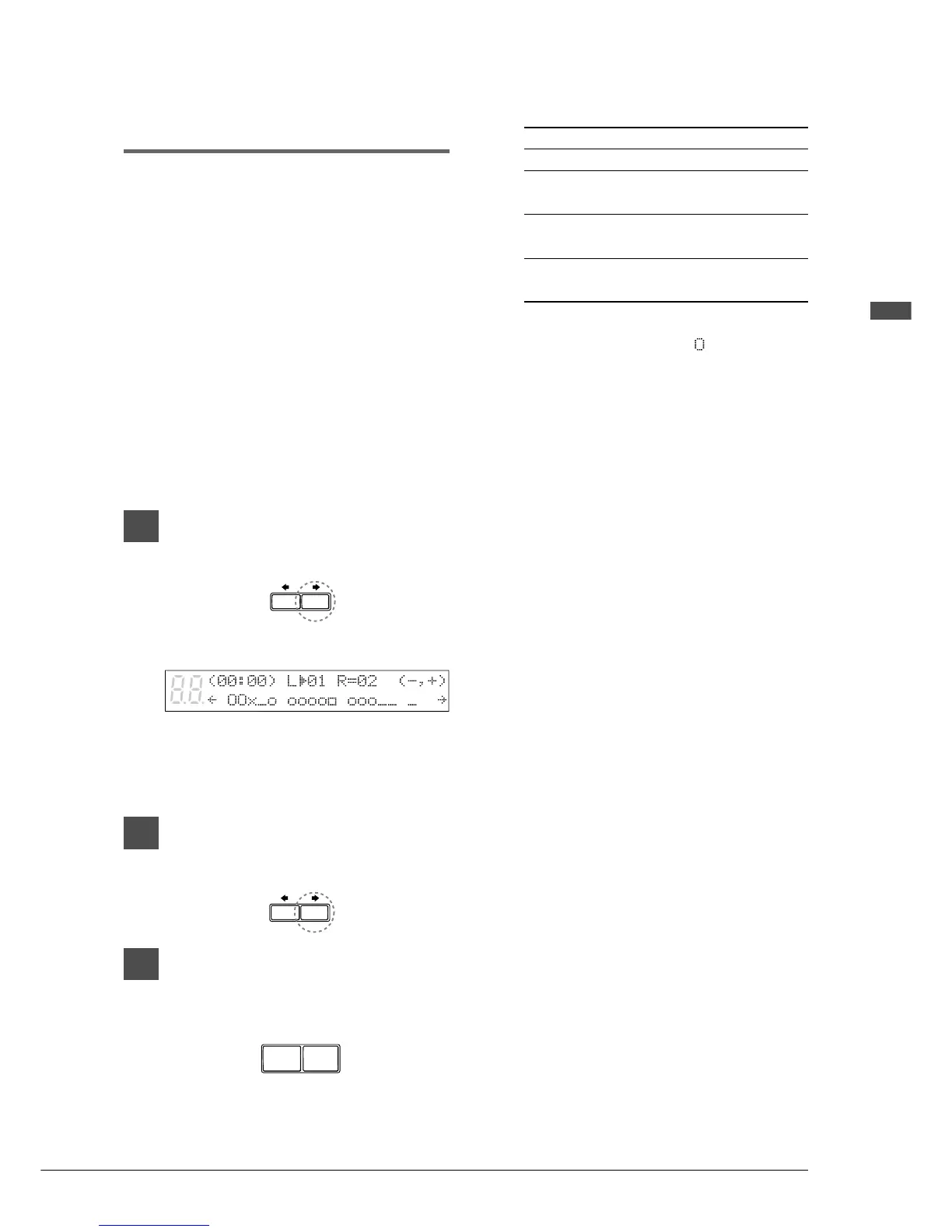
A display similar to the following appears.
From the above display we can see that the
Disklavier is currently set to play tracks 1
and 2. That is, “L=01” (track 1), and
“R=02” (track 2).
2
Press [>] to select the part whose
track you want to change.
3
Use the [–/NO] and [+/YES]
buttons to choose a different
track.
You can choose from the following options.
Option Description
## The piano does not play.
01 - 16 The piano plays the specified
track.
Prg The piano plays the smallest track
that contains a piano group voice.
Prg(all) The piano plays all tracks that
contain a piano group voice.
The number of the chosen track appears
next to L= or R=, and the
symbol moves
across the display, to indicate which track
the Disklavier will play.







 To Next Page