17
English Chapter 6: Basic Playback
Selecting Songs with
the Control Unit
Press [SONG SELECT ] to select
the next song.
Press [SONG SELECT ] to select
the previous song.
To select other songs on the disk, press and
hold down [SONG SELECT
] or
[SONG SELECT
] until the number of
the desired song appears.
If the current song is the first song on the
disk, pressing [SONG SELECT
] causes
the disk title to scroll across the display. To
stop the title scrolling, press [STOP].
Selecting Songs with
the Remote Control
You can also select songs at any time using the
[SONG SELECT] buttons or number pad on the
remote control.
Using the [SONG SELECT]
Buttons
Press [SONG SELECT ] to select
the previous song.
Press [SONG SELECT ] to select
the next song.
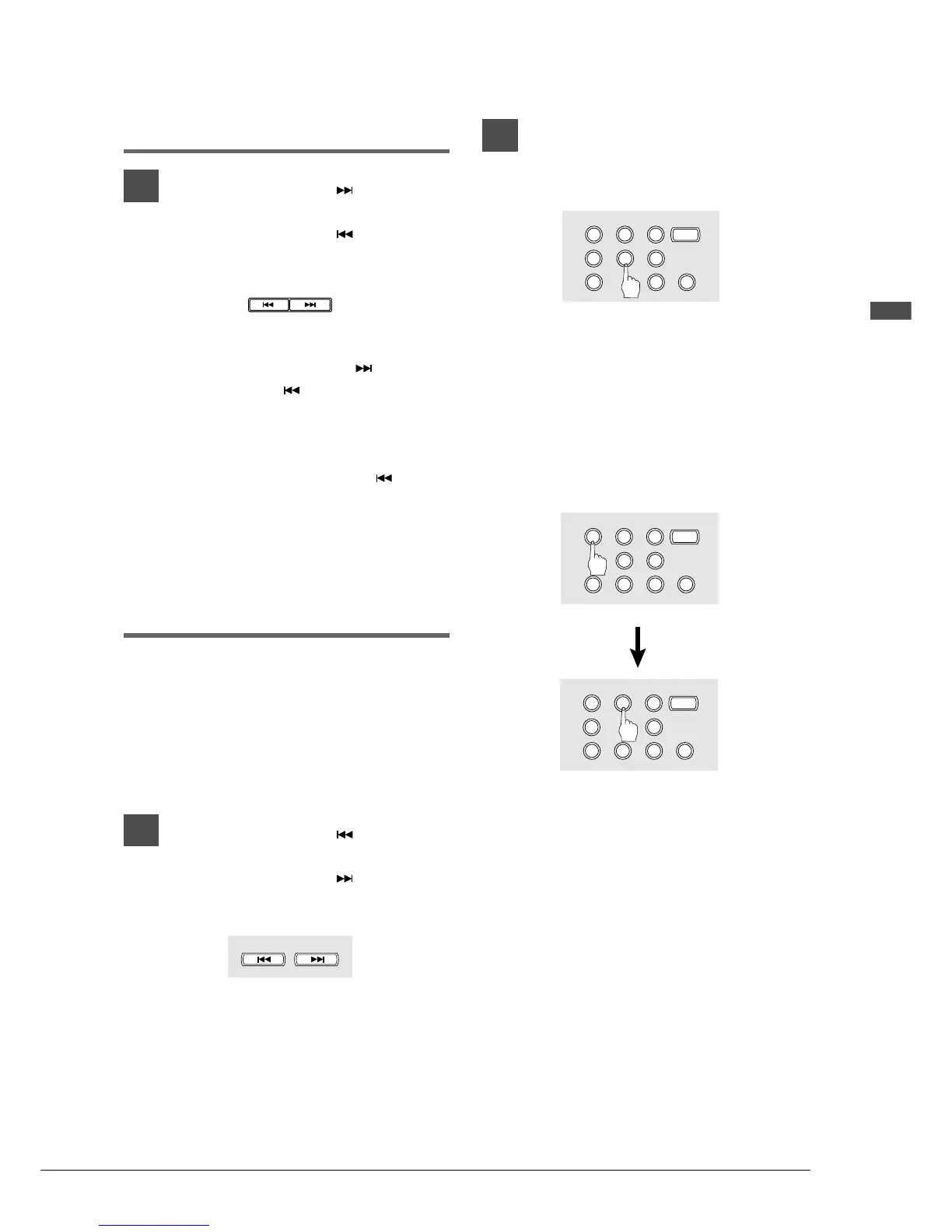
Using the Number Pad
1
To select a song from 1 to 9, press
the corresponding number
button.
To select song number 5 for example,
simply press [5].
To select a song numbered 10 and
above, enter the first digit, then
within 2 seconds, enter the
second digit.
To select song number 12 for example,
press [1], then [2].
If a song number higher than that of the last
song on the disk is entered, the last song on
the disk is selected.
SONG SELECT
/
REV • FWD
Remote Control
SONG SELECT







 To Next Page