16
2
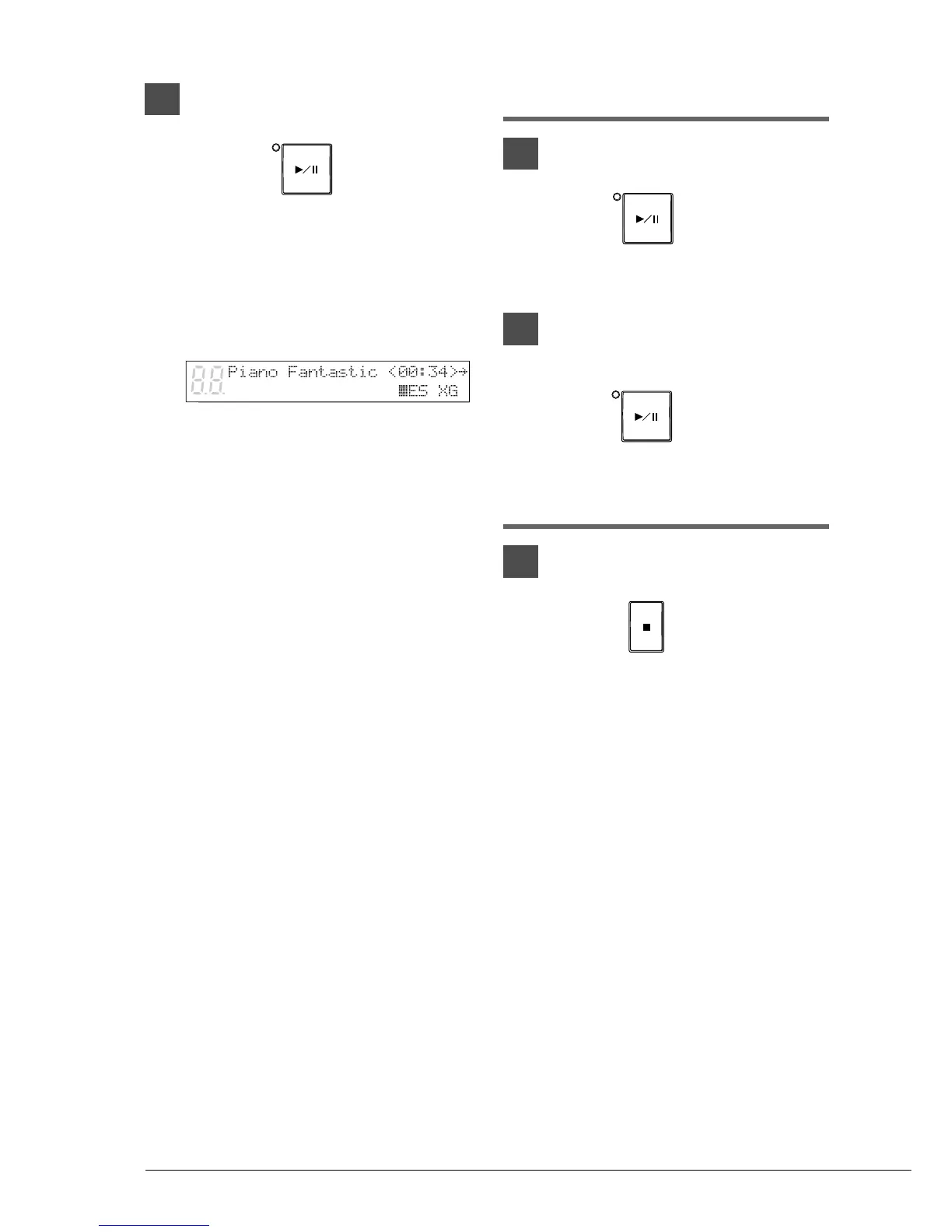
Press [PLAY/PAUSE].
The PLAY/PAUSE indicator lights and
song No.1 starts playing.
The time display starts counting up and the
velocity meters show the velocity of the
piano part notes currently being played, as
shown.
Pausing Playback
1
Press [PLAY/PAUSE].
Playback stops and the PLAY/PAUSE
indicator flashes.
2
Press [PLAY/PAUSE] again to
continue playback.
Stopping Playback
Press [STOP].
Playback stops and the song returns to the
beginning.
Pressing [STOP] while in Pause mode
cancels Pause mode.
PLAY/PAUSE
PLAY/PAUSE
STOP
PLAY/PAUSE







 To Next Page