69
English Chapter 16: The Disklavier & MIDI
Sending Song Data to a
MIDI Instrument
The parts of an Ensemble song are usually played
by the internal XG tone generator. However,
because the song data that is sent to the internal
XG tone generator is simultaneously sent to the
MIDI OUT connector, you can also output the
song file to an external tone generator or a MIDI
instrument such as a synthesizer.
When playing back songs from a computer, for
example, it is a good idea to connect an external
tone generator if the song has more than 16
channels. In this case, the Disklavier will play
channels 1 to 16 and the rest of the channels will
be played by the external tone generator. See
“Playing Back More than 16 Channels” on page
74.
For the best compatibility, your external MIDI
instrument should support Yamaha XG, General
MIDI (GM), or both.
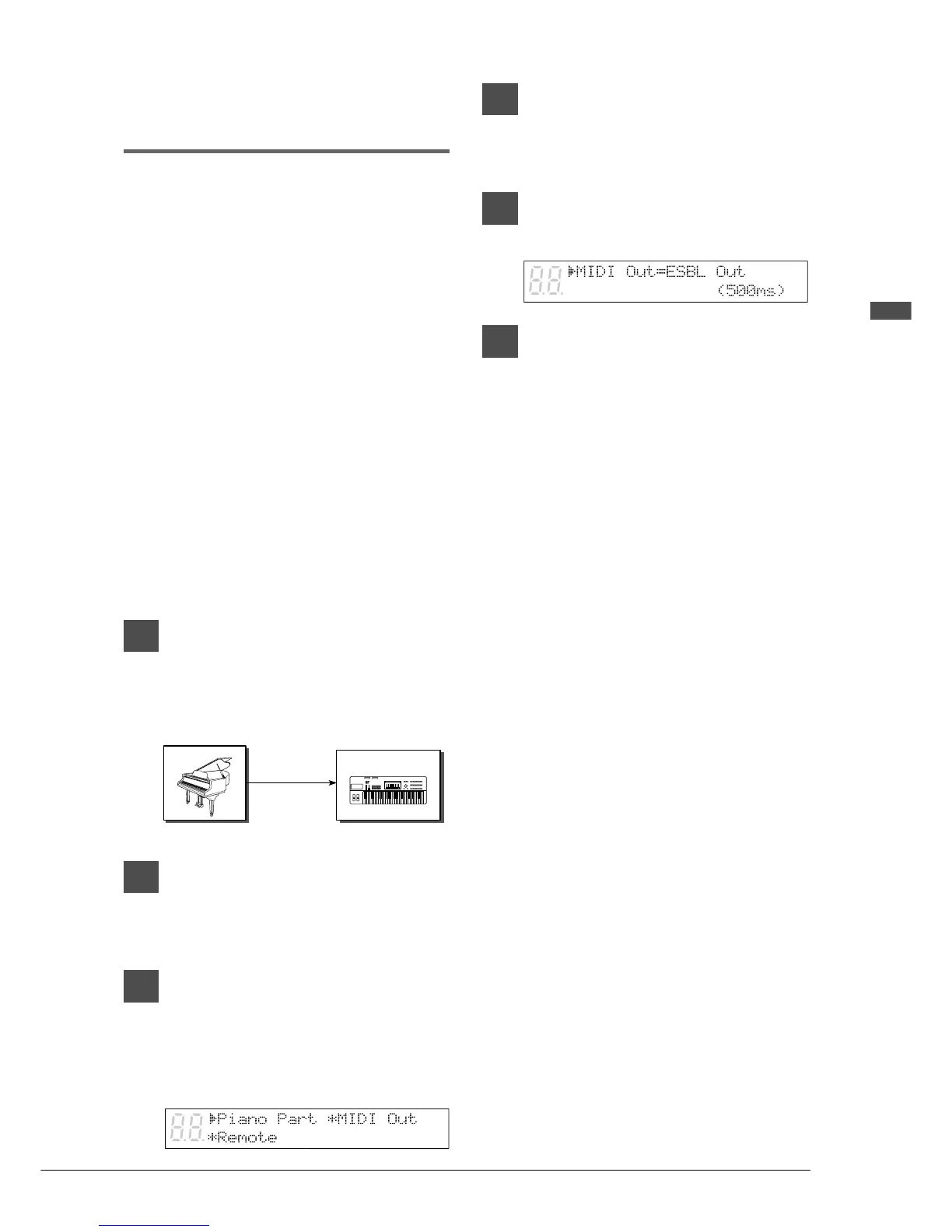
1
Connect the Disklavier’s MIDI OUT
to the external MIDI instrument’s
MIDI IN connector using a MIDI
cable.
2
Press [FUNC.].
The FUNC. indicator lights and the
Function menu appears.
3
Press [>] until the c cursor is next
to the MIDI Setup option, then
press [ENTER].
The following display appears.
4
Press [>] until the c cursor is next
to the MIDI Out option, then
press [ENTER].
5
Use the [–/NO] and [+/YES]
buttons to select ESBL Out.
6
Press [FUNC.] or [STOP] to exit the
MIDI Setup mode.
MIDI IN
Disklavier
MIDI Synthesizer or
Tone Generator
MIDI OUT
MIDI CABLE







 To Next Page