46
6
Press [ENTER].
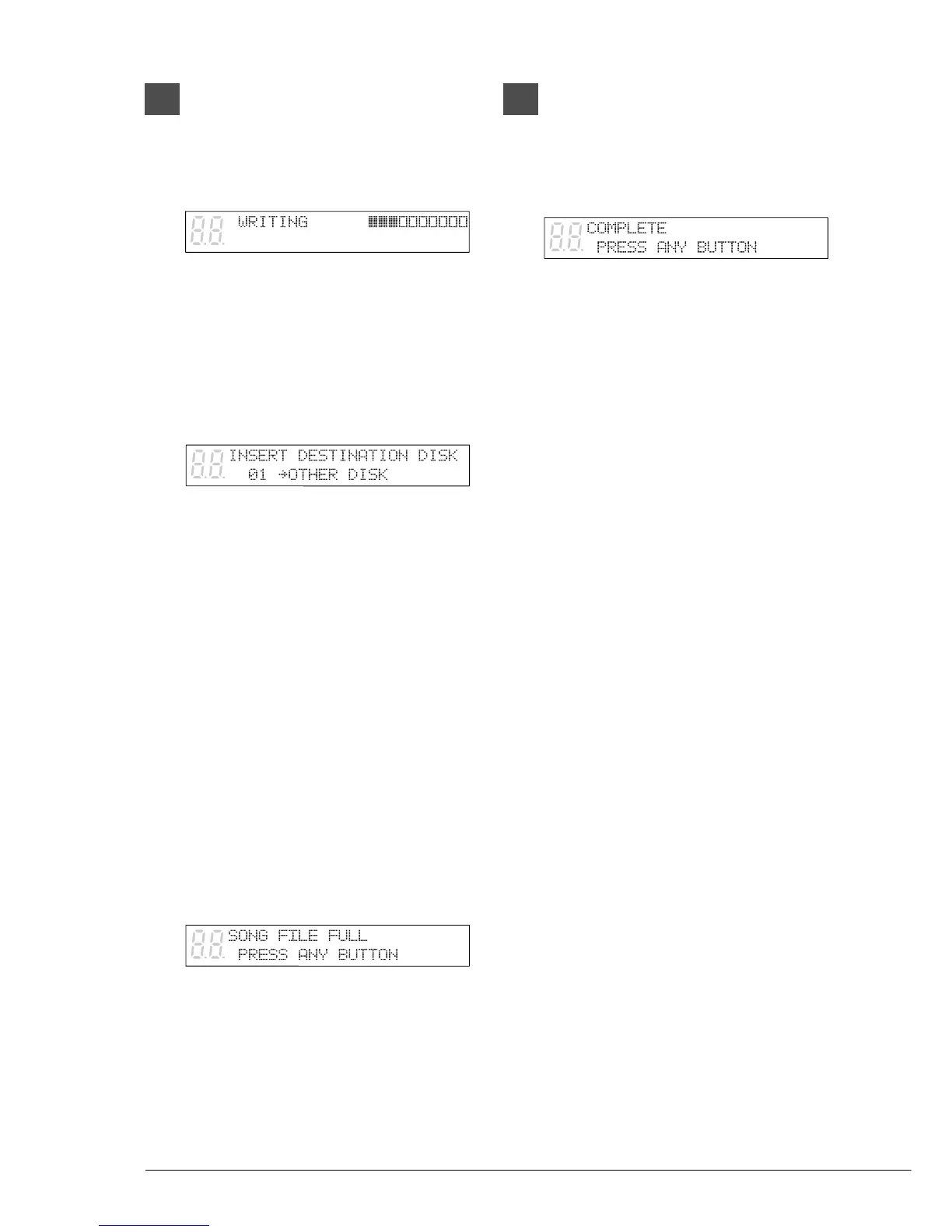
If the destination disk is Same Disk (for
floppy disks only) or a Memory Disk, the
following display appears.
The song number indicator counts down
from 99 and a bar graph on the display
marks the progress. When the song number
indicator reaches 00 and the squares on the
bar graph are completely filled, the copy
process is complete.
If the destination disk is Other Disk, the
following display appears.
Insert a formatted floppy disk in the disk
drive. Song copy begins.
Note: Make sure that the destination disk is
formatted and its erasure protection tab
is set to “unprotected.” See “Formatting
Disks” and “Floppy Disk Accidental
Erasure Protection” on page 61. If the
destination disk has not been formatted
in the Disklavier, the message
“UNFORMATTED DISK” appears. In
this case, cancel the song copy process
and format the disk.
The copy process may take several seconds
depending on the size of the song files.
If the song files you want to copy are too
large, if you are copying too many songs, or
if the destination disk becomes full, the
following display appears and song copy is
canceled.
7
When the copy process is
complete, the following display
appears.
Press any button to return to the
normal display.







 To Next Page