51
English Chapter 12: Storing and Managing Songs on Disks
6
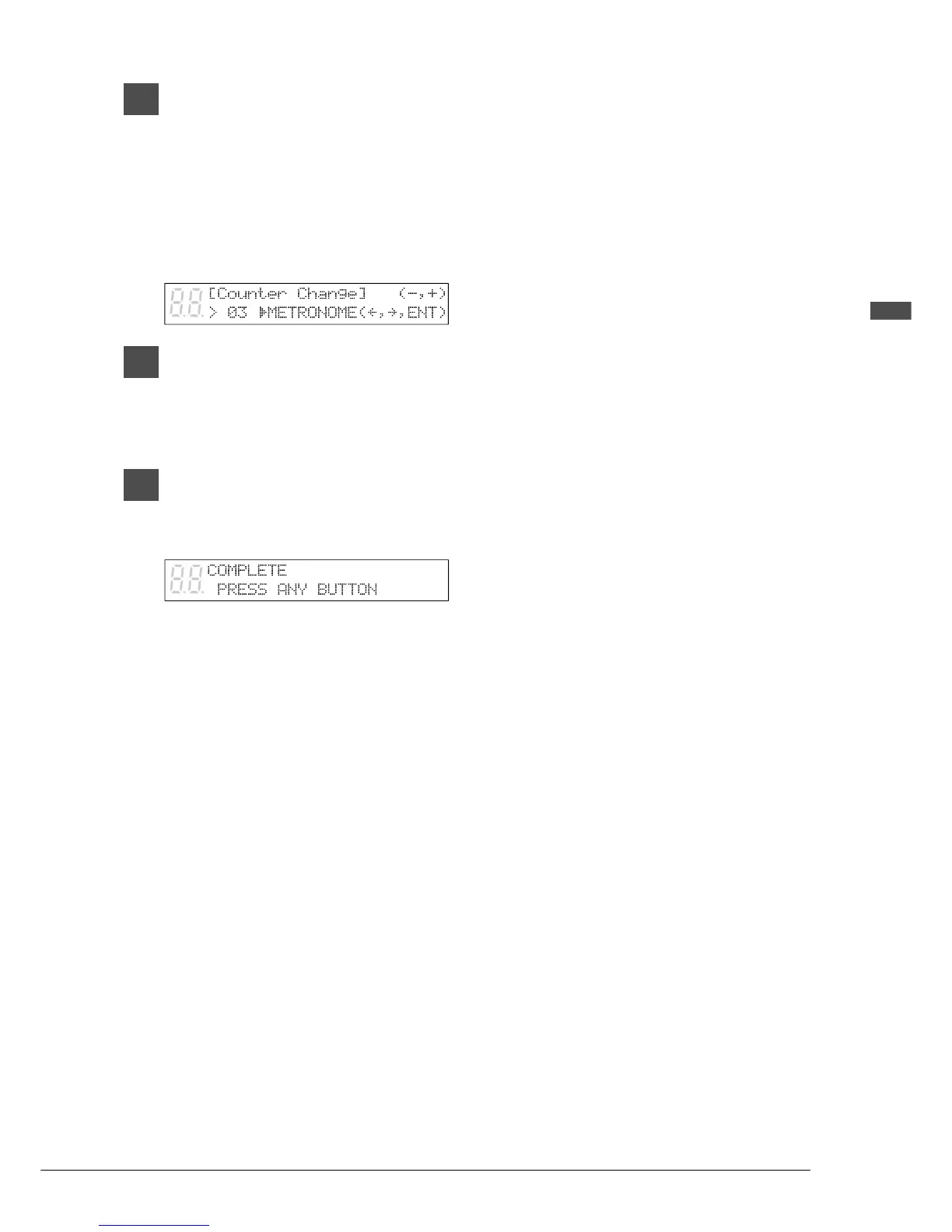
When you have selected a song,
press [>], then use the [–/NO] and
[+/YES] buttons to select the time
display.
TIME: minutes and seconds display
METRONOME: measures and beats
display
7
Press [ENTER].
Note: You cannot change the time display of
copy-protected songs.
8
When the following display
appears, press any button to
return to the normal display.







 To Next Page