59
English Chapter 14: Timer Play
Example 3
Location: store
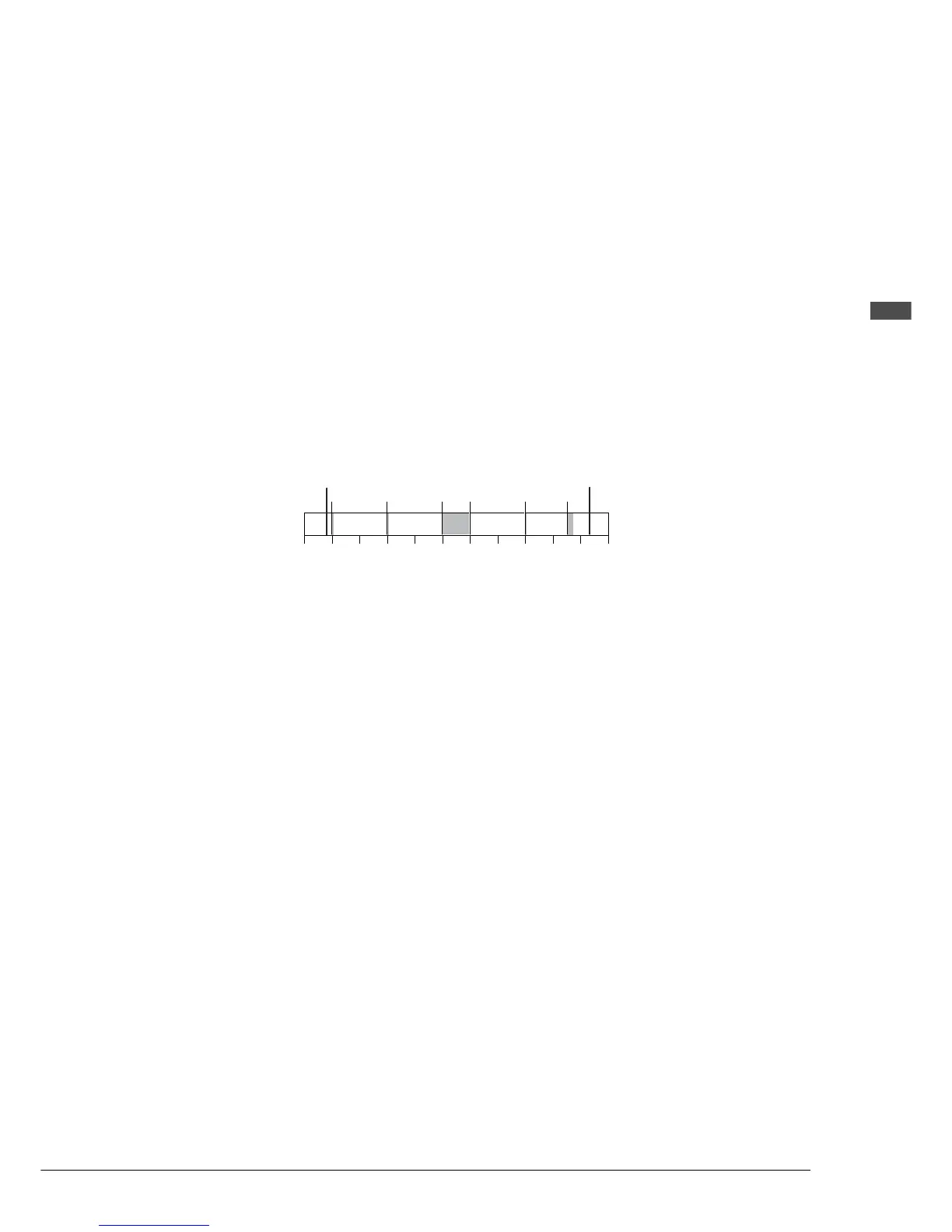
07:55 Turn on Control Unit (manually)
08:00 Opening (1 song) 01:[08:00 > PLAY > Grp1]
10:00 Time (1 song) 02:[10:00 > PLAY > Grp2]
12:00 Lunch (continuous) 03:[12:00 > PLAY > Grp3]
13:00 Lunch end 04:[13:00 > STOP]
15:00 Time (1 song) 05:[15:00 > PLAY > Grp2]
17:00 Closing (3 songs) 06:[17:00 > PLAY > Grp4]
17:15 Turn off (manually)
Memory Disk 1: 1 song for opening of store ...........................................Grp1
Memory Disk 2: 1 song to be played on the hour .................................... Grp2
Memory Disk 3: several songs for continuous play during lunch ............ Grp3
Memory Disk 4: continuation of disk 3 ....................................................Grp3
Memory Disk 5: 3 songs for closing of store ........................................... Grp4
The Disklavier above is turned on at 7:55 a.m., and Timer Play starts at 8:00 a.m. with the opening of the
store. Songs are set to be played at 8:00 a.m. for the opening of the store, at 10:00 a.m. and 3:00 p.m. to
signify the time, during lunch, and at 5:00 p.m. for the closing of the store.
7:00 8:00 10:00 12:00 14:00
Switch ON
PLAY PLAY STOPPLAY
Switch OFF
16:00 18:00
PLAY PLAY







 To Next Page