23
Getting Started
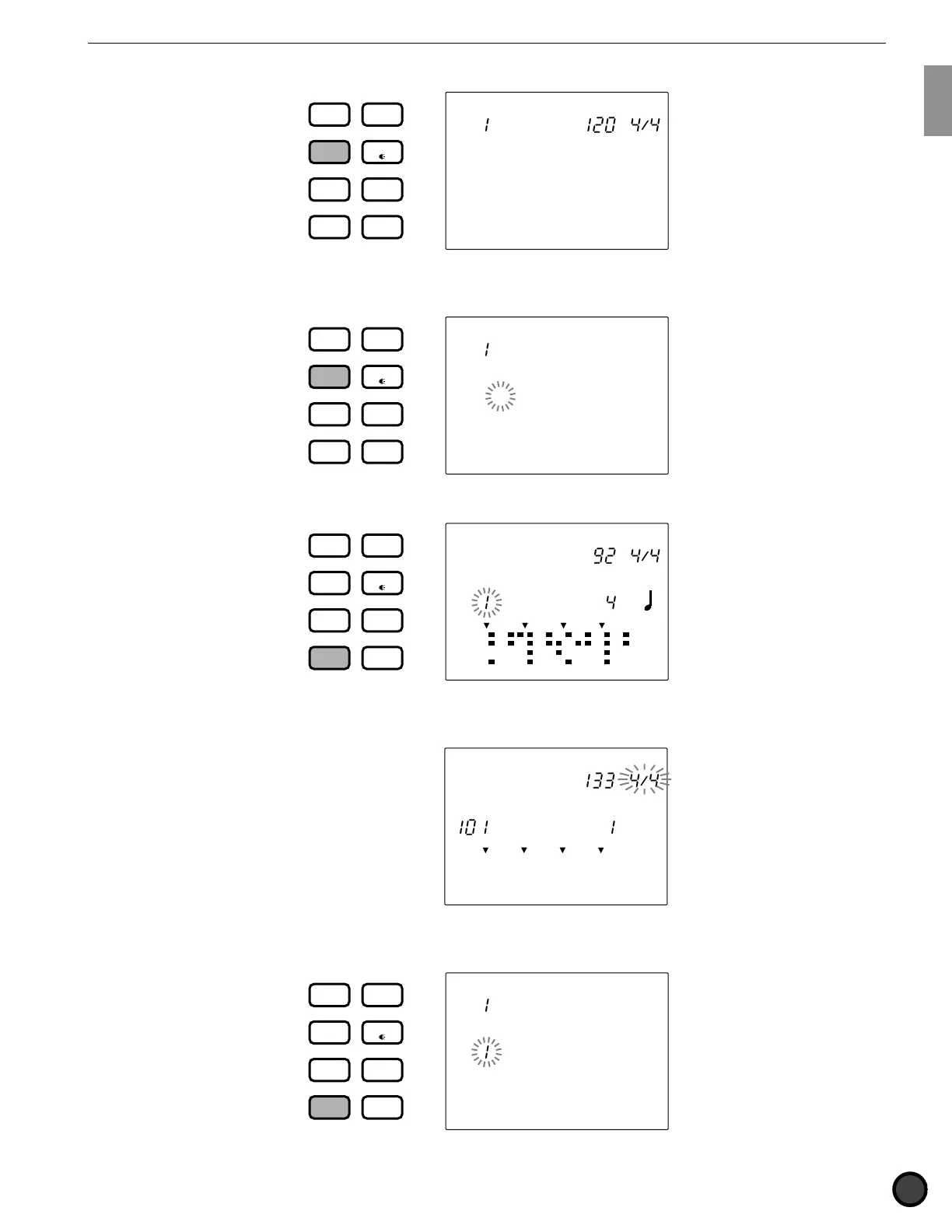
■ Chain Play mode: Press the CHAIN button.
CHAIN
TEMPO BEAT
Chain 1
DRUM
KIT
VOICE
TRIGGER
UTILITY
STORE
PATTERN
SONG
CHAIN
■ Chain Edit mode: Press the CHAIN button twice or press the CHAIN button once while in Chain Play
mode.
MISC.
SNARE
KICK
CYMBAL
Name =
Chain 1
DRUM
KIT
VOICE
TRIGGER
UTILITY
STORE
PATTERN
SONG
CHAIN
■ Pattern Play mode: Press the PATTERN button.
MAIN A
PATTERN
MISC.
SNARE
KICK
CYMBAL
MEASURE
CLICK
DRUM
KIT
VOICE
TRIGGER
UTILITY
STORE
PATTERN
SONG
CHAIN
RP Hop
TEMPO BEAT
■ Pattern Record mode: Enter this mode by taking several steps in Pattern Play mode. Refer to P.80 for
details.
OFF
PATTERN
MISC.
SNARE
KICK
CYMBAL
TEMPO BEAT
MEASURE QUANT.
Realtime
REC Mode
■ Pattern Job mode: To enter this mode, press the PATTERN button twice or press the PATTERN button
once while in Pattern Play mode.
MAIN A
PATTERN
MISC.
SNARE
KICK
CYMBAL
Copy Pat
RP Hop
DRUM
KIT
VOICE
TRIGGER
UTILITY
STORE
PATTERN
SONG
CHAIN



 To Next Page