24
Getting Started
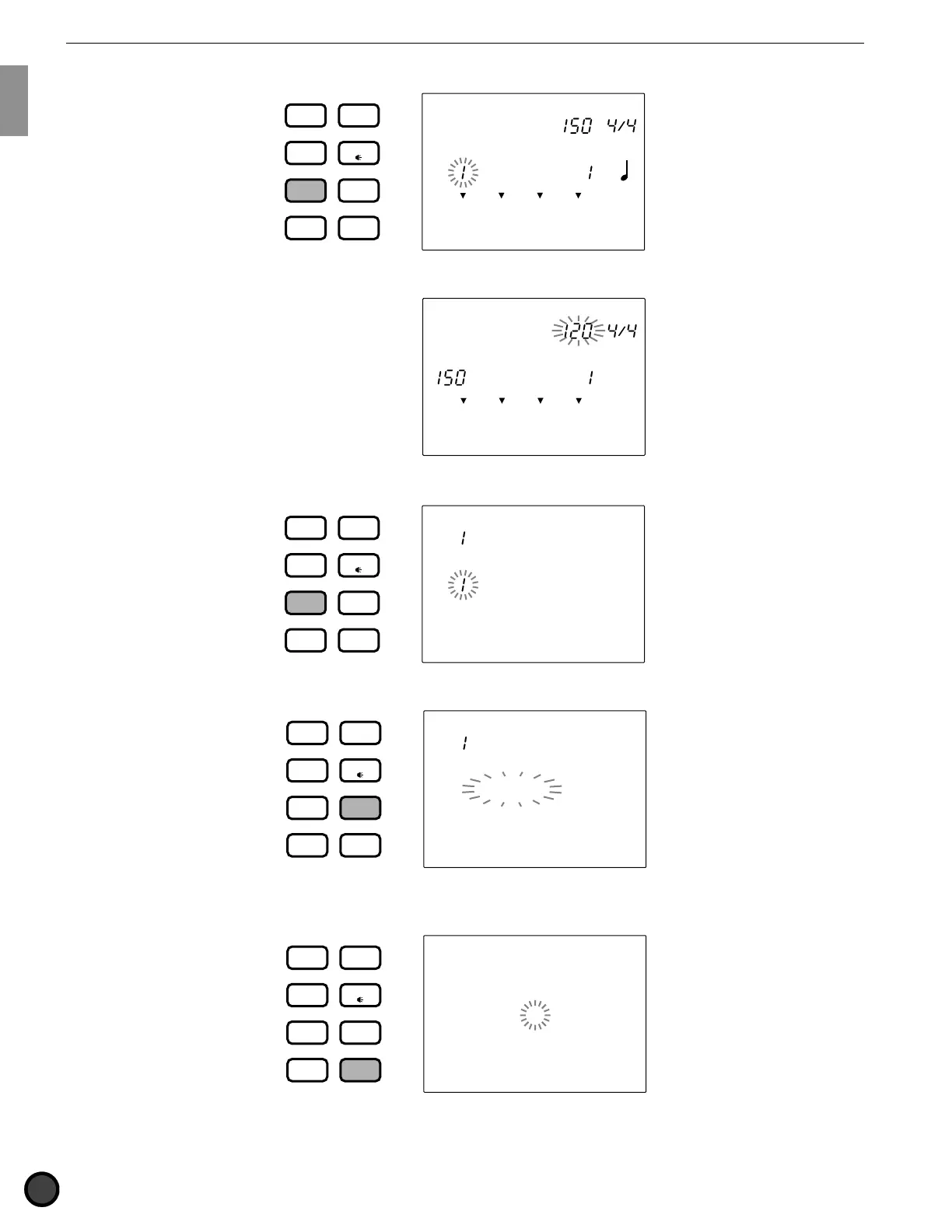
■ Song Play mode: Press the SONG button.
MISC.
SNARE
KICK
CYMBAL
MEASURE
CLICK
CityDogs
DRUM
KIT
VOICE
TRIGGER
UTILITY
STORE
PATTERN
SONG
CHAIN
SONG
TEMPO BEAT
■ Song Record mode: Enter this mode by taking several steps in Song Play mode. Refer to P.99 for details.
OFF
SONG
MISC.
SNARE
KICK
CYMBAL
TEMPO BEAT
MEASURE QUANT.
STEP REC
REC Mode
■ Song Job mode: Press the SONG button twice or press the SONG button once while in Song Play mode.
SONG
MISC.
SNARE
KICK
CYMBAL
CopySong
CityDogs
DRUM
KIT
VOICE
TRIGGER
UTILITY
STORE
PATTERN
SONG
CHAIN
■ Utility mode: Press the UTILITY button.
MISC.
SNARE
KICK
CYMBAL
UTILITY
[SYSTEM]
DRUM
KIT
VOICE
TRIGGER
UTILITY
STORE
PATTERN
SONG
CHAIN
■ Store mode: Press the STORE button while in Drum Kit Play, Trigger Edit or Voice Edit mode to enter
Drum Kit Store mode.
DRUM KIT
MISC.
SNARE
KICK
CYMBAL
Store DK
to 1
DRUM
KIT
VOICE
TRIGGER
UTILITY
STORE
PATTERN
SONG
CHAIN



 To Next Page