Creating Arpeggios
Owner’s Manual
21
Quick Guide
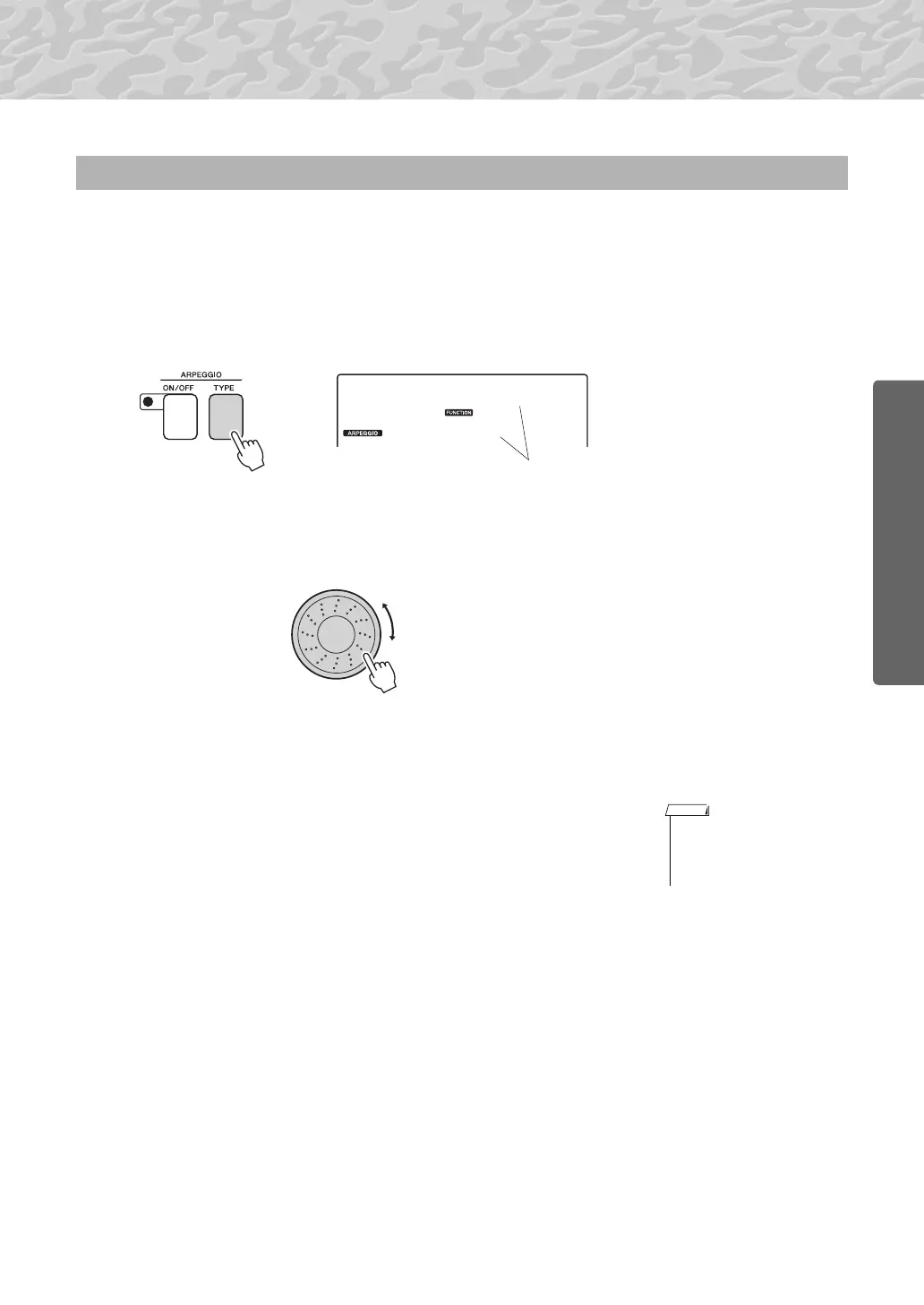
The most suitable arpeggio type is automatically selected when you select a voice, but you can
easily select any other arpeggio type.
1
Press the ARPEGGIO [TYPE] button.
“ARP Type” will appear in the display for a few seconds, then the
name of the current arpeggio type will appear in the display.
2
Rotate the dial to select the desired arpeggio type.
A list of the available arpeggio types is provided in the Arpeggio List
of the separate Data List.
You can save the instrument’s settings at this point and then recall
them at any time you want to repeat your performance (page 48). You
can also record your performance (page 43). Please note that the
arpeggio sound for the split voice cannot be recorded.
Changing the Arpeggio type
02
DownOct
The currently selected
arpeggio type
• No arpeggio will sound if
you turn the arpeggio func-
tion on while playing notes
on the keyboard.



 To Next Page