Style (Auto-accompaniment) Functions
Owner’s Manual
62
Reference
Changing the tempo of the Style
Styles can be played at any tempo you desire—fast or
slow.
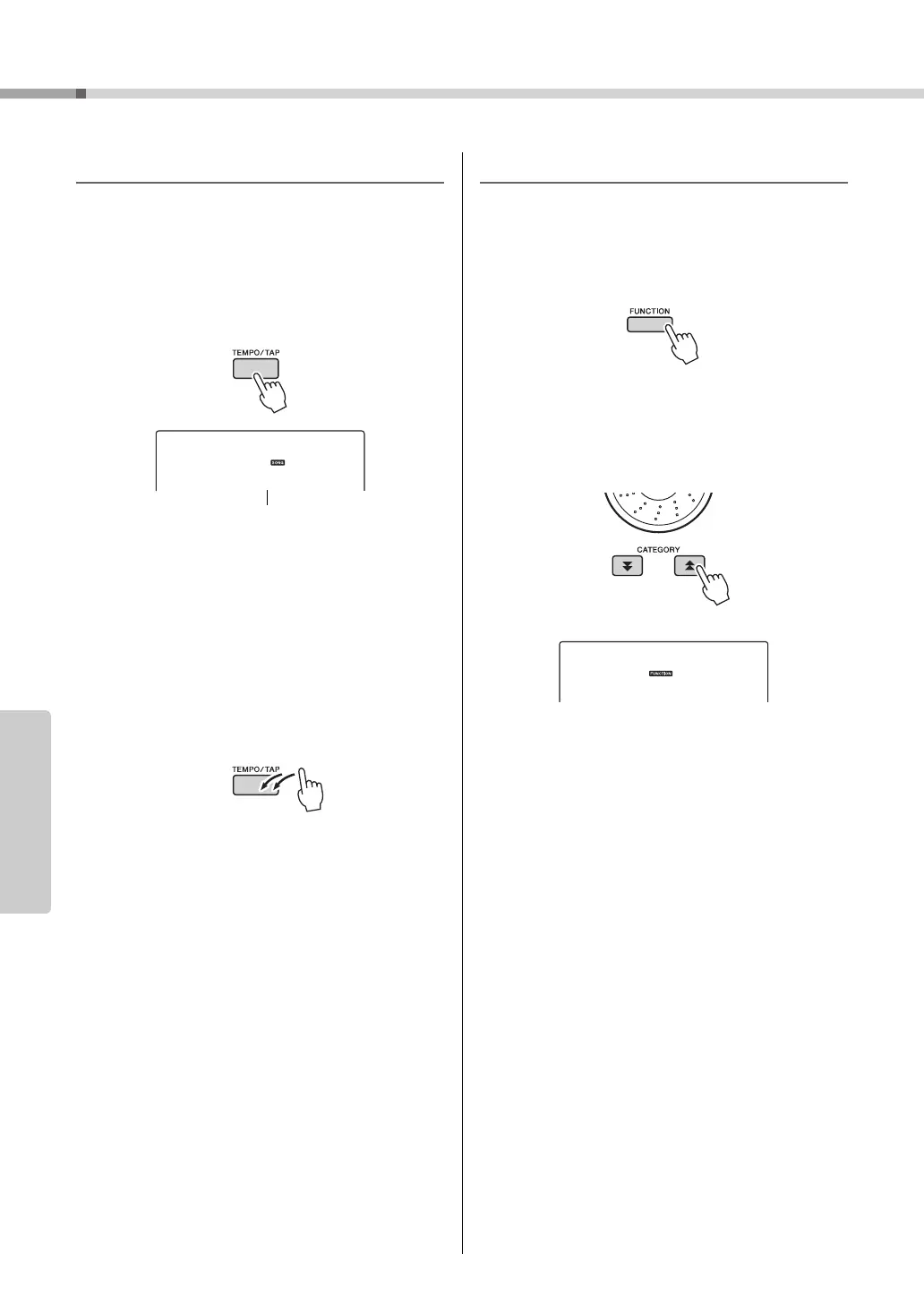
1
Press the [TEMPO/TAP] button to call
up the Tempo setting in the display
after selecting a Style.
2
Use the dial to select a tempo from 011
to 280 quarter-note beats per minute.
Press the [+] and [-] buttons simultaneously to
instantly reset the value to the default tempo of a
Style.
You can change the tempo during style playback
by pressing the [TEMPO/TAP] button just twice.
Adjusting the Style Volume
Press the [STYLE] button to engage the style func-
tion.
1
Press the [FUNCTION] button.
2
Use the CATEGORY [ ] and [ ] but-
tons to select the Style Volume item.
3
Use the dial to set the style volume
between 000 and 127.



 To Next Page