Owner’s Manual
40
Reference
Play Using the Music Database
You want to play music in your favorite style, but you’re not sure how to select the best
voice and style for the type of music you want to play ... simply select the appropriate
style from the Music Database. The panel settings will automatically be adjusted for
the ideal combination of sounds and style!
1
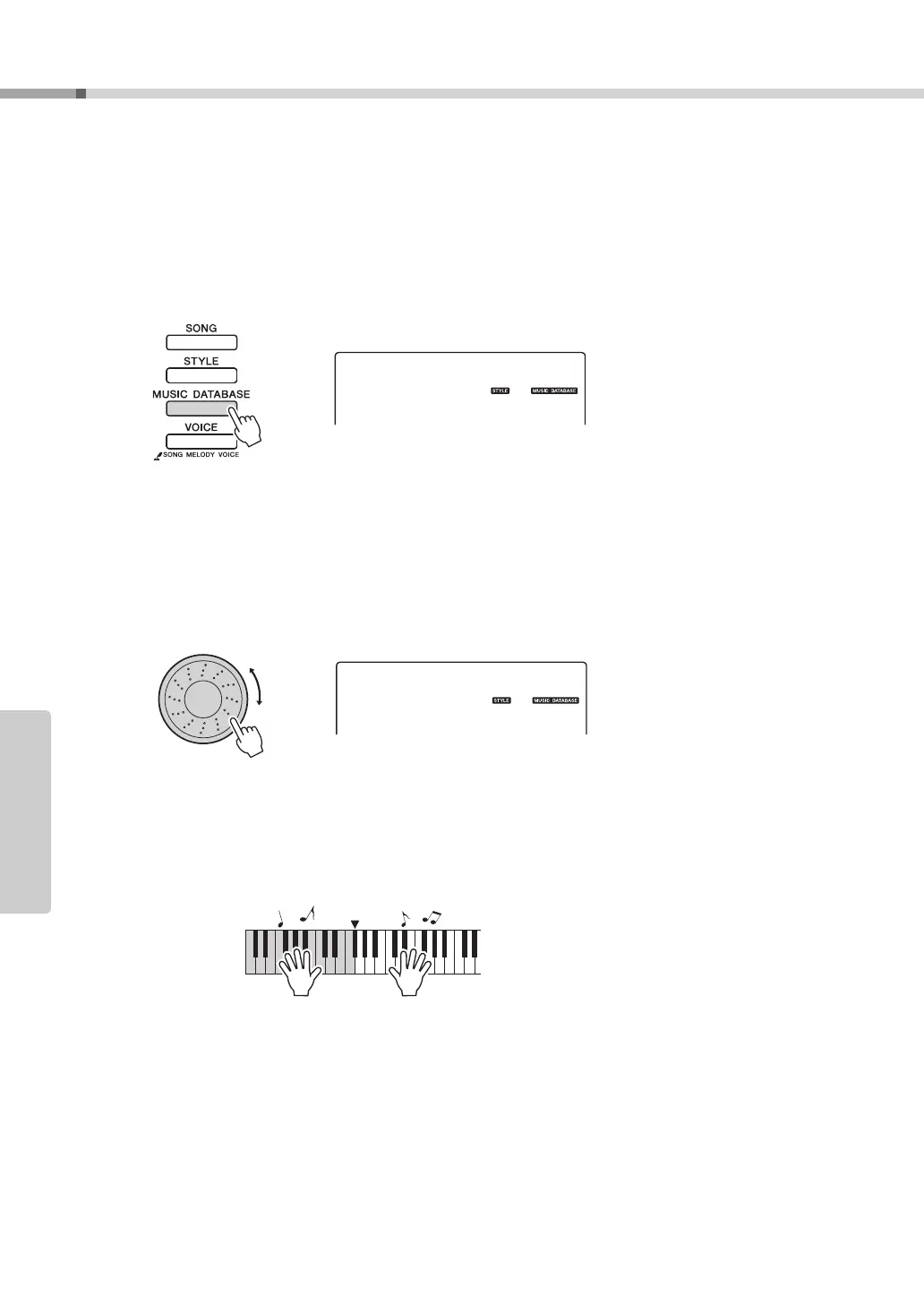
Press the [MUSIC DATABASE] button.
A Music Database name will appear in the display.
2
Select a Music Database.
Referring to the Music Database List in the separate Data List, use the dial to
select a music database. Select one that matches the image of the song you
intend to play.
For this example select the “160 Patrol”.
3
Play the chords with your left hand and melody with your right.
The jazz style will start playing when you play a left-hand chord to the left of
the split point. Refer to page 29 for information about playing chords.
Press the [START/STOP] button to stop playback.
001
Jude Hey
160
Patrol



 To Next Page