Accessory CD-ROM Installation Guide
Owner’s Manual
80
Reference
System Requirements
Software Installation
If you have any problems with the installation, refer to
the troubleshooting section on page 82.
Installing / Updating the USB-MIDI
Driver
In order to be able to communicate with and use MIDI
instruments connected to your computer, the appropri-
ate driver software must be properly installed on your
computer.
The USB-MIDI driver allows sequence software and
similar applications on your computer to transmit and
receive MIDI data to and from instruments via a USB
cable.
Follow the steps below to install (or update) the USB-
MIDI driver.
1
Disconnect all USB devices from the
computer except for the mouse and
computer keyboard.
2
Start the computer and use the “Admin-
istrator” account to log on to Windows.
Close all applications and windows that are open.
3
Insert the Accessory CD-ROM into your
computer’s CD-ROM drive.
4
Turn off the power of the instrument.
5
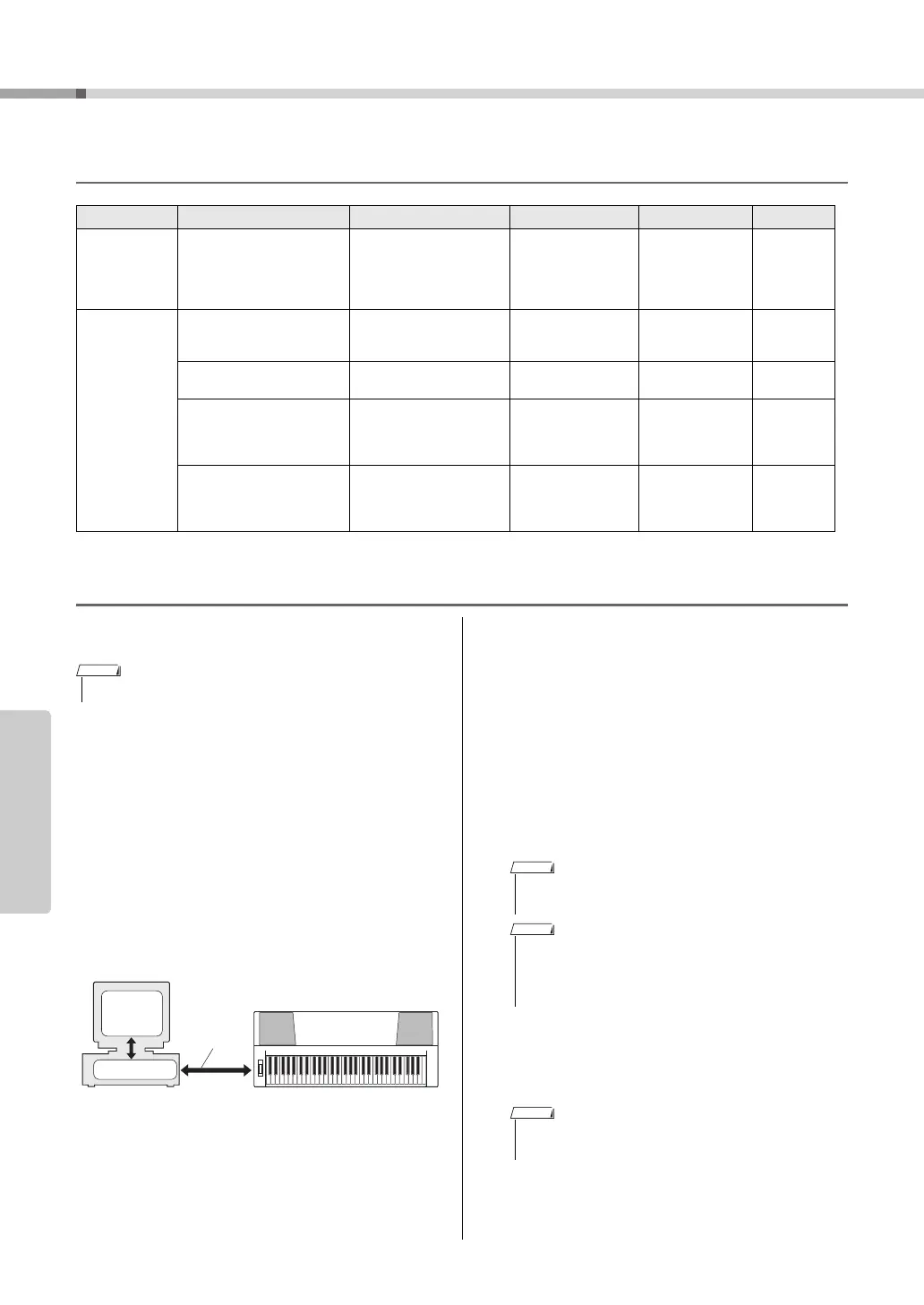
Connect the USB connector of the com-
puter to the USB connector of the MIDI
instrument with a standard USB cable.
6
Turn on the power of the instrument(s).
7
When the “Found New Hardware Wiz-
ard” window appears, click [Cancel].
Data OS Computer Memory Hard Disk Display
Musicsoft
Downloader
Windows 2000/XP Home
Edition/XP Professional/
Vista
* Only 32-bit is supported.
Windows 7
233 MHz or higher; Intel
Pentium/Celeron Proces-
sor family
(500 MHz or higher is rec-
ommended)
64 MB or more
(256 MB or more is
recommended)
128 MB or more
(at least 512 MB
of free space is
recommended)
800 x 600
HighColor
(16-bit)
USB Driver for
Windows
Windows XP Professional
(SP2/SP3)/XP Home Edi-
tion (SP2/SP3)/2000 (SP4)
166 MHz or higher; Intel
Core/Pentium/Celeron
processor
32 MB or more
(64 MB or more is
recommended)
10 MB or more —
Windows XP Professional
x64 Edition (SP2)
Intel 64 compatible pro-
cessor
256 MB or more 10 MB or more —
Windows Vista (SP0/SP1/
SP2)
800 MHz or higher; Intel
Core/Pentium/Celeron
processor or Intel 64 com-
patible processor
512 MB or more 10 MB or more —
Windows 7
1.4 GHz or higher; Intel
Core/Pentium/Celeron
processor or Intel 64 com-
patible processor
1 GB or more (32-
bit)/2 GB or more
(64-bit)
10 MB or more —
• The example displays shown in this guide are in English.
NOTE
MIDI instrument
Computer
Sequence
software
Driver
USB Cable
• Do not use a USB hub for connecting multiple USB
devices.
• If you are using several MIDI instruments with USB con-
nection at the same time, connect all the instruments to
the computer and turn on the power for all of them, then
perform the following installation procedure.
• On some computers, it may take a few minutes before
this screen appears.



 To Next Page