Handy Performance Features
Owner’s Manual
54
Reference
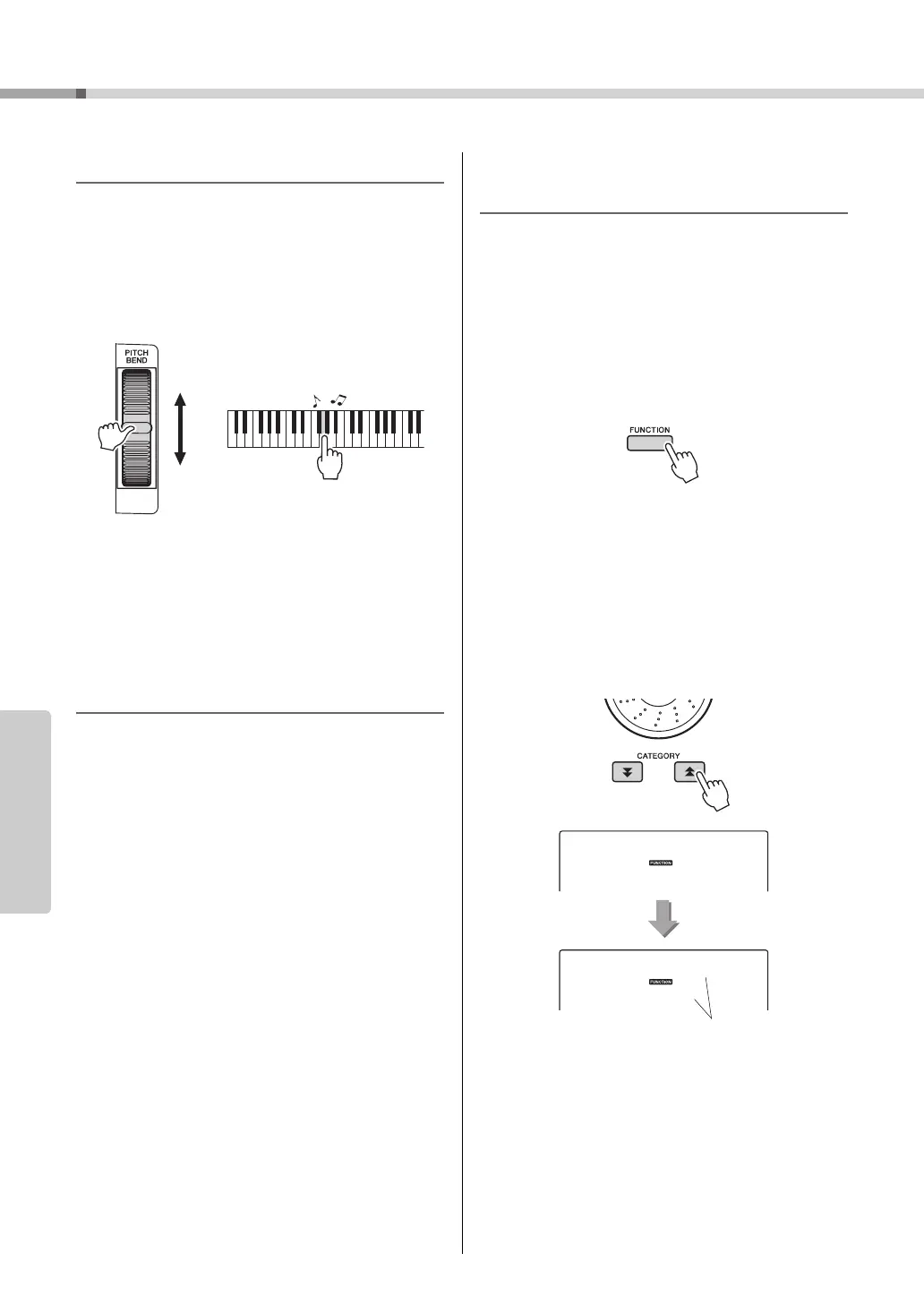
Pitch Bend
The pitch bend wheel can be used to add smooth pitch
variations to notes you play on the keyboard. Roll the
wheel upward to raise the pitch, or downward to lower
the pitch. You can change the amount of pitch bend
produced by the wheel, as described on page 71.
One Touch Setting
Sometimes selecting the ideal voice to play with a
song or style can be confusing. The One Touch Set-
ting feature automatically selects a well-balanced
voice for you when you select a style or song. Simply
select voice number “000” to activate this feature.
Select an EQ Setting for the Best
Sound
Five different master equalizer (EQ) settings are pro-
vided to give you the best possible sound when listen-
ing through different reproduction systems—the
instrument’s internal speakers, headphones, or an
external speaker system.
1
Press the [FUNCTION] button.
The currently selected function will appear in the
display.
2
Press the CATEGORY [ ] and [ ] but-
tons as many times as necessary to
select the master EQ type function
“MasterEQ”.
“MasterEQ” will appear in the display for a few
seconds, then the currently selected EQ type will
be displayed.
3
Use the dial to select the desired Master
EQ setting.
Five settings are available: 1–5. Settings 1 and 2
are best for listening via the instrument’s built-in
speakers, setting 3 is for headphones, and settings
4 and 5 are ideal for listening via external speak-
ers.
The currently selected
master EQ type.



 To Next Page