Owner’s Manual
58
Reference
Arpeggio Settings
Controlling Arpeggio Volume with
Keyboard Dynamics
1
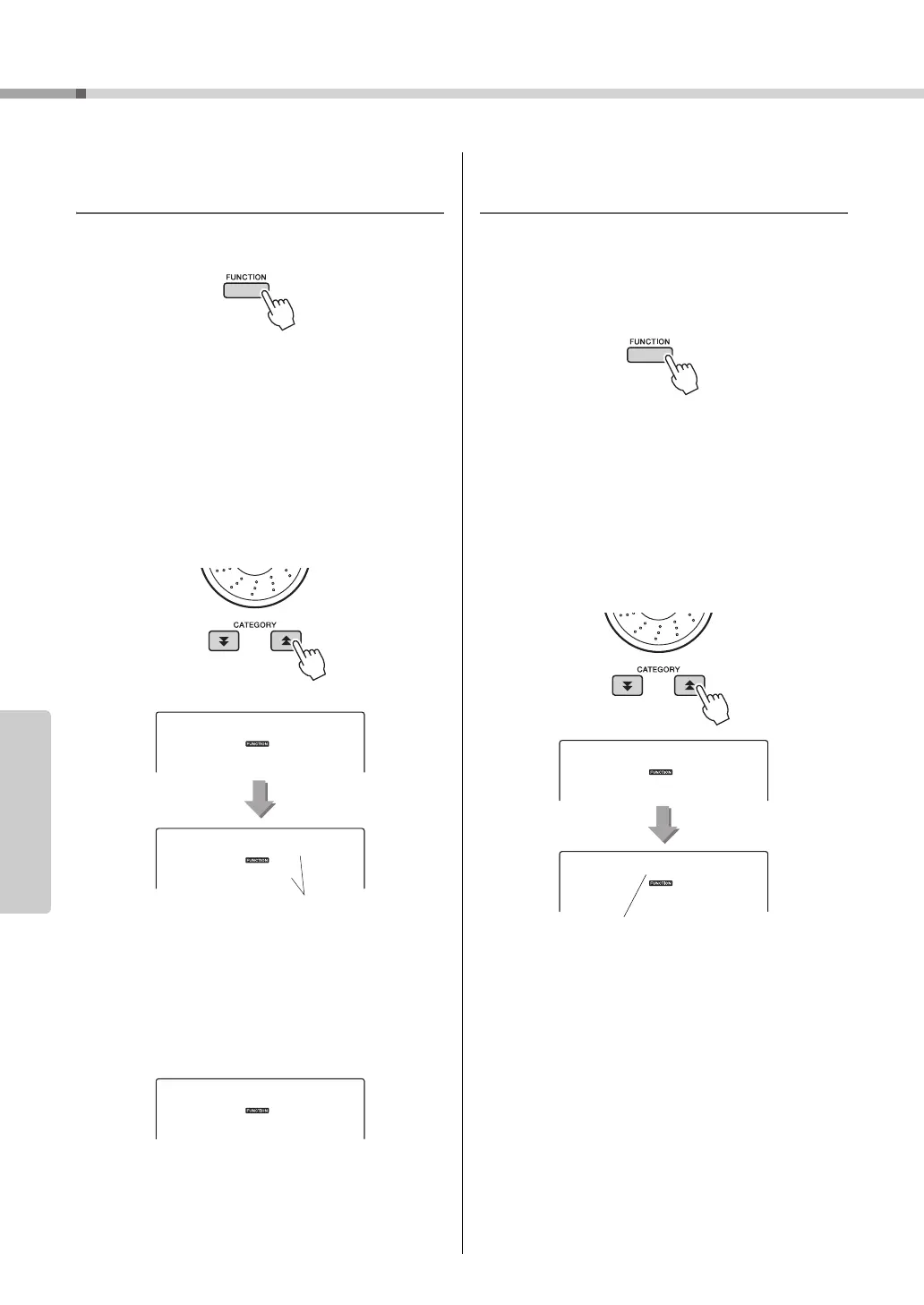
Press the [FUNCTION] button.
2
Press the CATEGORY [ ] and [ ] but-
tons as many times as necessary to
select the arpeggio velocity function
“ARP Velo”.
“ARP Velo” will appear in the display for a few
seconds, then the currently selected arpeggio
velocity setting will be displayed.
3
Use the dial to select “2 Thru”.
When “1 Original” is selected the arpeggio vol-
ume is the same regardless of changes in key-
board velocity.
Synchronizing an arpeggio to a
tempo of Style or Song
Adjust the arpeggio quantization to synchronize the
arpeggio to a Style or Song.
1
Press the [FUNCTION] button.
2
Press the CATEGORY [ ] and [ ] but-
tons as many times as necessary to
select the “Quantize”.
“Quantize” will appear in the display for a few
seconds, then the currently selected Quantize
value will be displayed.
3
Use the dial to select the appropriate
quantize value (1/8, 1/16 or OFF) as
required.
A setting of “1/8” will align off-beat notes to the
nearest 4th note, a setting of “1/16” will align off-
beat notes to the nearest 8th note, and a setting of
“OFF” will result in no quantization.
The default arpeggio quantize setting depends on
the arpeggio type.
The currently selected
arpeggio velocity.
The currently selected
arpeggio quantization.



 To Next Page