Playing Songs
Owner’s Manual
31
Quick Guide
3
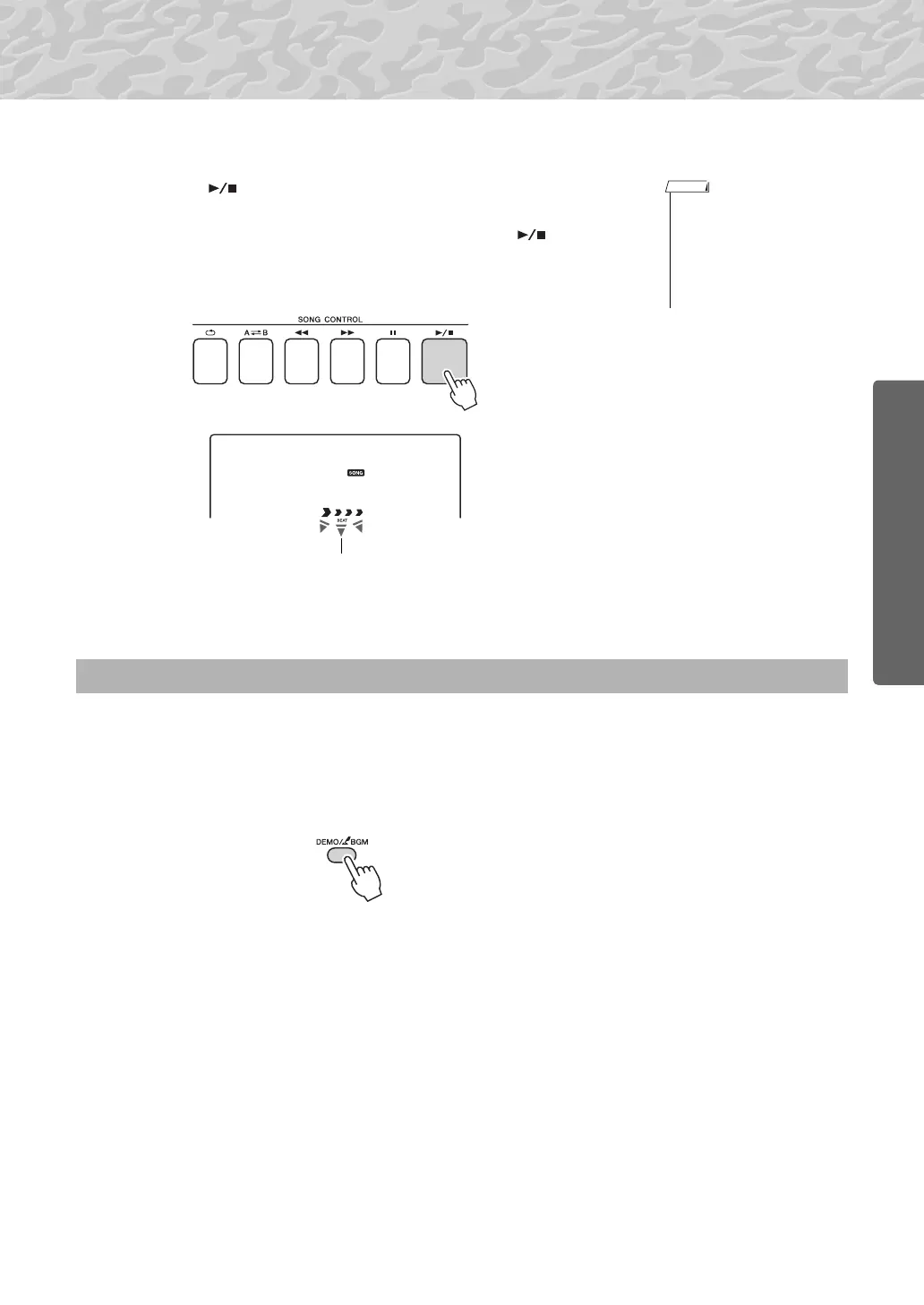
Listen to the song.
Press the [ ] (START/STOP) button to begin playback of the
selected song.
You can stop playback at any time by pressing the [ ] (START/
STOP) button again.
Press the [DEMO/BGM] button to play Songs 001–008 in sequence. Playback will repeat continu-
ously, starting again from the first Song (001). You can select a song by using the [+] button after
pressing the [DEMO/BGM] button. The [-] button can be used to go back to the beginning of the
selected song. You can stop playback at any time by pressing the [DEMO/BGM] button.
You can also specify the repeat playback of all preset songs or songs trans-
ferred from a computer. The specified songs can also be played in random
order (page 66).
• Score data for the 30 internal
songs are provided in the
Songbook on the CD-ROM.
The exceptions are songs 1–
11 and 30. The scores for
songs 9 to 11 are provided in
the separate Data List.
The arrow marks in the beat display flash in
time with the rhythm of the song or style.
Play Songs in Sequence



 To Next Page