Song Settings
Owner’s Manual
69
Reference
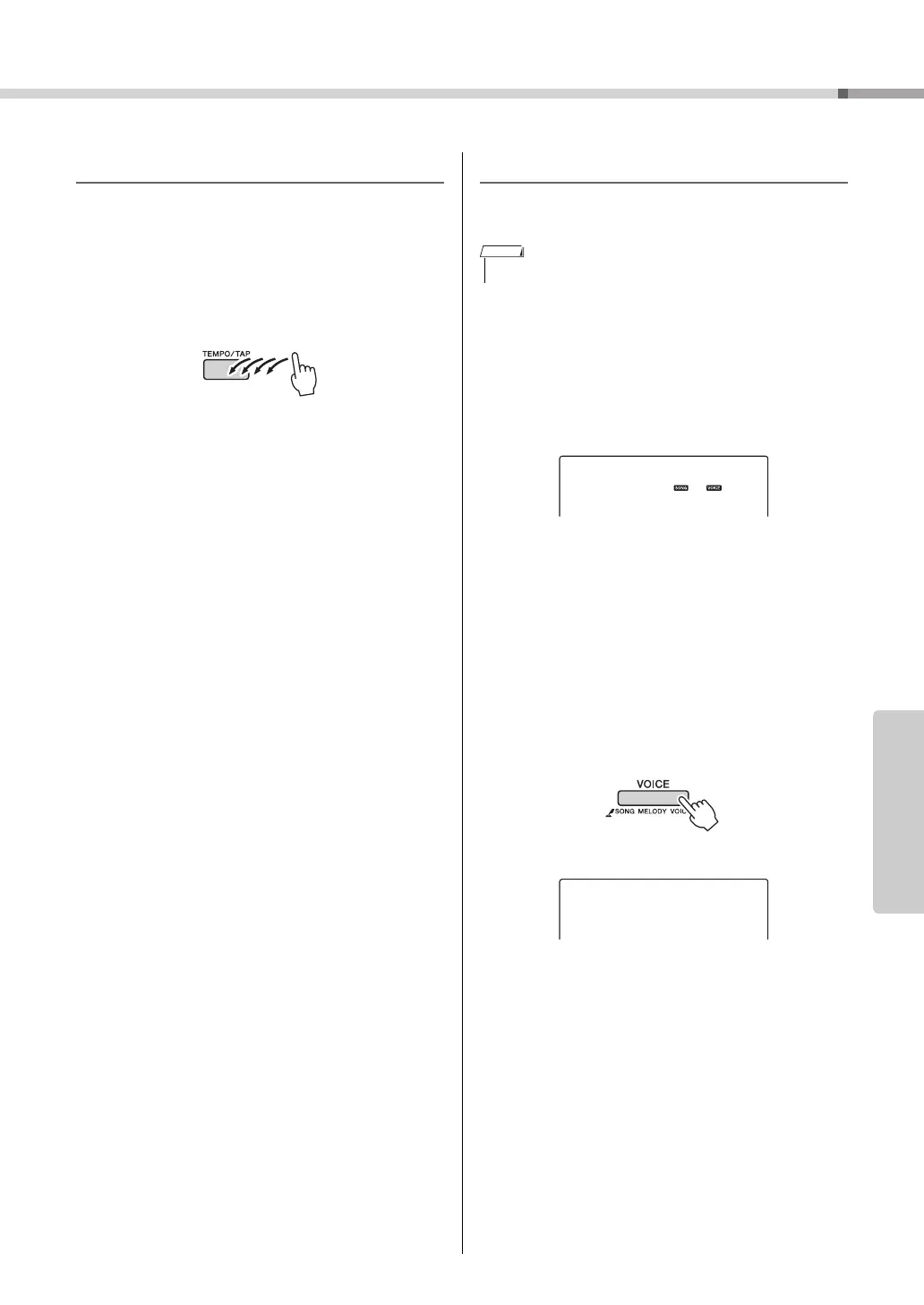
Tap S tar t
You can start the song by simply tapping the
[TEMPO/TAP] button at the required tempo—4 times
for time signatures in 4, and three times for time sig-
natures in 3. You can change the tempo during song
playback by pressing the button just twice.
Change the Melody Voice
You can change a song’s melody voice to any other
voice you prefer.
1
Select the song and play it.
2
Rotate the dial to select the voice you
want to listen to after pressing the
[VOICE] button.
3
Press the [VOICE] button for longer
than a second.
“SONG MELODY VOICE” appears in the
display for a few seconds, indicating
that the voice selected in step #2 has
replaced the song’s original melody
voice.
• You cannot change the melody voice of a user song.
NOTE
Hold for longer
than a second



 To Next Page