Create Original Sounds
Owner’s Manual
23
Quick Guide
x Effect
Reverb reproduces the acoustic ambience of a concert hall or club, while
chorus produces a layered “multi-instrument” effect.
Knob A adjusts the depth of the reverb effect, and Knob B adjusts the depth
of the chorus effect.
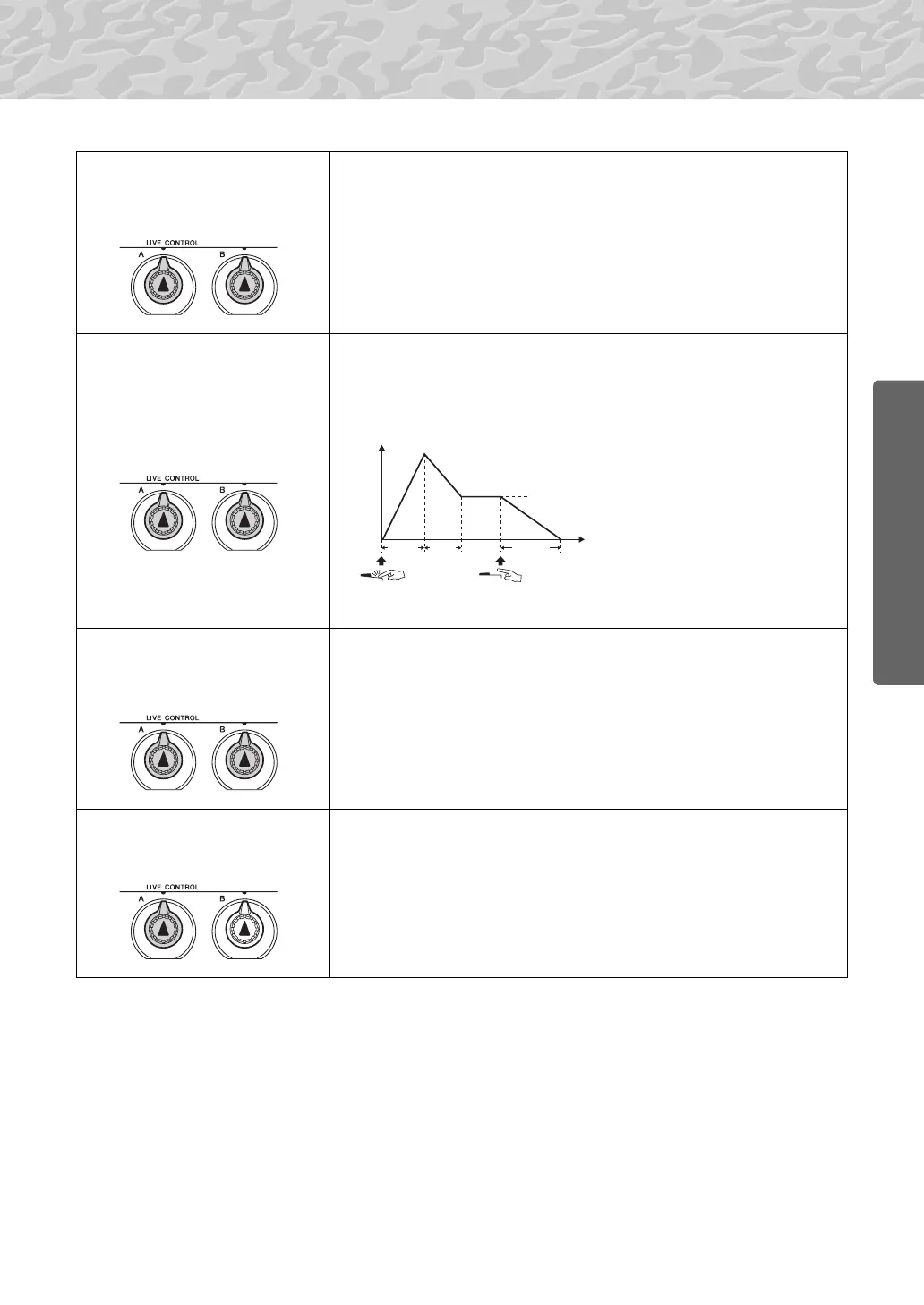
c EG
(Envelope Generator)
Envelope Generator effects determine how the level of the sound varies over
time. You can make the attack faster for a more percussive sound or slower
for a violin-like sound, for example. Or you can lengthen or shorten the sus-
tain to most ideally match the music.
v Style Filter
In this case the knobs apply the filter effect to the style being played. Knob A
and Knob B have the same functions as for “
z
Filter” described on the pre-
ceding page.
b Style Tempo
Knob A adjusts the tempo of the style and arpeggios. Rotating the knob
clockwise increases the tempo while rotating it counterclockwise decreases
the tempo. The knob’s center position produces the initial default tempo.
Chorus
Send Level
Reverb
Send Level
AT TAC K
RELEASE
DECAY
Knob A adjusts attack time
(the amount of time it takes the
sound to reach maximum level
when a key is played).
Knob B adjusts release time
(the amount of time it takes for
the sound to decay to silence
after a key is released).
Sustain Level
Level
Time
Key Played Key Released
Filter
Resonance
Filter
Cutoff



 To Next Page