Playing Styles
Owner’s Manual
28
Quick Guide
4
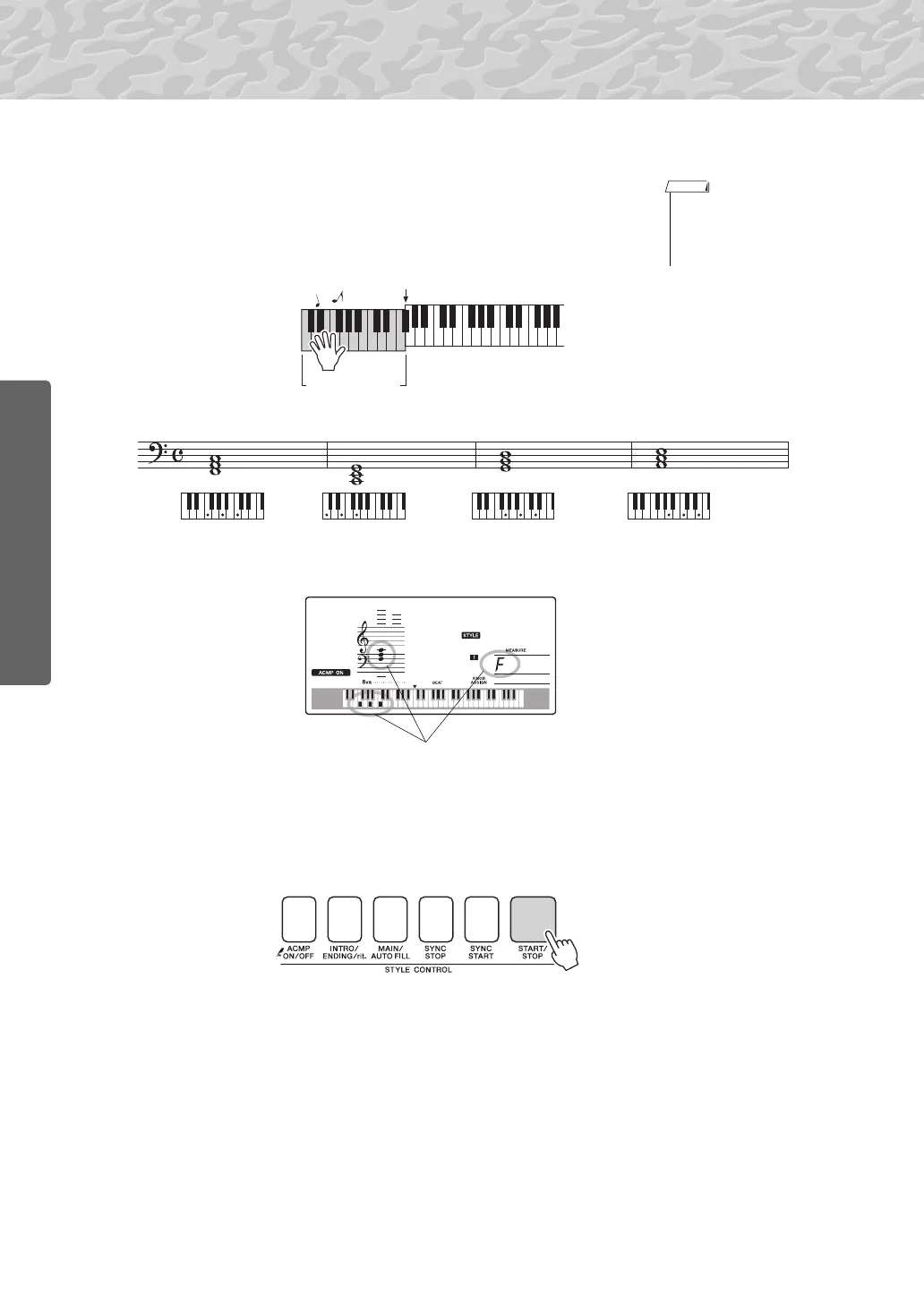
Start playing.
Style playback will begin as soon as you play a chord in the accompa-
niment range of the keyboard. Try playing the chord progression
shown below.
This is a simple-but-effective chord progression.
5
Stop playing.
Press the [START/STOP] button to stop style playback when you’re
done.
You can also stop playing by pressing the [INTRO/ENDING/rit.] but-
ton so that an appropriate ending pattern will play and then style play-
back will stop.
You can switch style “sections” to add variety to the accompaniment.
Refer to “Pattern Variation (Sections)” on page 60.
• Chords (page 29)
• Looking Up Chords Using
the Chord Dictionary (page
65)
F
C G A
m
Auto accompa-
niment range
Split point
Indicates the chord currently being played in
the accompaniment range of the keyboard.



 To Next Page