Record Your Own Performance
Owner’s Manual
47
Reference
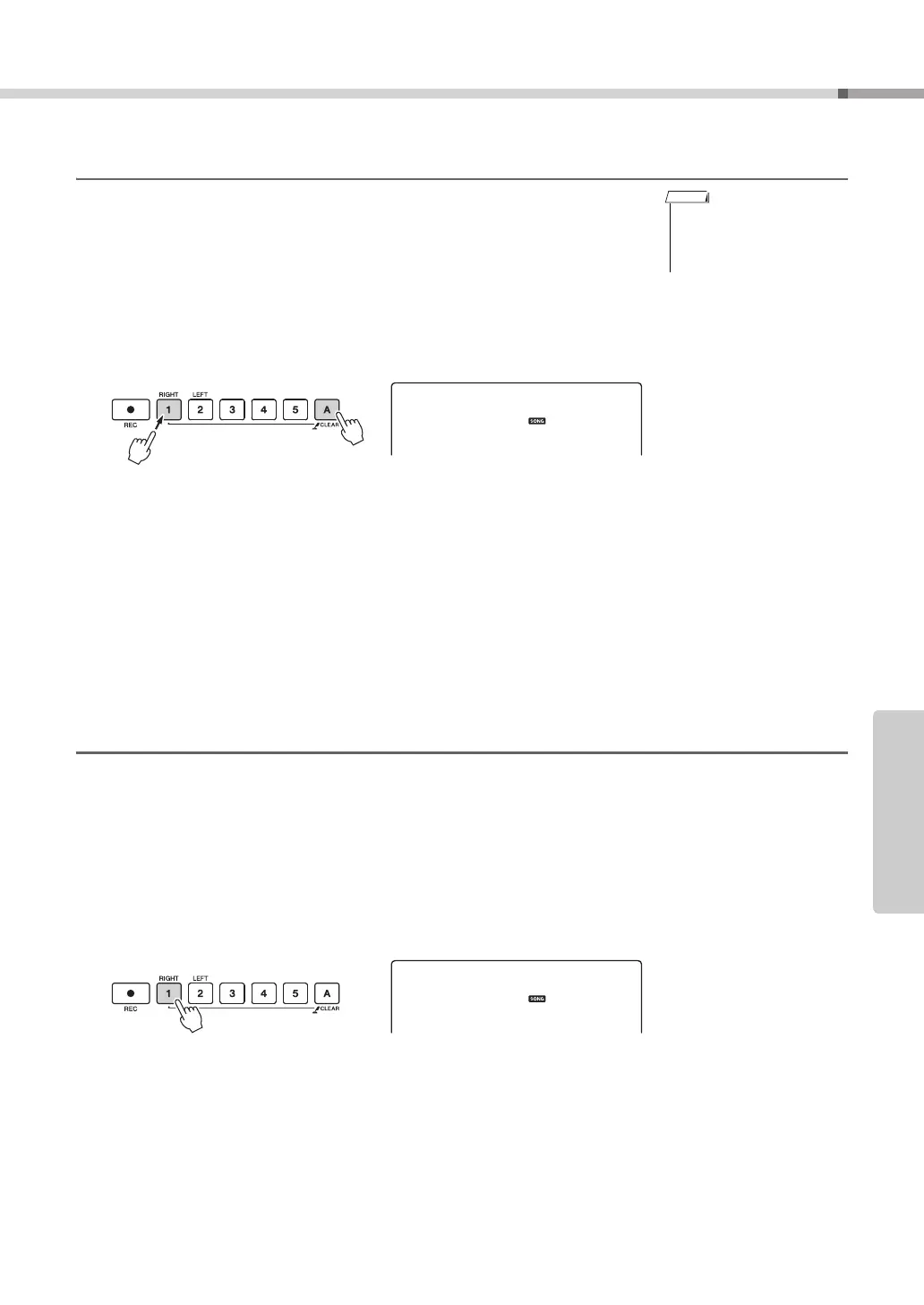
Song Clear—Deleting User Songs
This function clears an entire user song (all tracks).
1
Press the [SONG] button, then select the user song (031–035)
you want to clear.
2
Press and hold the track [1] button for longer than a second
while holding the track [A] button.
A confirmation message will appear on the display.
3
Press the [+] button.
A confirmation message will appear on the display.
You can cancel the clear operation by pressing the [-] button.
4
Press the [+] button to clear the song.
The clear-in-progress message will appear briefly on the display while the song
is being cleared.
Track Clear—Deleting a Specified Track from a User Song
This function lets you delete a specified track from a user song.
1
Press the [SONG] button, then select the user song (031–035)
you want to clear.
2
Press and hold the track button ([1]–[5], [A]) corresponding to
the track you want to clear for longer than a second.
A confirmation message will appear on the display.
3
Press the [+] button.
A confirmation message will appear on the display.
You can cancel the clear operation by pressing the [-] button.
4
Press the [+] button to clear the track.
The clear-in-progress message will appear briefly on the display while the track
is being cleared.
• If you only want to clear a
specific track from a user
song use the Track Clear
function.
Press and
hold
Hold for longer
than a second
Hold for longer than a second



 To Next Page