Screen areas
User Guide
-
10
-
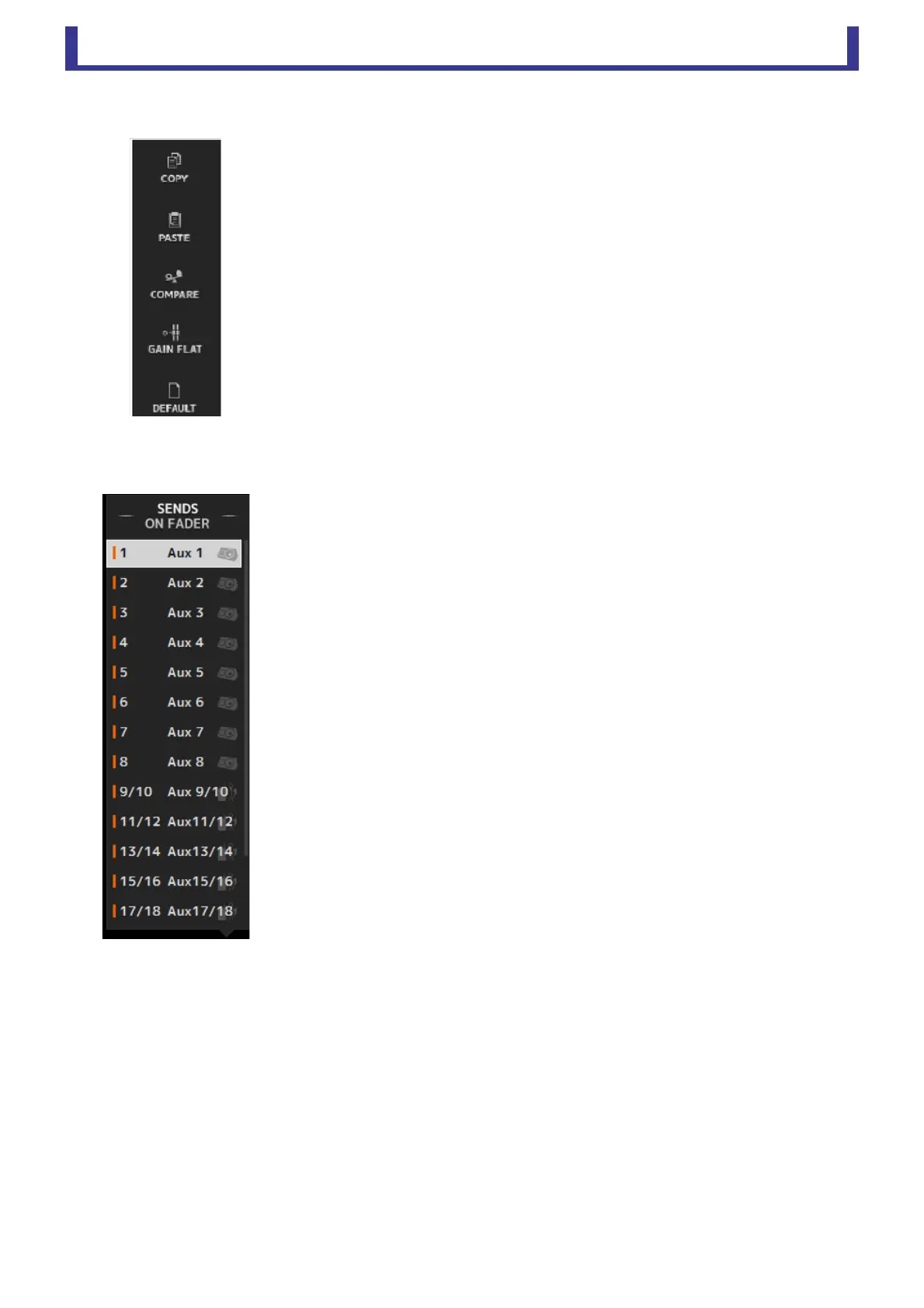
Menu area
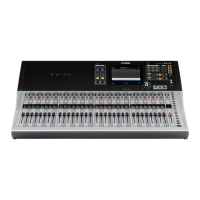
SENDS ON FADER area
Displays the options that are available for the screen displayed in the main display area.
For information about the items displayed in the Menu area, refer to the explanation for the
corresponding screen.
Allows you to use the channel strip area temporarily to adjust SEND LEVEL and SEND ON for
the desired buses.
Click a bus to select it as the active SENDS ON FADER bus. Click a bus again to turn off
SENDS ON FADER for that bus.
You can scroll within this area to display all of the available buses.




 To Next Page