Screen areas
User Guide
-
8
-
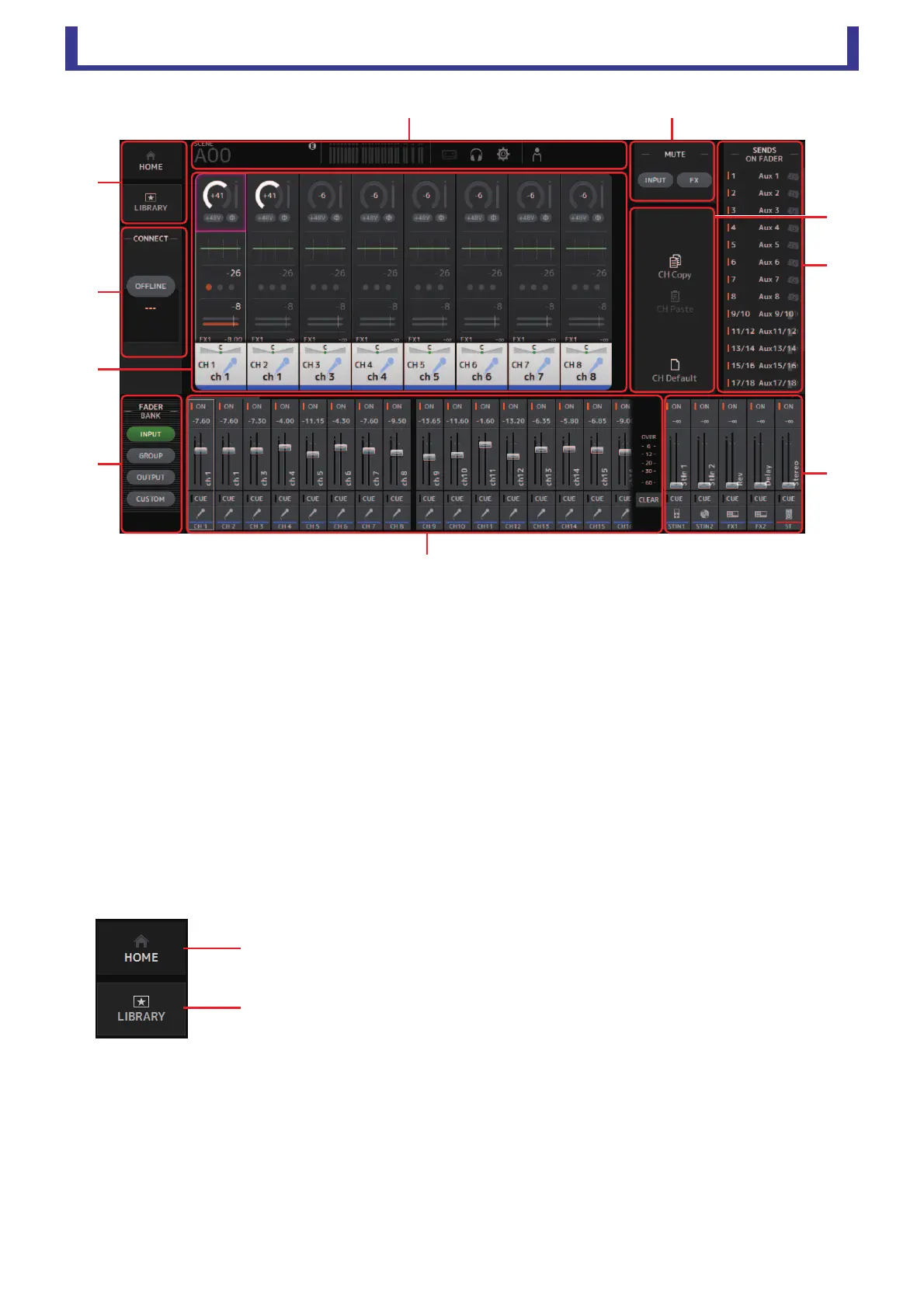
Screen areas
1 HOME/LIBRARY area (page 8)
2 CONNECT area (page 9)
3 FADER BANK area (page 9)
4 MUTE area (page 9)
5 Menu area (page 10)
6 SENDS ON FADER area (page 10)
7 Channel strip area (page 11)
8 Master/FX/ST IN strip area (page 11)
9 Toolbar area (page 12)
0 Main display area (page 27)
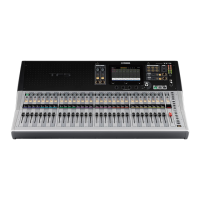
HOME/LIBRARY area
1 HOME button
Displays the OVERVIEW screen (page 30) in the main display area.
2 LIBRARY button
Displays the LIBRARY screen (page 27) in the main display area.
ձ
ղ





 To Next Page