Main display area
User Guide
-
67
-
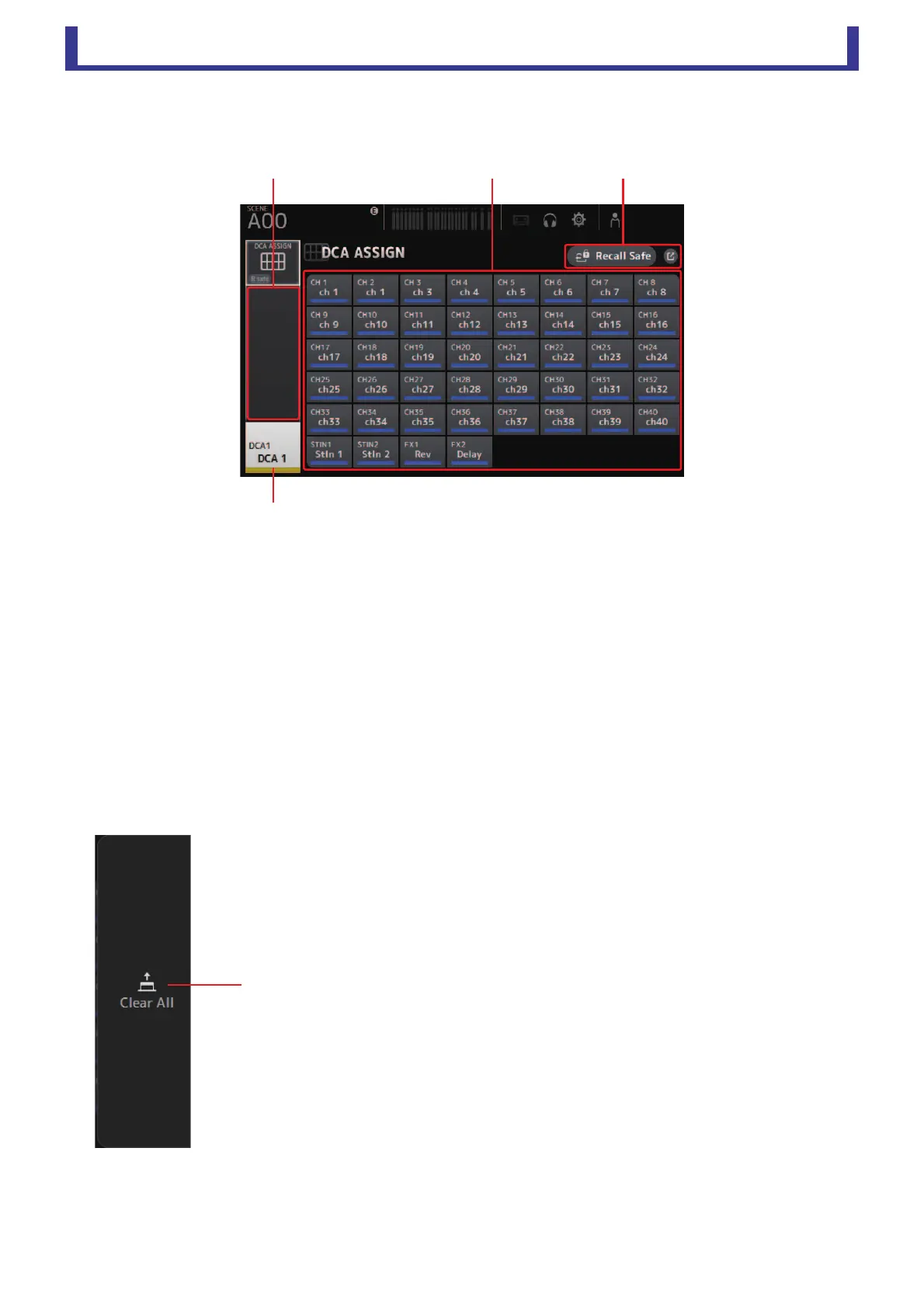
DCA ASSIGN screen
Allows you to group channels together by assigning them to DCA groups.
1 Channel display area
Member channels of selected DCA group assigned to these channel strips
2 DCA ASSIGN buttons
Allow you to select which channels are assigned to the current DCA group.
Selected channels are highlighted.
3 CH VIEW button
Displays the CH VIEW screen. (page 51)
4 Recall Safe button (V1.1 and later)
Turns Recall Safe on and off for the corresponding channel.
You can display the RECALL SAFE screen (page 20) by touching the jump button in the right corner of the Recall Safe
button.
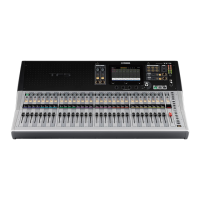
DCA ASSIGN screen menu
The following items are displayed in the menu area when the DCA ASSIGN screen is displayed.
1 Clear All
Removes all channels from the DCA group.





 To Next Page