Main display area
User Guide
-
40
-
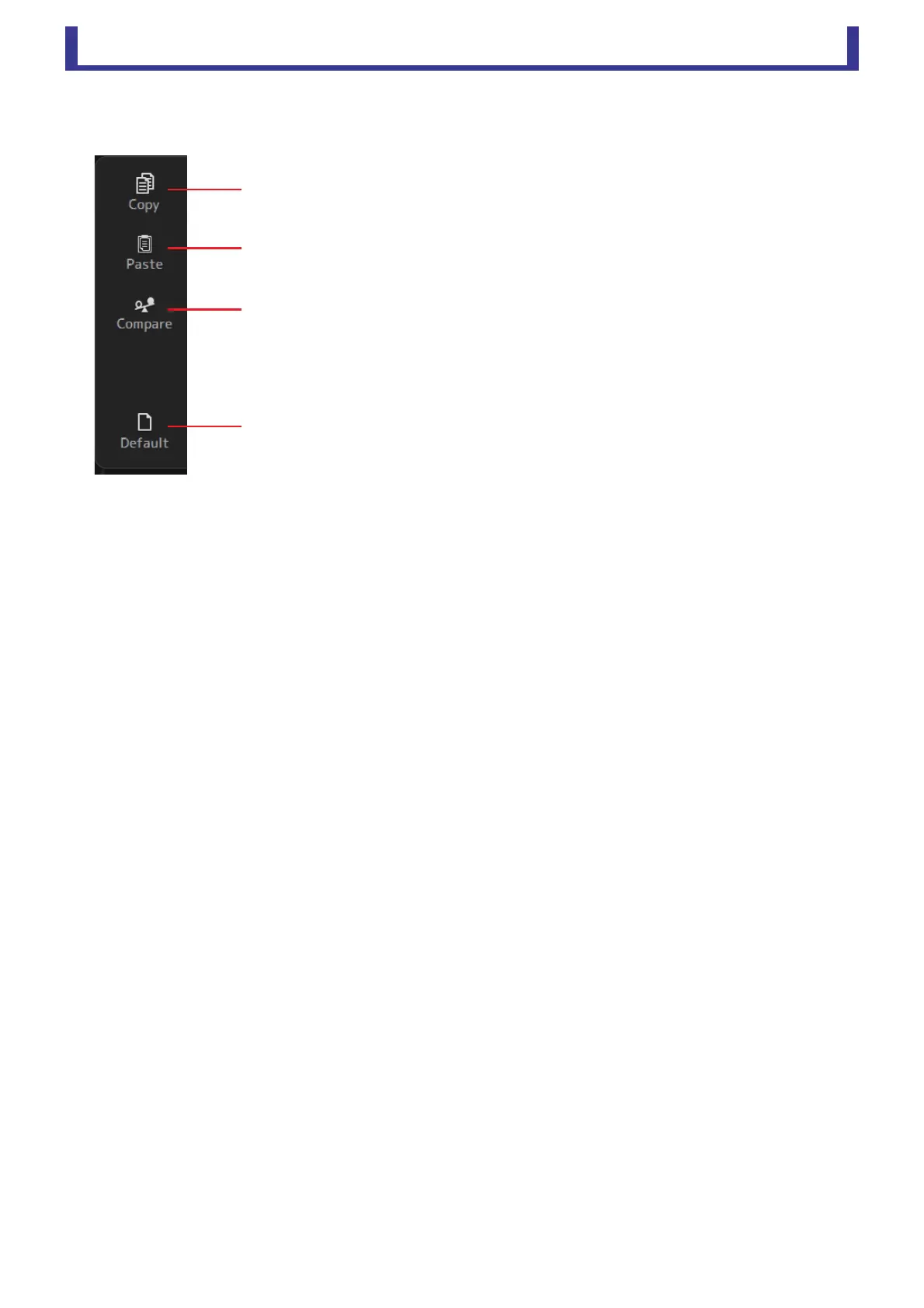
GATE screen menu
The following items are displayed in the menu area when the GATE screen is displayed.
1 Copy
Copies the GATE parameters of the selected channel to the clipboard.
2 Paste
Pastes the GATE parameters in the clipboard to the selected channel.
3 Compare
Allows you to compare the GATE parameters of the selected channel with the GATE
parameters in the clipboard by switching between the two.
4 Default
Resets GATE settings to their default values.
ձ
ղ
ճ
մ





 To Next Page