Owner’s Manual | PCAS XRX
TROUBLESHOOTING 53
Unit never detects traffic.
If your XRX unit never displays traffic and you suspect or can visually identify aircraft around you, your unit may
need to be serviced.
On the ground, during taxiing, or in the run-up, the unit starts showing traffic at erroneous altitudes.
If you pass in close proximity to another aircraft either on the ground or when they are landing or taking off, XRX
may momentarily receive their transponder altitude and think it is YOUR altitude. If this nearby transponder
confusion occurs, the unit may display traffic below ground altitude or other traffic landing as too low or too high.
This situation is self resolved as soon as your transponder transmits again, however it may be confusing until this
occurs. To determine if another aircraft has set your altitude with their transponder, you would notice that the
local altitude displayed is obviously higher than your ground level pressure altitude, and/or the squawk code
may not agree with what your transponder is set to. Reset your XRX by turning it off, waiting at least two (2)
seconds, then turning the unit on.
When tracking an approaching target, the range appears to decrease rapidly as if it is “catching up”.
When transponder antennas are coated with oil, dirt or other materials, the transmission properties can change.
We encourage all pilots to make sure their transponder antennas get cleaned as often as possible to reduce this
affect of antenna-forward attenuation. This attenuation will cause a distortion in the ability to accurately detect
traffic. XRX will be forced to accommodate for this attenuation by updating the range information when it can
get a clear signal.
The unit constantly displays < 0.4 NM and “ALT +00”.
Instead of ignoring your transponder, the unit is picking up your transponder as a
threat. Try the following:
> Make sure your transponder antenna is clean. Even a small amount of grease
or dirt build-up can dampen your transponder signal.
> Call Zaon and we can walk you through changing the local host transponder
suppression level. This will allow XRX to “dig” a little deeper to lock onto your
transponder. If this solution is not effective, you may need to contact a local
avionics shop to test the power output of your transponder. The peak power
output should be between 100 and 250 watts. Anything less is not acceptable
under TSO tolerance, which is what XRX is calibrated to, and may not work with
the XRX system.
A Note About ATC Services
While ATC can provide invaluable services to you as a pilot, using them to verify aircraft displayed on the XRX
screen may be unreliable. Remember, XRX is an airborne, dual network system capable of detecting aircraft
responding to TCAS interrogations, or aircraft that are out of reach of Ground RADAR. A rule of thumb is, if the
XRX is displaying traffic, the traffic must exist somewhere. Nothing else can generate the unique squawk and
altitude codes used in sensing traffic.
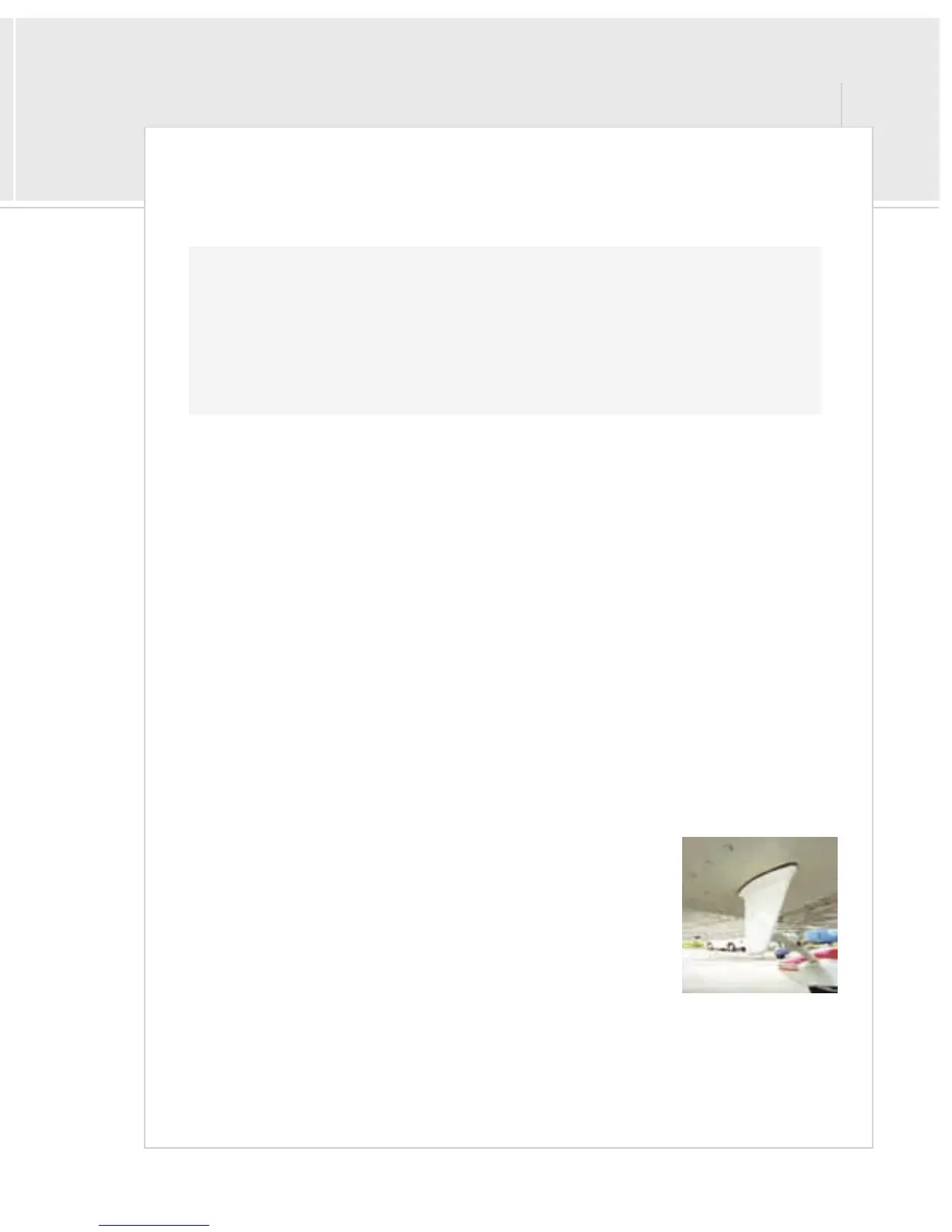
Clean your transponder
antenna often.


 To Next Page