Page – 144/155 AF6ZP0CA – COMBIAC0 & ACE0 2uC – User Manual
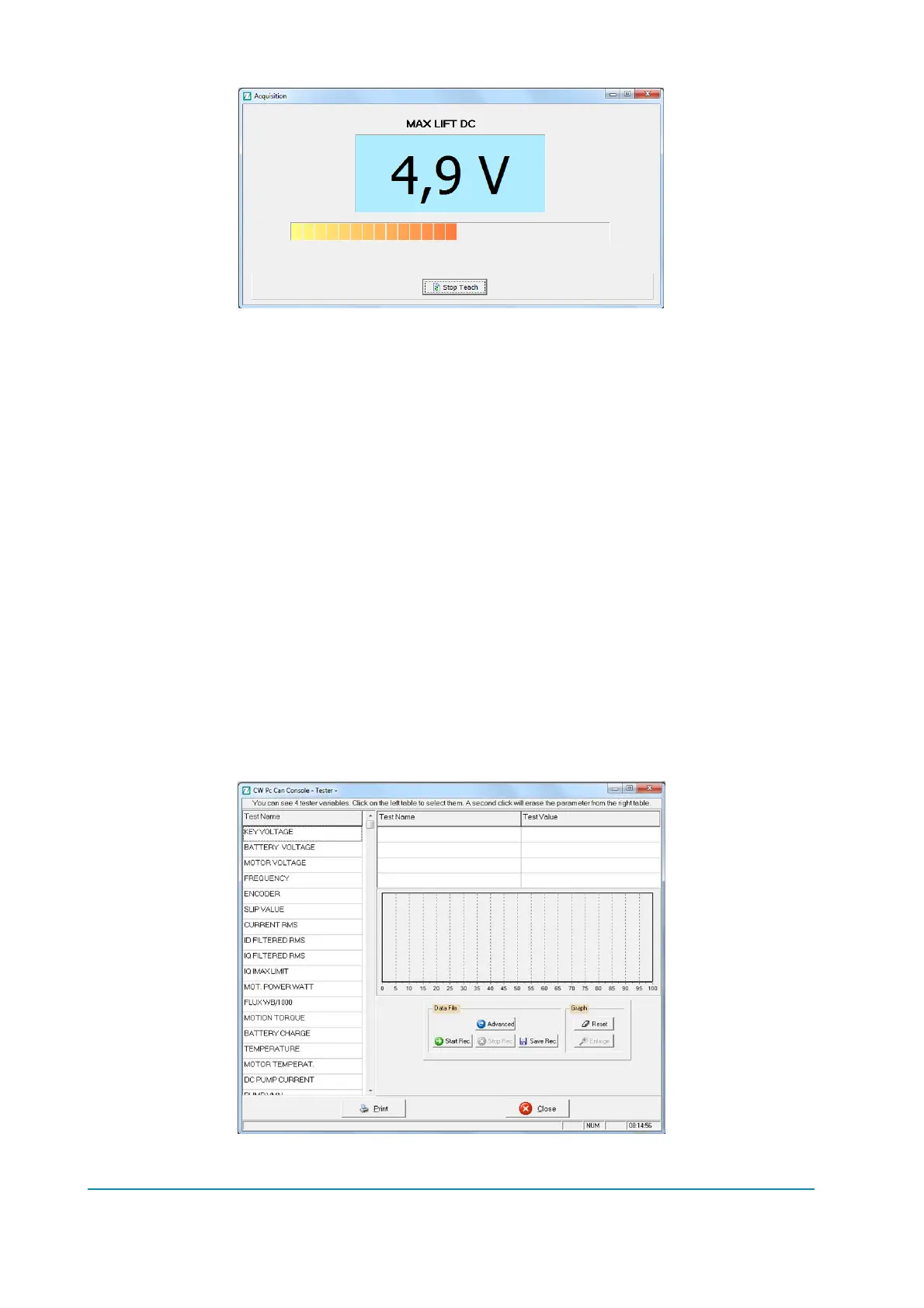
- Select the Enable switch, if any;
- Select the control switch (either lift or lower);
- Move the control sensor (lift/lower potentiometer) to the correct
position according to what you are acquiring;
- Press “Stop Teach” button.
The procedure is the same for all the lift and lower potentiometers.
13.1.6 Steer acquiring
Once you are connected you need to receive the inverter’s parameter; choose
“Function” > “Parameter” menu (or push the “Parameter” icon).
Choose “Adjustment” menu.
Select the value to acquire by pressing “acquiring” button and the acquisition will
start: the procedure is the same described for Lift & Lower acquisition at
paragraph 13.1.5
13.1.7 Tester Functionality
From the main page you can also access to the inverter TESTER menu from the
Function menu (Alt-u)->Tester (Ctrl-T) menu where you can check some inverter
information.



 To Next Page