AF6ZP0CA – COMBIAC0 & ACE0 2uC – User Manual Page – 141/155
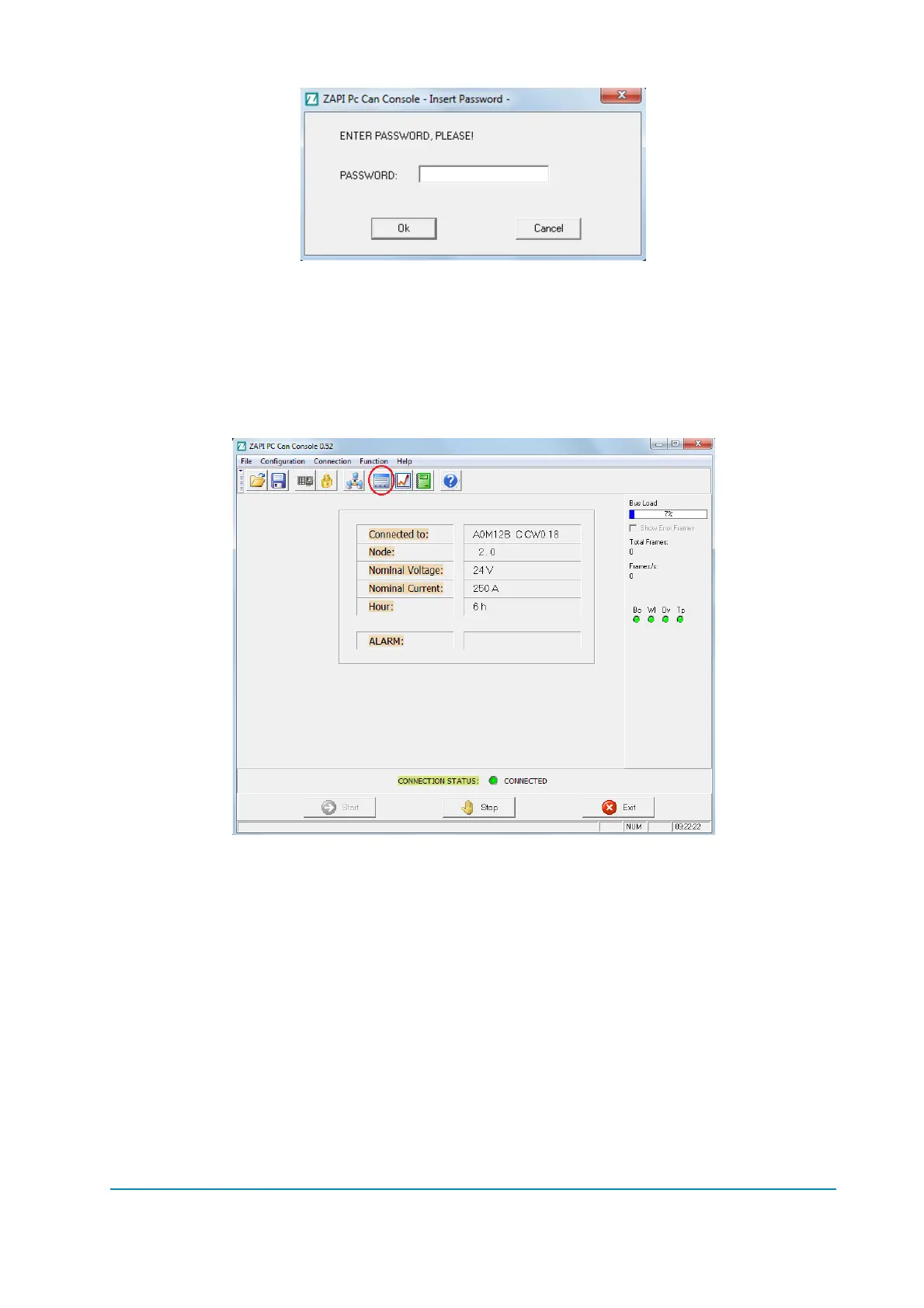
Write the Password -> “ZAPI”
13.1.2 Parameter download
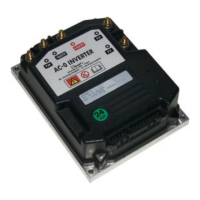
Once you are connected to the selected node, you need to download the
inverter’s parameters; choose “Function” > “Parameter” menu (or push the
“Parameter” icon).
Then click on Receive button: the parameters will be downloaded automatically.
When the device has finished to send the device parameters you can change
them.



 To Next Page