Page – 150/155 AF6ZP0CA – COMBIAC0 & ACE0 2uC – User Manual
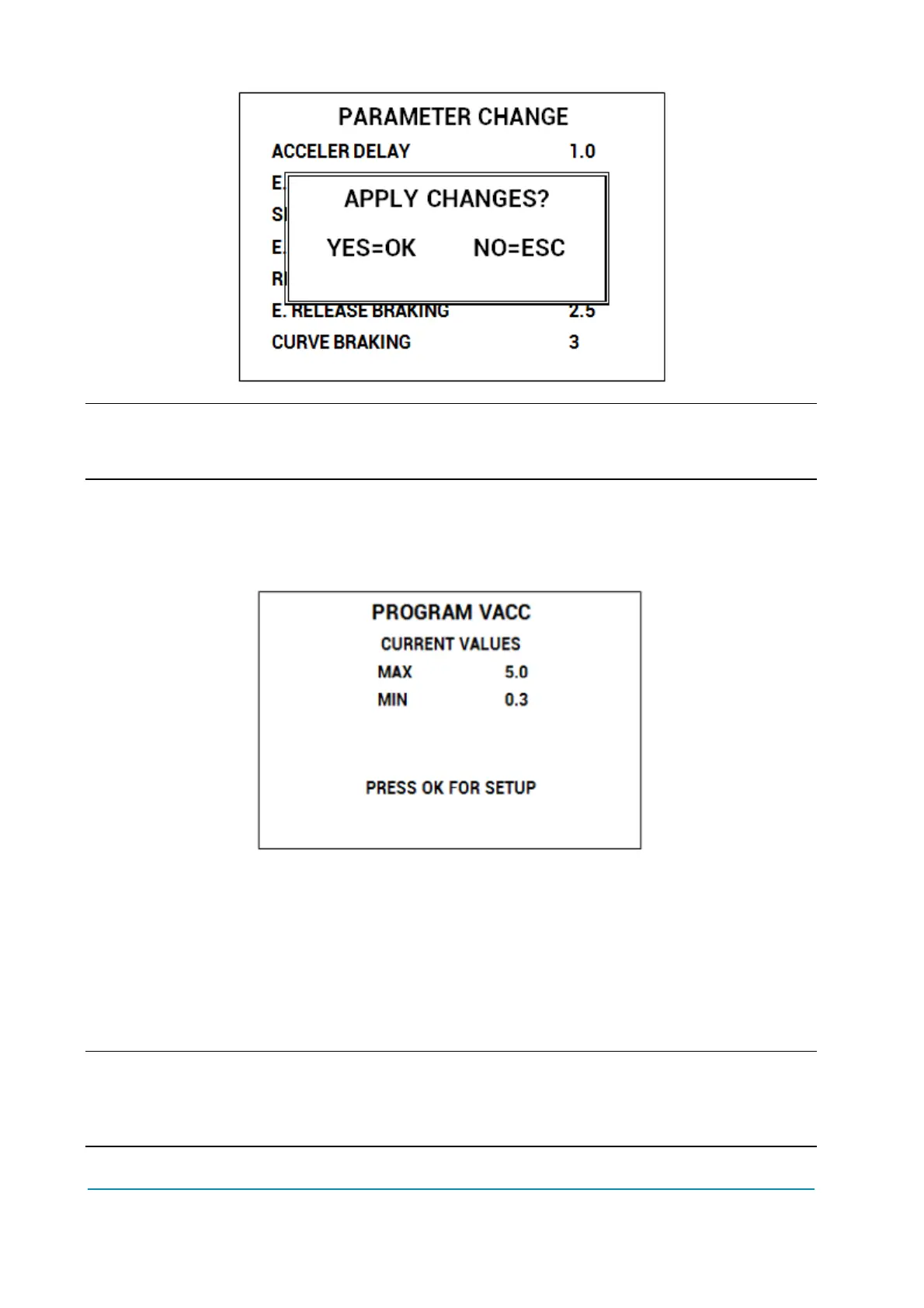
4 Description above is valid for every menu which contains parameters and options
like SET OPTIONS, ADJUSTMENTS, HARDWARE SETTINGS, etc. .
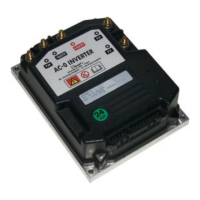
13.2.6 Program VACC
Program VACC menu has been slightly modified compared with old console.
Upon entering this menu the console will show the current programmed values.
When OK is pressed PROGRAM VACC procedure will start: console will invite
you:
To select the Enable switch, if any;
Then select the direction switch (either forward or backward);
Press the pedal up to its maximum excursion.
Displayed values will vary accordingly to operator inputs.
4 Sequence above can slightly vary depending on controller firmware. Anyway the
logic will remain the same: before programming the min/max values, execute any
starting sequence which is necessary, then press the pedal/push the joystick.



 To Next Page